

How to copy settings from one company to another
This article aims to explain how copying settings from one company to another works within Demander.
Where to configure
Section titled “Where to configure”In Demander Web there is a screen called “Copy settings between companies”.
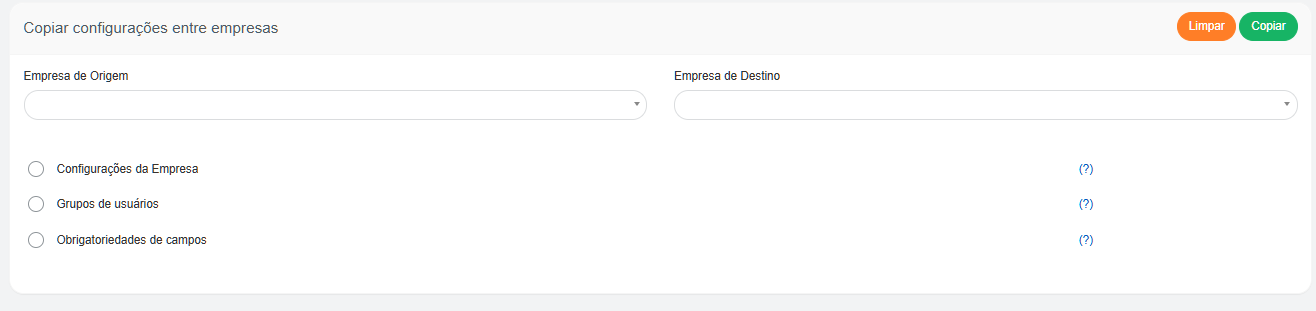
On this screen, you must:
- Select the source company (company already correctly configured in Demander).

- Select the destination company (company you want to configure based on the source company).

- Choose which options you want to duplicate:
- Company Settings, User Groups and Field Requirements
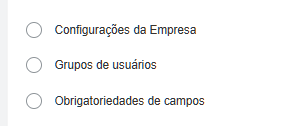
Company Settings
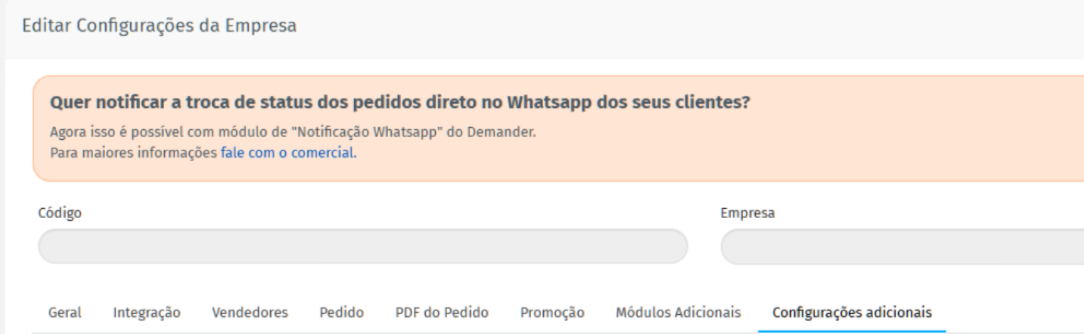
Section titled “Company Settings”When checking this option, the main settings will be copied to the destination company. This includes several settings in the Additional Settings tab, as well as other general settings.
In practice, this option corresponds to duplicating the Company Settings screen in Demander Web.
User Groups
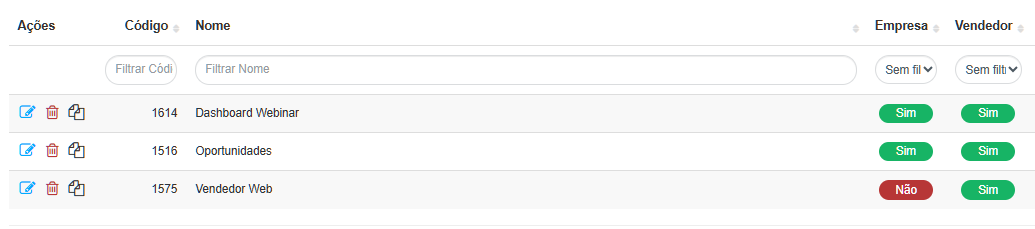
Section titled “User Groups”By checking this option, the source company’s user groups will be replicated to the destination company. This means that the same groups will be created, with the same permissions configured.
This option corresponds to the Groups and Users screen in Demander Web.
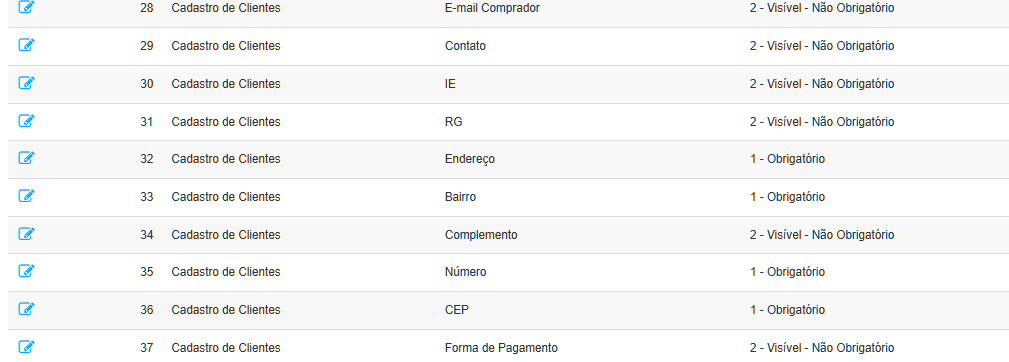
Mandatory Fields
Section titled “Mandatory Fields”When checking this option, the field mandatory rules will also be copied. In other words:
- If a field is mandatory in the source company → it will also be mandatory in the destination company.
- If it is not mandatory at the origin → it will remain not mandatory at the destination.
This option corresponds to the Field Requirement screen in Demander Web.
👉 In this way, the “Copy configurations between companies” feature facilitates standardization and reduces configuration time, ensuring consistency between different companies registered with Demander.