Printing orders in the App
The purpose of this article is to present the printout of orders in the App
About order printing
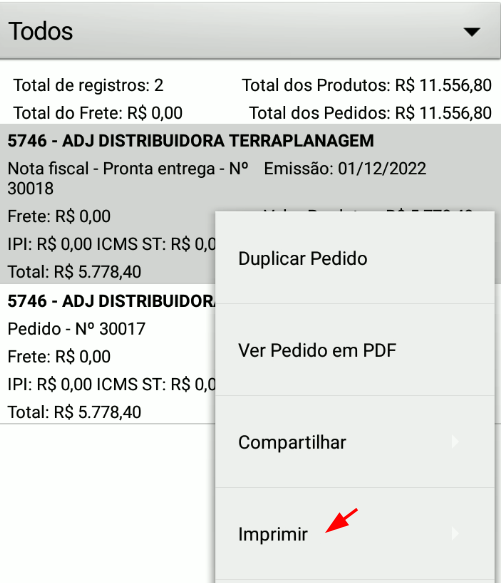
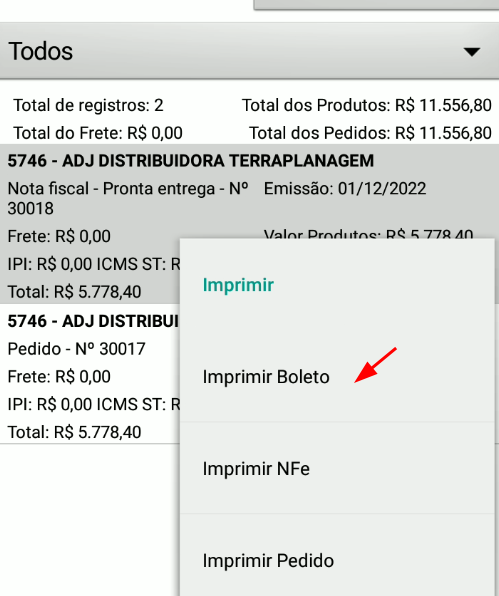
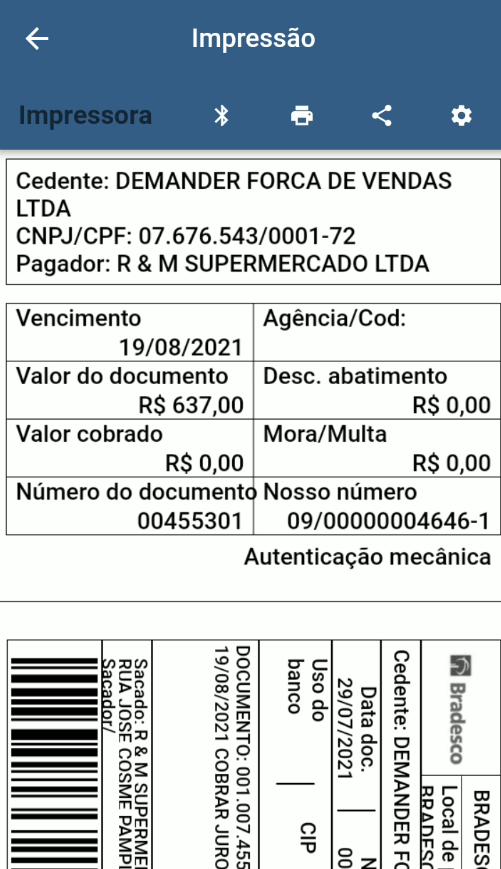
Section titled “About order printing”- With this module, the seller can print simple orders, invoices and bills directly through the Demander app.
Prerequisites
Section titled “Prerequisites”- Device with Android 5.0 or higher
- To generate NFe and Bills, integration with the ERP is necessary. To find out more, visit our article Prompt Delivery Module (NF-e and Bills).
- To print NFe and Bills, it is necessary to purchase printers approved with the Demander App, to find out more, access our article Approved thermal printers.
- We have a partnership with Input Service, which sells portable printers of the Leopardo A7, Leopardo A7 Light, Leopardo X and Leopardo A8 models. To find out more about the printers, prices and to purchase the printers, access the page of the desired printer.
Scenarios
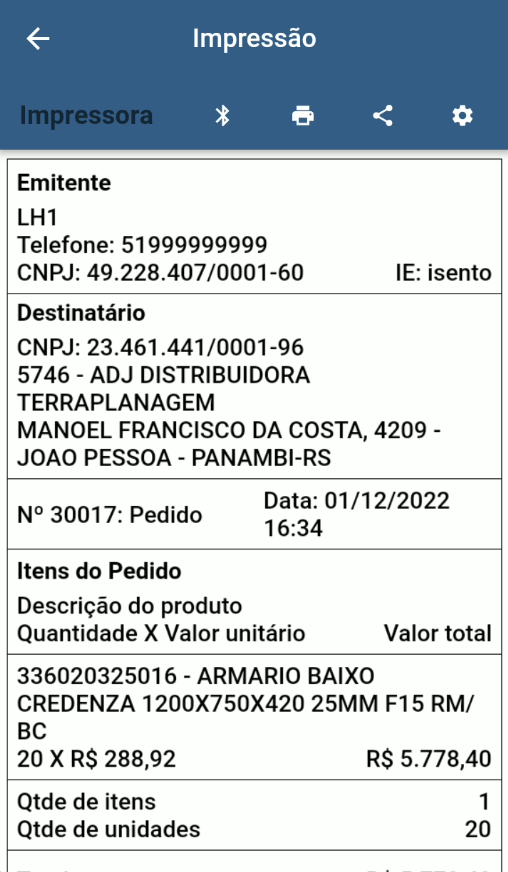
Section titled “Scenarios”Before showing the scenarios, the print screen has some important information.
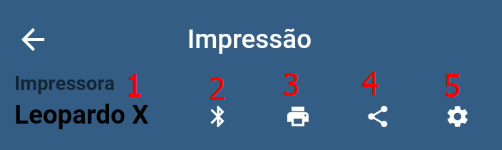
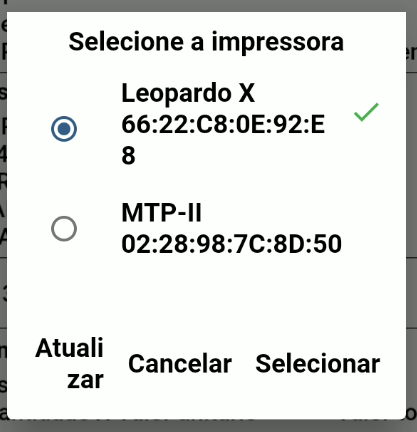
- Printer that is connected and will be used for printing
- Opens the Bluetooth devices connected to the device, allows you to change the printer.
- Start printing
- Generates a PDF of the order and opens the sharing screen
- Additional settings *(Some Motorola brand devices had problems printing the order, to work around it, use the “Interval between packets (ms)” setting, as shown in the image below.
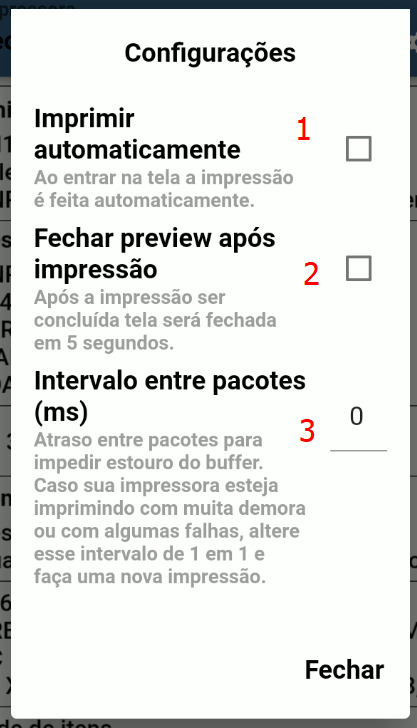
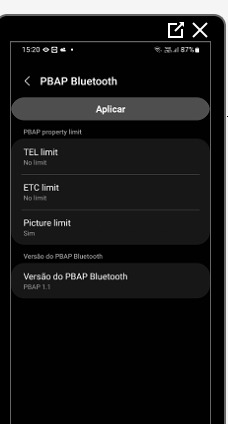
*(Some Samsung brand devices (A03 S20) may have problems printing the order, to work around it, use the “Interval between packets (ms)” setting above. If it doesn’t work, open the device’s Bluetooth configuration and leave it configured as shown in the image below.
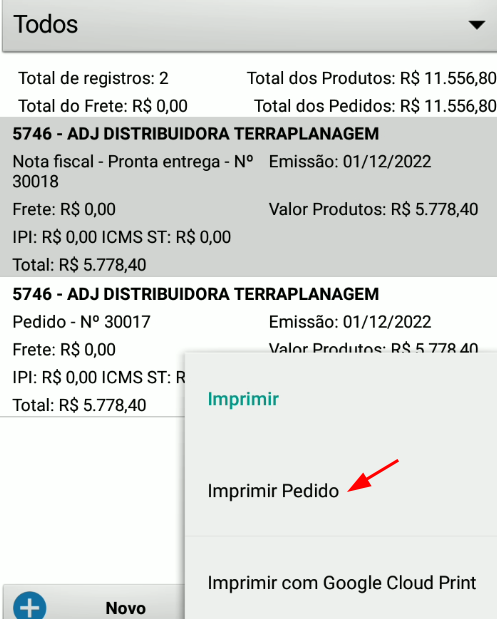
Order printing
Section titled “Order printing”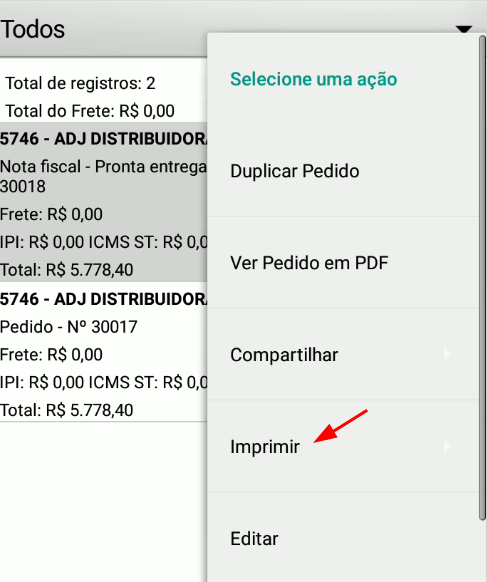
NFe printing
Section titled “NFe printing”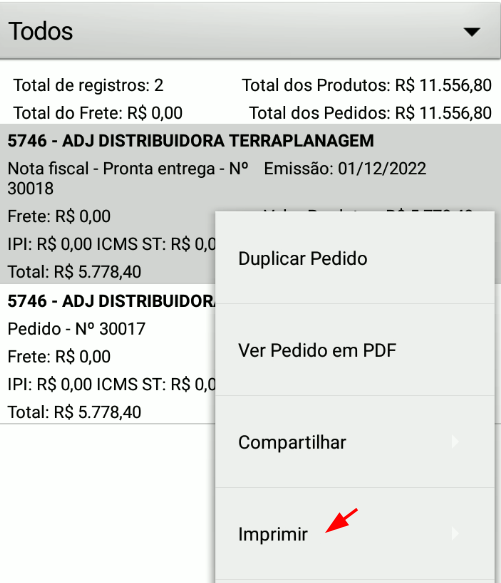
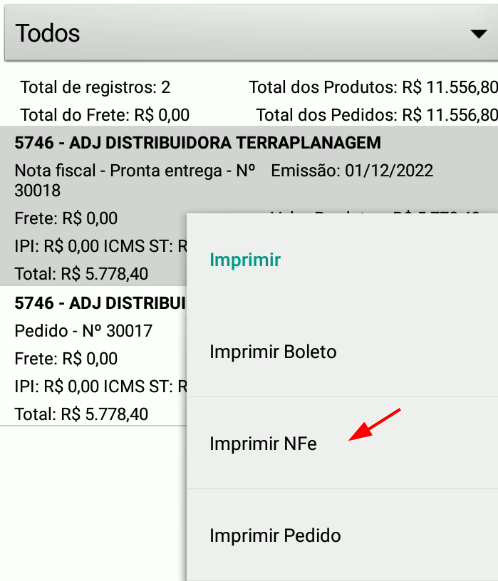
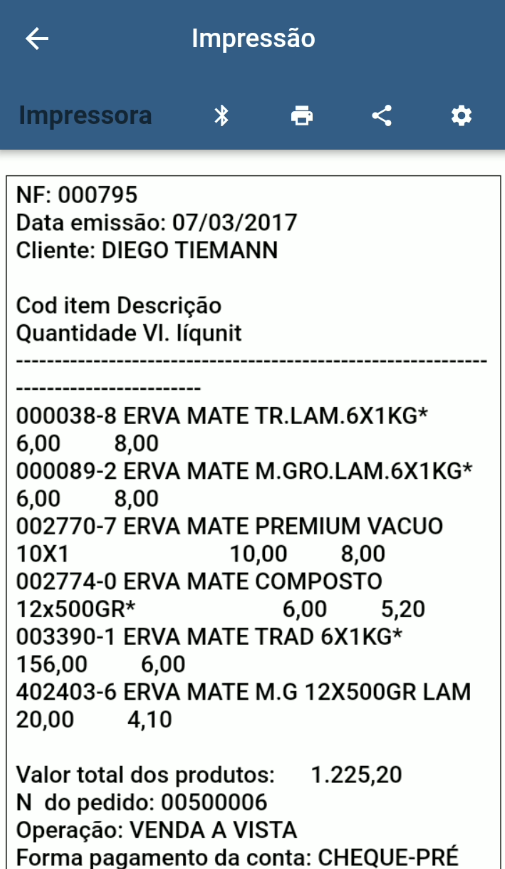
-** Ticket Printing
-