Smart POS Approved Portable Printer
In this article you will be learning how to configure your Smart POS printer.
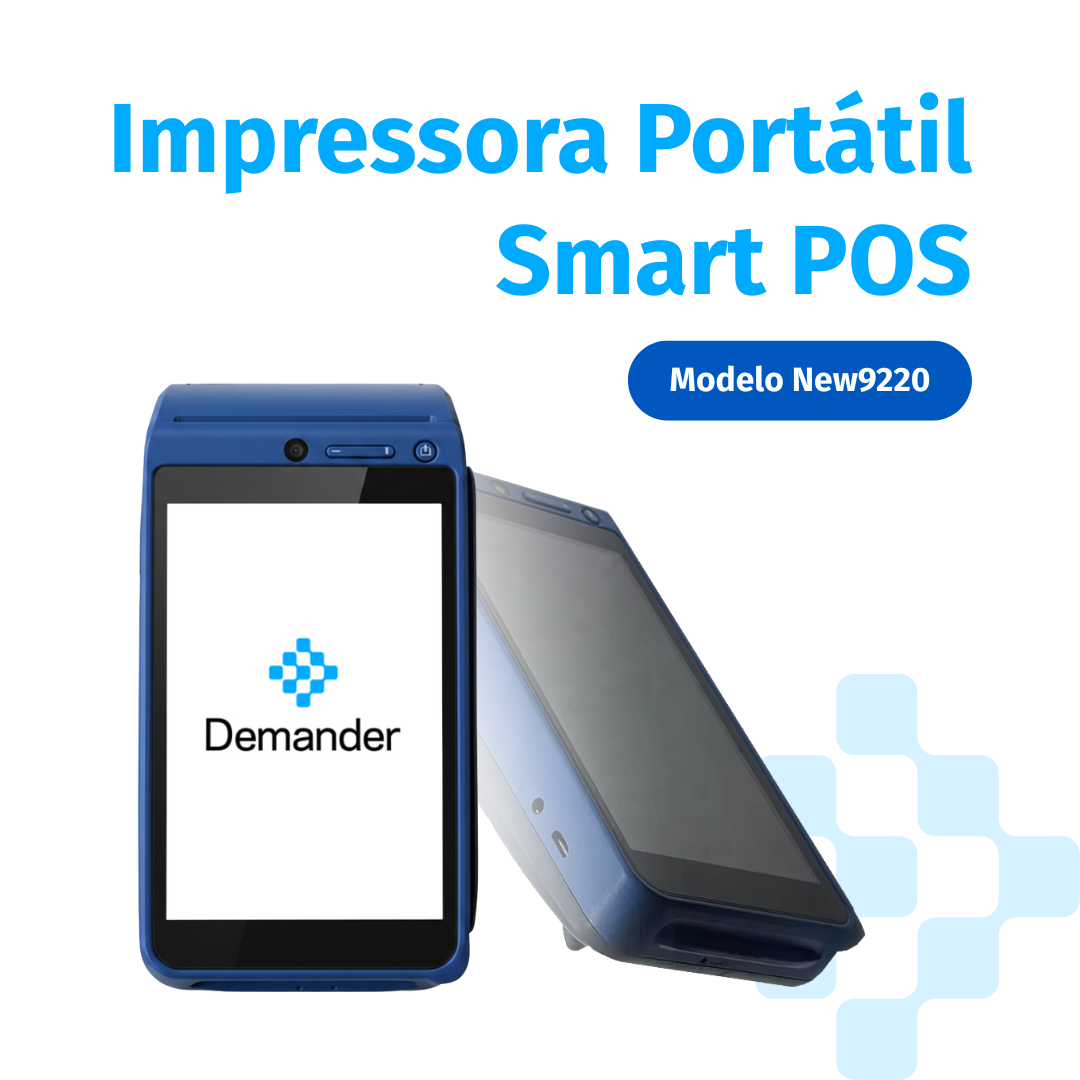
- To find out more, access our article Approved Portable Printers. -** Smart POS Portable Printer - Model New9220
How to configure my Smart POS?
- To configure the printer on your device, follow the steps below:
- Orders >> Print >> Printer Settings.
- Setting up step by step.
- Let’s access the Orders screen.
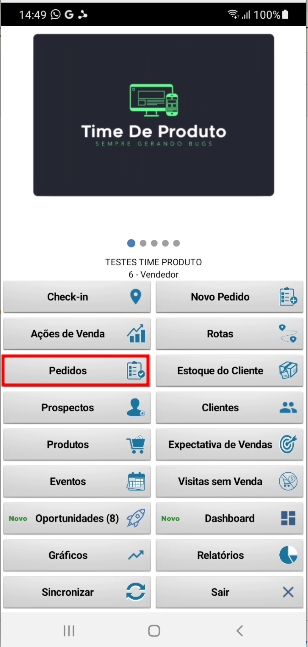
- As soon as you access the order screen, simply click and hold on an order and select the Print option and then Print Order.
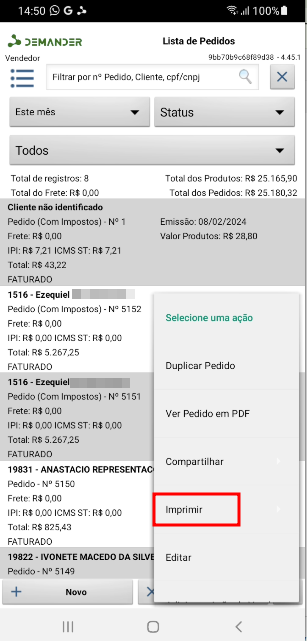
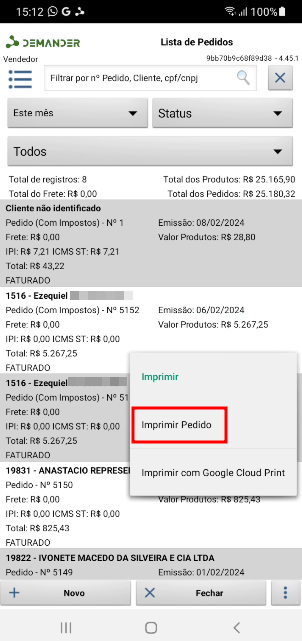
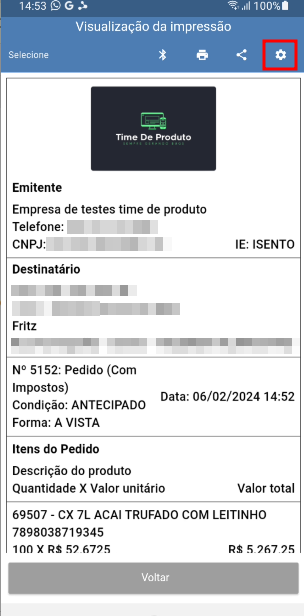
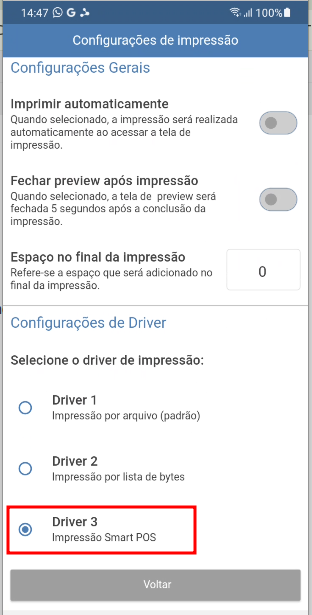
- Accessing the print preview screen, simply click on Print Settings and mark the driver option as Driver 3.