Creating Sales Action
To use a sales action, you must first have the sales action types registered. It can be used in two ways:
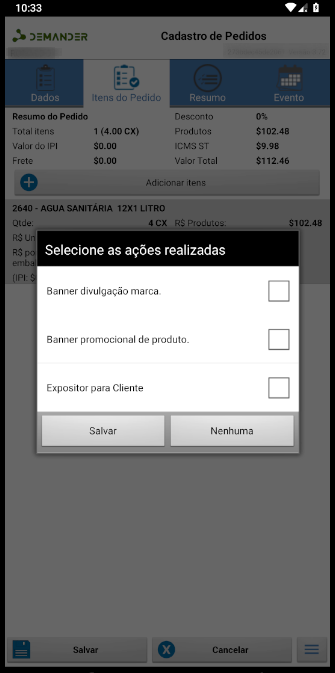
- When saving any order, the previously created sales action types will be displayed on the screen and you can select one. If not necessary, the “None” option can be selected.
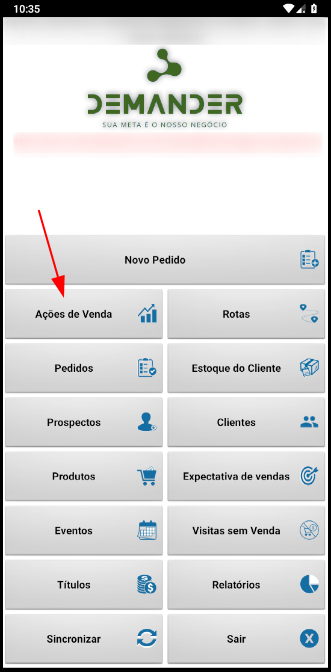
- Another way is directly through the “Sales action” button on the home screen, which must be enabled in the company’s additional settings.