Event Icon List
Available at:


This article aims to present which icons are available to register in the Event Type.
Event Type Icons
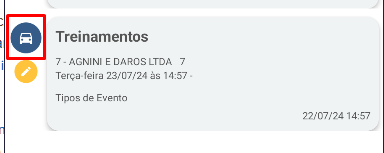
Section titled “Event Type Icons”They will appear next to the event in the Demander App. It is worth mentioning that it is possible to have only one icon per Event Type.
Below is the list:
| envelope |  |
| car |  |
| eye |  |
| money |  |
| phone |  |
| suitcase |  |
| file |  |
An example of what it will look like on Android:
How to configure
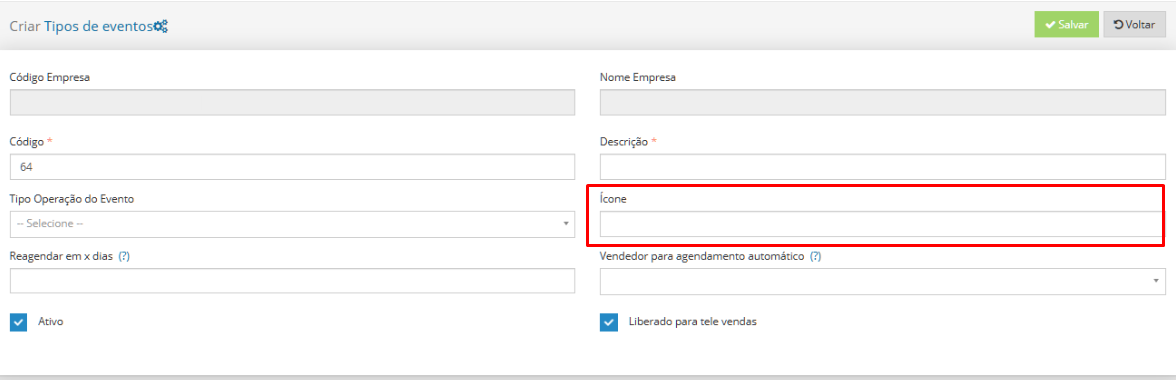
Section titled “How to configure”To appear in the application, simply write the name of the desired icon in the icon field on the Event Type screen. To find out more information, just access our Event Concept article.