

User Manual
This article aims to explain what Demander is and how to use it as a seller.
Section titled “This article aims to explain what Demander is and how to use it as a seller.”What is Demander?
Section titled “What is Demander?”Demander is a Sales Force system that can be used by external sellers and sales representatives to issue orders via smartphones, tablets or directly through the browser. The application is available for download on the Play Store (Android) and the App Store (iOS). When installing, the user has access to a demo version, with fictitious customers and products, allowing them to simulate orders and explore the system’s functionalities.
How to access Demander?
Section titled “How to access Demander?”Access to Demander can be done in two ways: through the browser (Web) or through the application for mobile devices.
🔹 Access via Demander Web
Section titled “🔹 Access via Demander Web”To access via browser, simply enter the website: 🌐Sales Force Demander
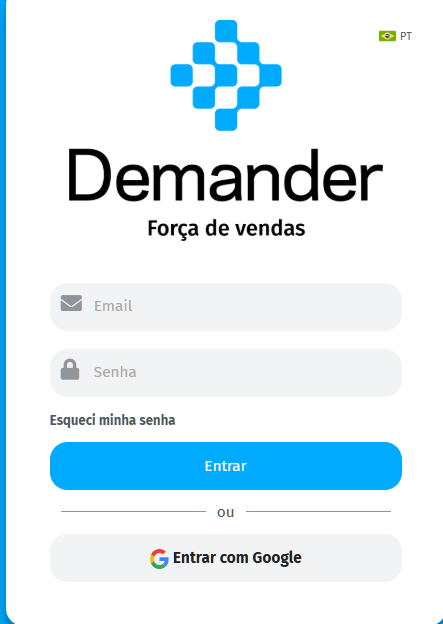
You will be directed to the login screen, where you must enter your previously registered email and password.
🔹 Access via App
Section titled “🔹 Access via App”To use Demander on your cell phone or tablet, you need to download the app:
📲 Download for Android (Play Store) - Minimum version Android 7.0 (Nougat) 📲Download for iOS (App Store) - Minimum version iOS: iOS 13.0
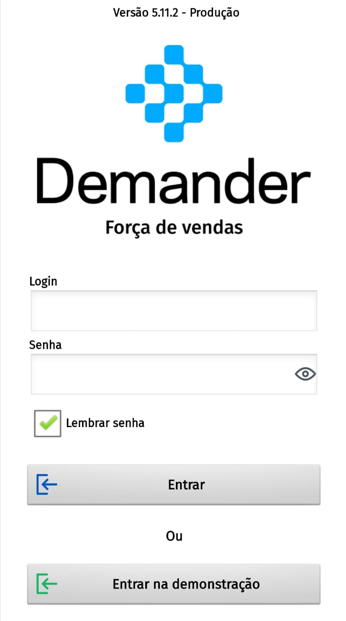
After installation, open the app and enter your email and password to access your account
How to issue orders on Demander?
Section titled “How to issue orders on Demander?”Issuance of orders may vary depending on the platform used. To facilitate your understanding, we provide demonstration videos for each version below:
- 📱 How to place orders on Android
- 💻 How to place orders on Demander Web
- 🍏 How to place orders in iOS – New Demander screen
How to view purchase history on Demander?
Section titled “How to view purchase history on Demander?”An essential functionality of the system is the possibility of consulting customers’ purchase history. In the following video, we show how to access this information:
- 📊 How to view purchase history on Demander
How to increase font size in the app?
Section titled “How to increase font size in the app?”If the app’s font is too small, you can adjust it to make it easier to read. In the video below, we teach you step by step how to perform this configuration:
- 🔠 How to increase font size in Demander
How to generate a PDF of an order?
Section titled “How to generate a PDF of an order?”After issuing an order, the system allows the generation of a PDF mirror, which can be sent to the customer for checking and approval.
If you need more help, contact our support! We are here to make your daily sales process easier.