Adjust your company data
Available at:

This article explains in simple terms how to check and update your company’s information within Demander.
Where to adjust?
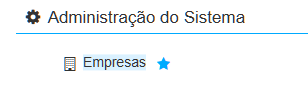
Section titled “Where to adjust?”In Demander Web, access the Companies screen. This is where you can view and edit all of your company’s data.
How to adjust?
Section titled “How to adjust?”- Start by ensuring your company’s registration is complete. This helps to generate correct documents and reports.
- If necessary, update the data according to the reality of your company.
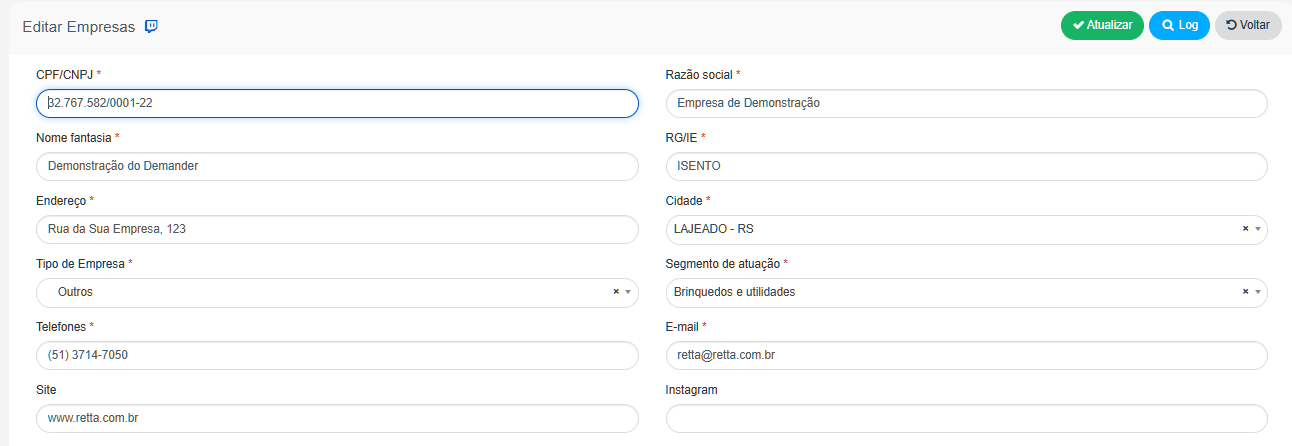
- Then, click “Update” in the top right corner of the screen.