

How to obtain the Tray webservice key code and URL?
Firstly, in order to obtain the Tray webservice key code and URL, you will need to have an account with Tray. You will be responsible for hiring directly, this can be done directly by accessing the Tray website. Choose the plan that best meets your needs, note that they have several plans, but with limits on the number of products and monthly accesses.
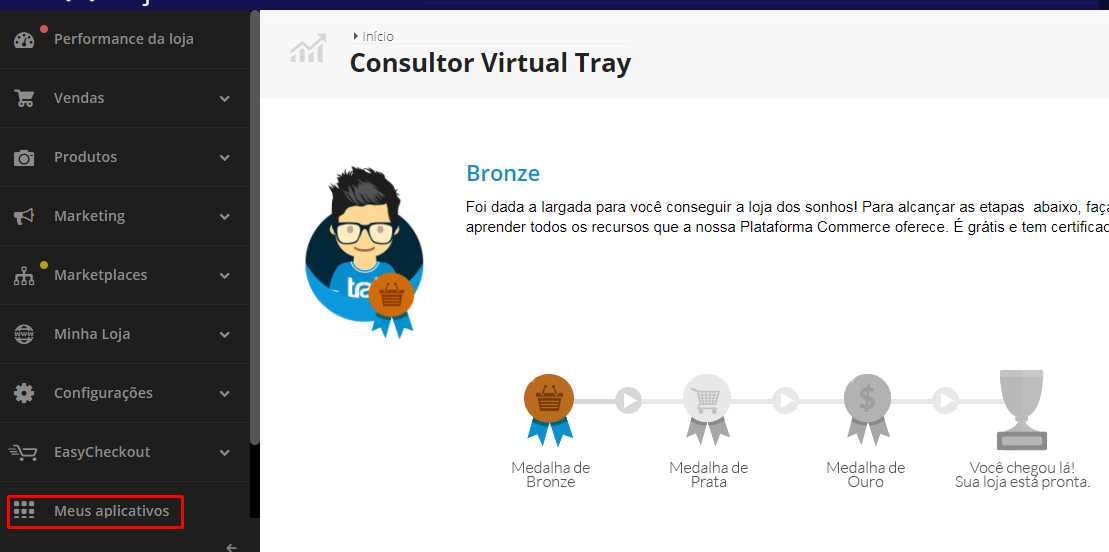
After registering, access your account and go to the My Applications menu, located in the bottom left corner of the home screen.
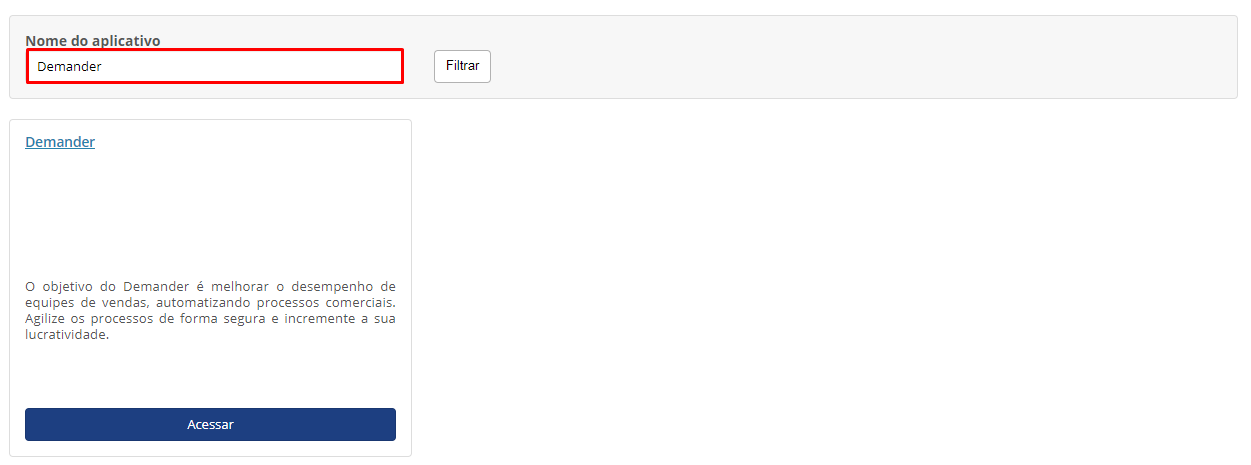
Then search for Demander in the application search box and click Access.
When accessing the application page, the Key Code and the webservice URL will be informed, as shown in the image.

Okay, now that you have the key and the URL you can configure the integration with Tray,
To do so, access the article called How to configure Demander integration with Tray?