

Uploading product photos
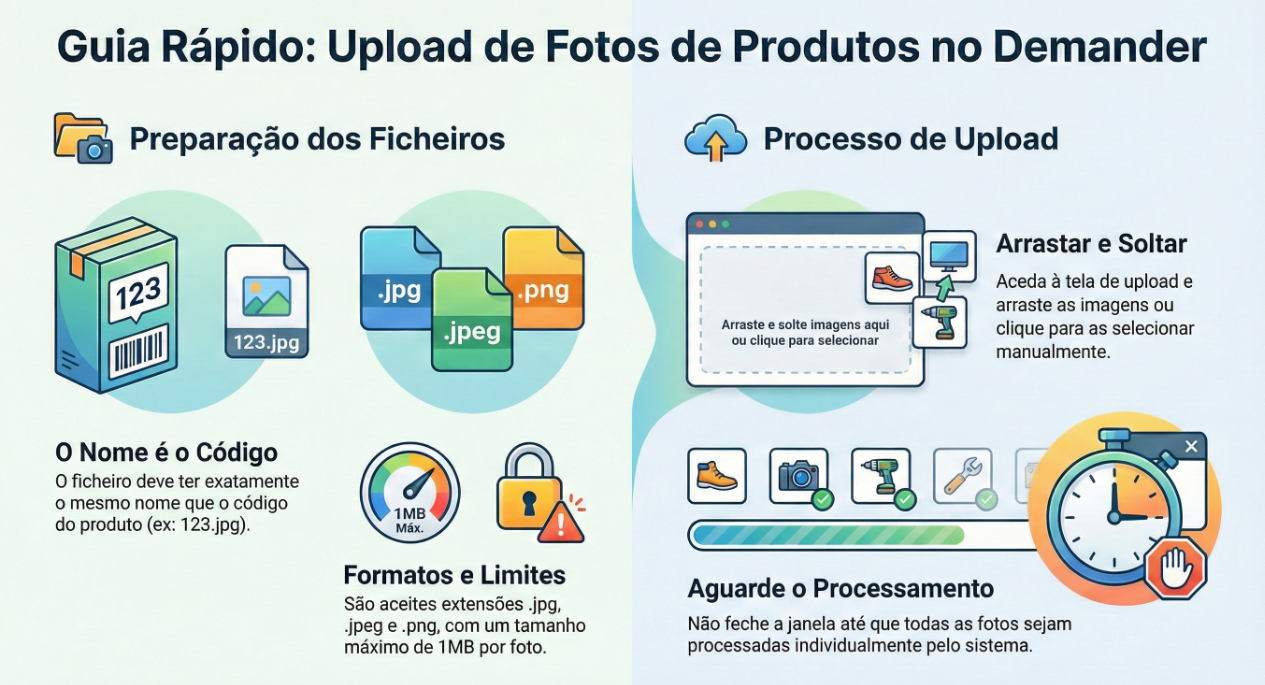
To facilitate the insertion/updating of product images in Demander, we have a screen so that files can be sent quickly, easily and very conveniently.
Before starting, some important details
- This screen will replace the old screen for uploading photos via zip file.
- The image must have the same name as the product code. For example, if the product code is 123 the photo must be named 123.jpg for it to be imported correctly.
- Each photo must be a maximum of 1mb.
- Photos can be sent with the extensions .jpg, .jpeg and .png.
- Multiple photos can be sent, they will be processed one by one. Important, do not close the screen until all photos have been processadas.
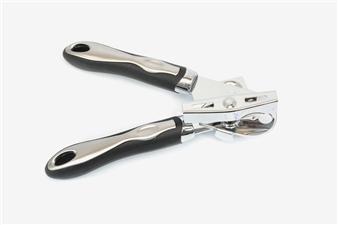
Renaming Photos The name of the product photo must match its code, for example, the can opener below, has the code 123 on Demander, for the photo to be linked to this product, it must be sent with the name 123.jpg. The product code can be found on the [Products] screen (https://sistema.demander.com.br/dinamico/produtos).
Sending product photos
After renaming the product photos, simply access the [product photo upload] screen (https://sistema.demander.com.br/upload-fotos-produto), click on the screen and search for the images, or simply drag the images into this area, so they will be sent, processed and linked to the products.
