

3.How to configure PlugBot?
After installing PlugBot, you will need to configure it.
To do this, start the PlugBot service in the browser.
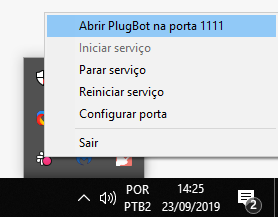
*PlugBot is not compatible with Microsoft Edge and Internet Explorer.
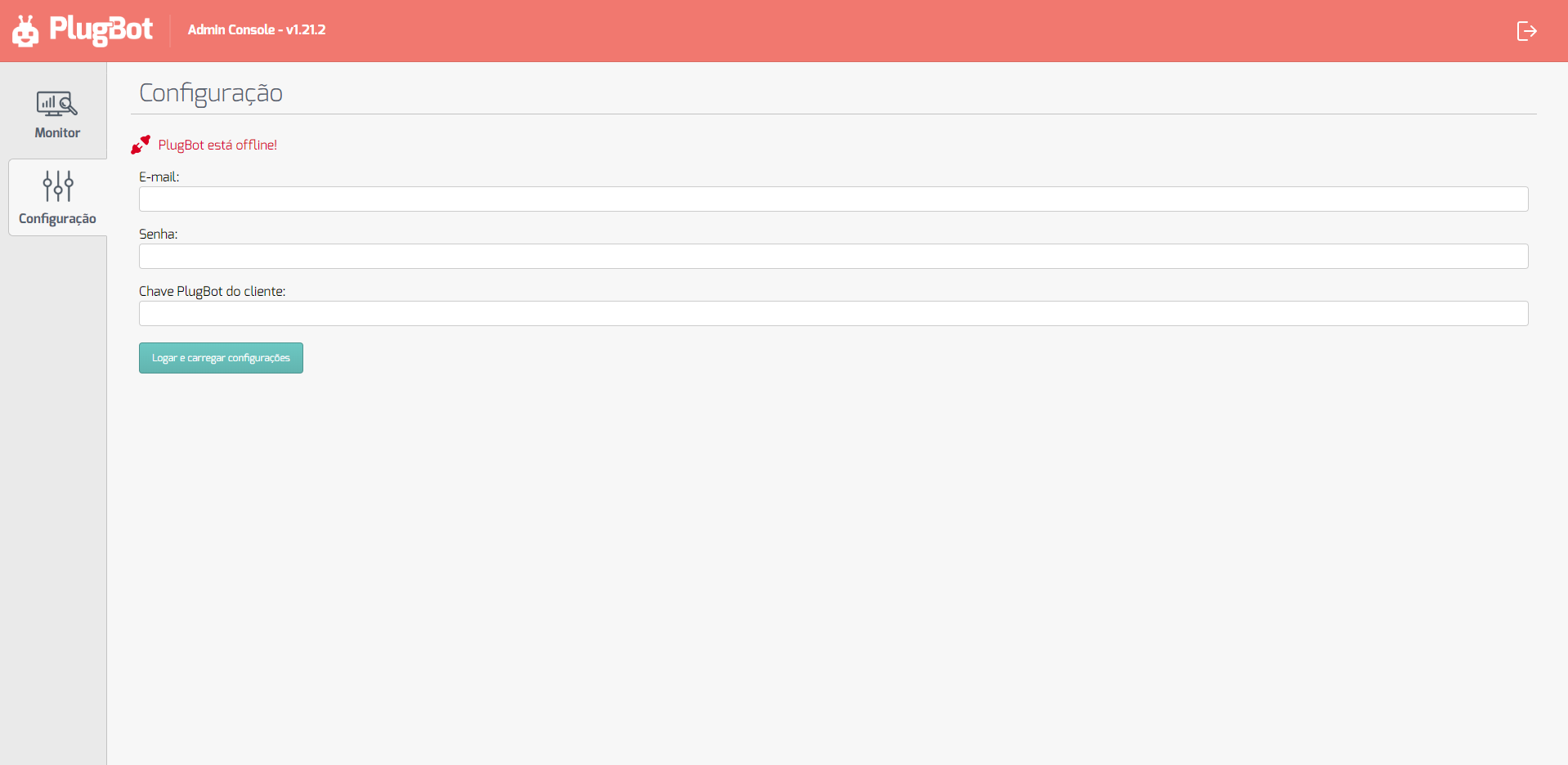
When starting, access the configuration tab and fill in the Software House data.
- To configure PlugBot, you must have access to the PlugBot Key, which is available in the administrative panel.
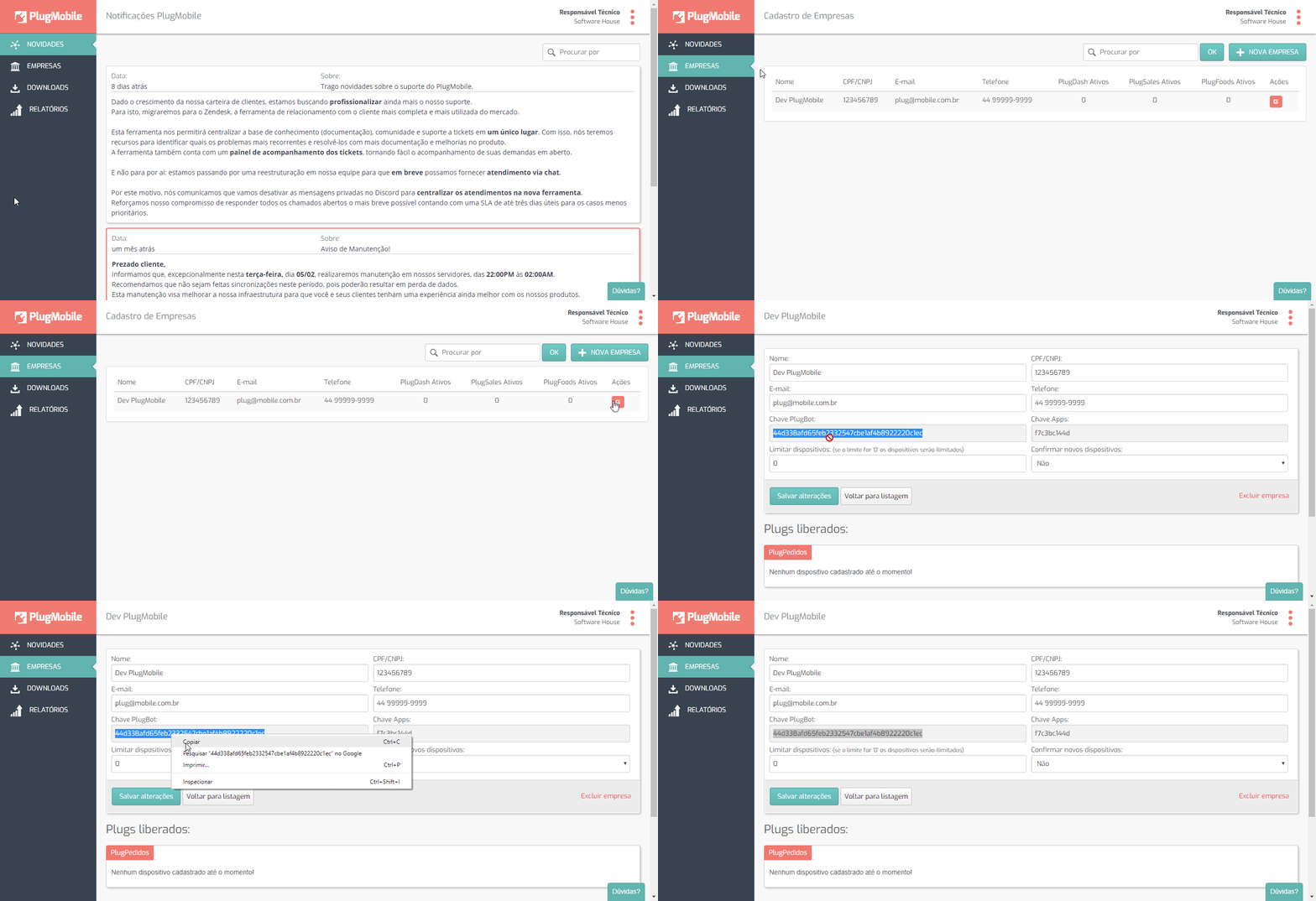
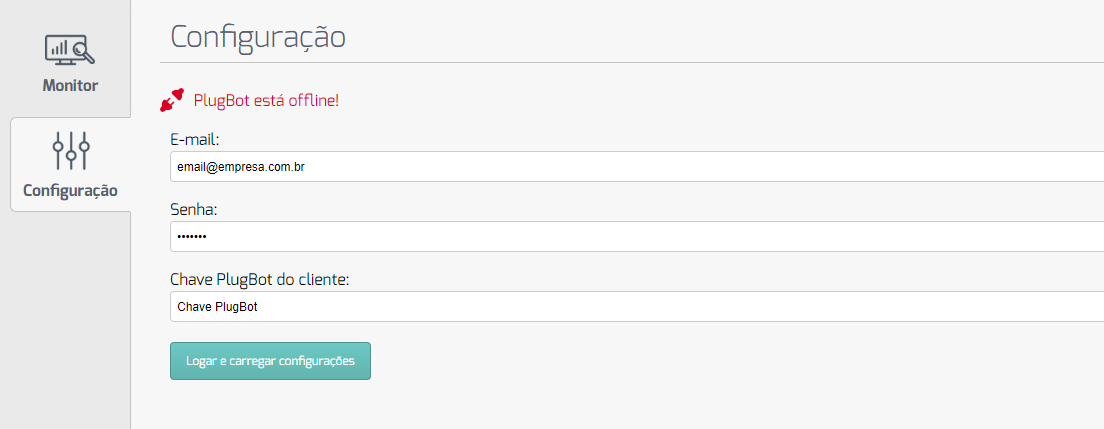
In the PlugBot settings, click on the Configuration tab and log in with your credentials, the same ones used to log in to the administrative panel, and in the Customer PlugBot Key field, enter the key obtained previously.
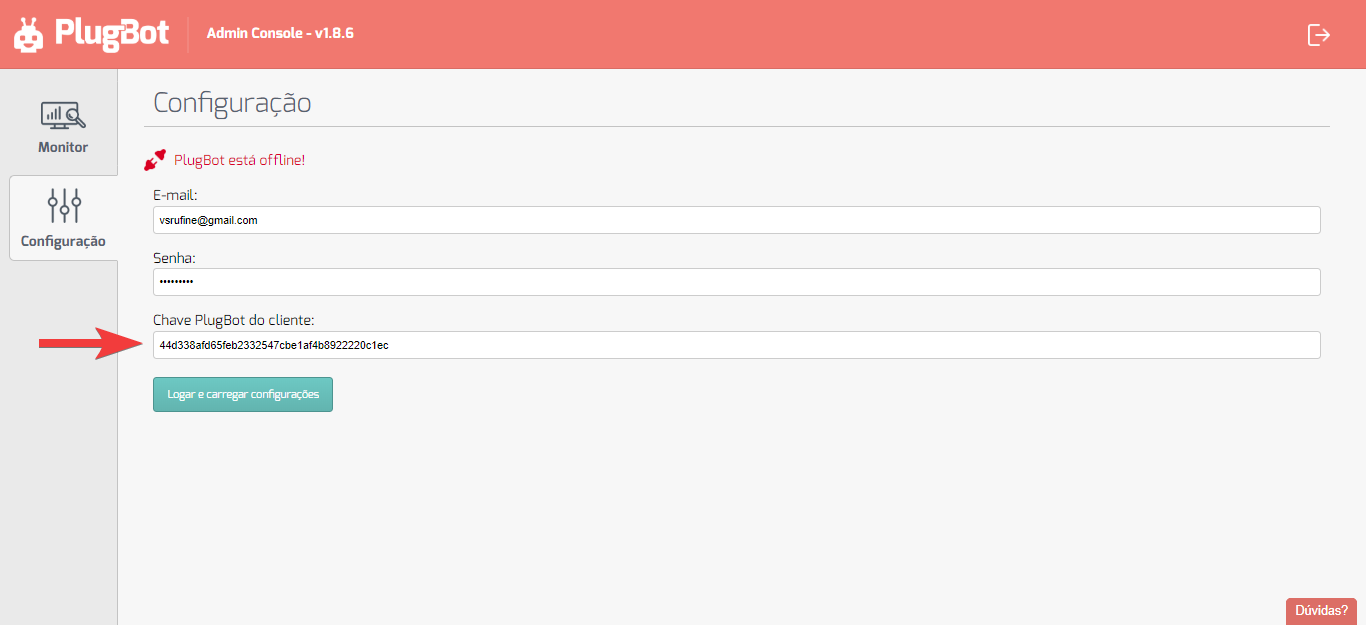
Click Log in and load settings and PlugBot will be ready to receive the individual settings for each application!
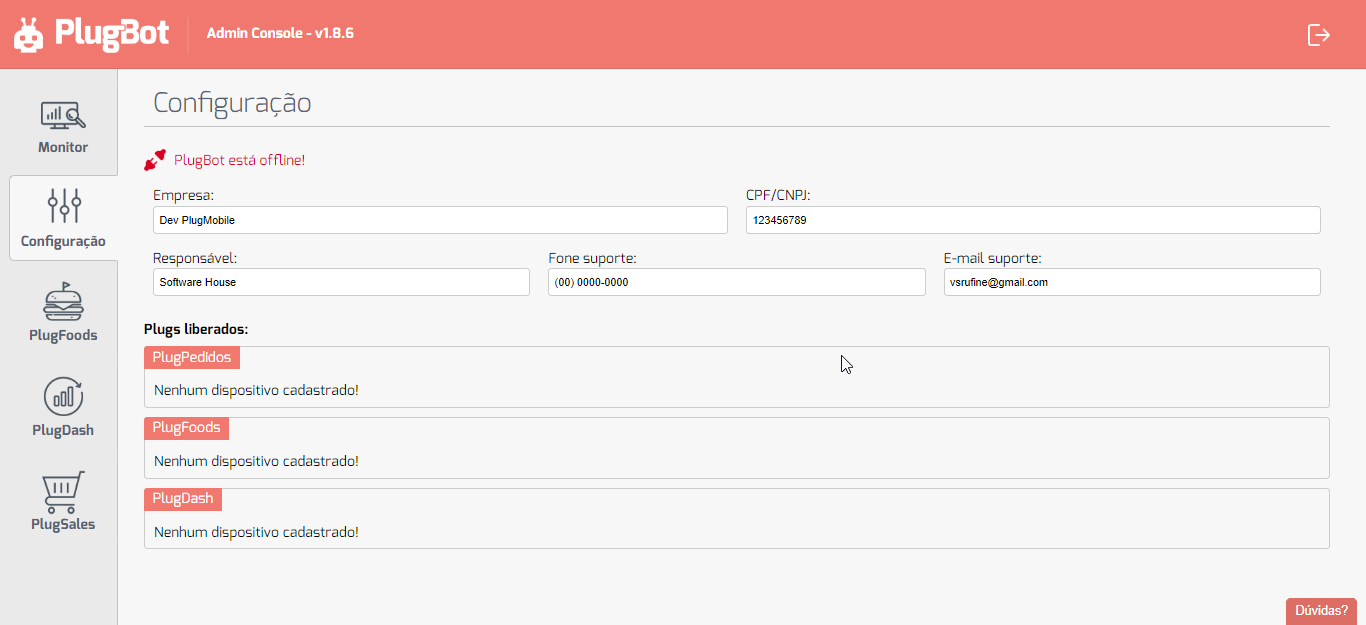
In the example, this client has the 3 features of the tool enabled. More tabs will be displayed depending on your contract.