

3.1. Identifying errors when importing data > PlugSales
A cliente or pedido registration made in the application has not yet arrived in my system or database, what could it be?
To better understand the problem, it is important to first understand the flow that the application executes when a registration is made:
Application flow
As soon as a registration is made on the device, it is sent to our API and stored in our database. The PlugBot of the company where the registration was issued is constantly analyzing our API, and as soon as a new registration is registered, PlugBot imports this registration, in order to execute the processes configured in PlugBot, and insert it into its database.
So, let’s move on to the solution steps:
- Has the registration already been sent to the API? To identify whether the registration has already been sent to the API or not, make sure that the registration has the status Synchronized in the application. See how the registration should look:
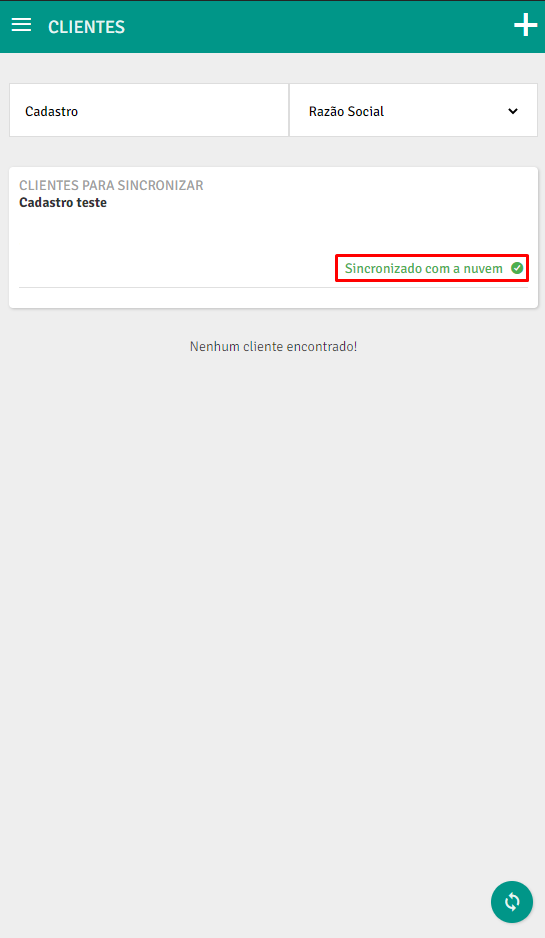
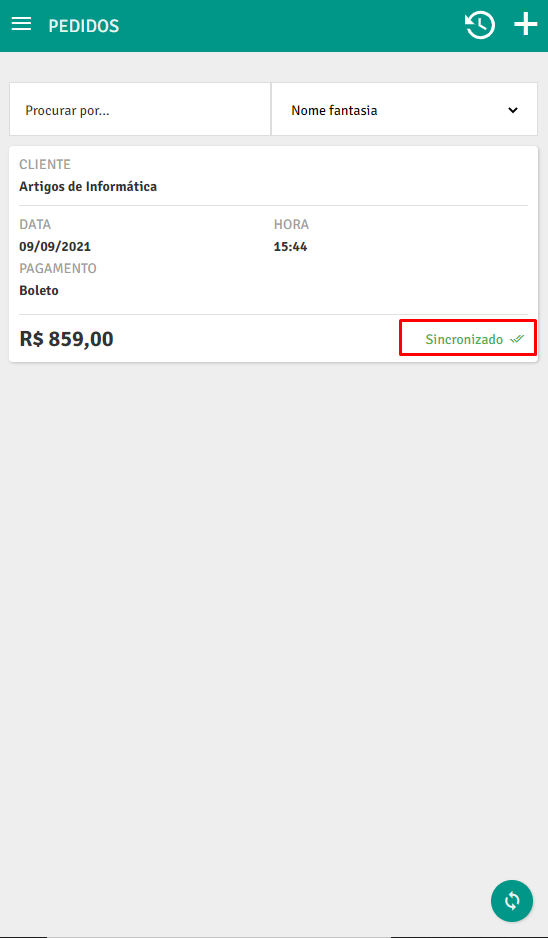
If the registration is not in accordance with the image above, it means that they have not yet been imported into our API, so check if the device has access to internet, or if there is instabilidade with access. If you do not have access, or it is unstable, you will need to wait for stable access, and then the registration will be sent.
If the status is ‘cloud sync’ or ‘waiting for client sync’, please visit this documentation (Click here). If this does not resolve the situation, continue with this documentation.
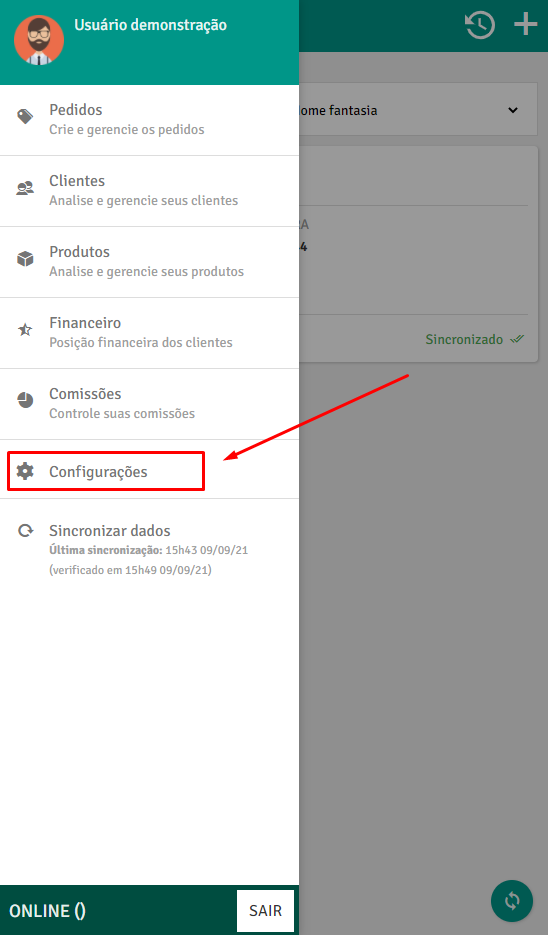
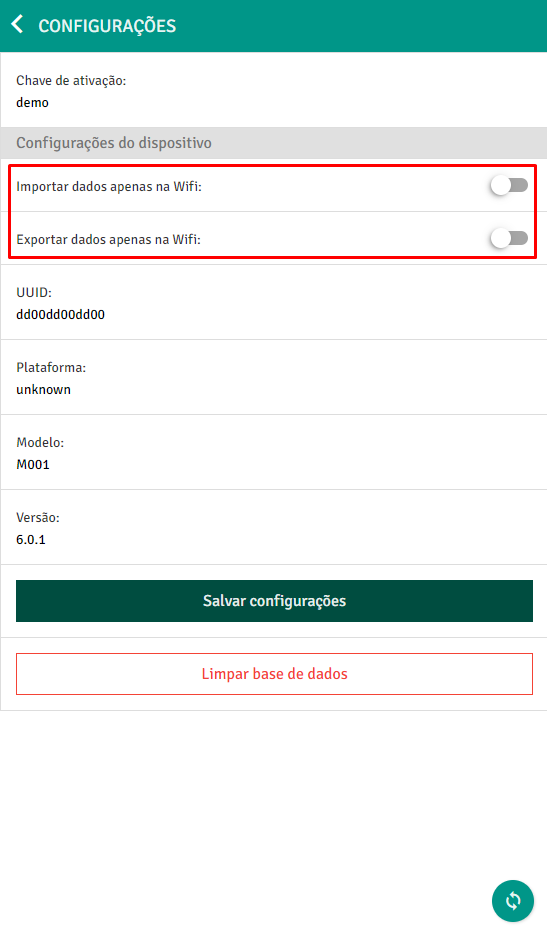
If the device is using a 3G or 4G network, make sure that the importar and exportar data only via Wifi options are set to desabilitadas. These settings are found in the application’s configuration tab.
- If the registration still remains as “Not synchronized” or “Awaiting synchronization”, contact support.
-** The registration has already been sent to the API!
If we reach this step, it means that the registration made in the application is already in our database, but has not yet reached your system or bank, what could it be?
The party responsible for inserting it into your database is PlugBot, so we need to validate that everything is ok with it.
The first step is to check if it is connected and synchronizing the information! To do this, access your PlugBot address (localhost:8088 or the port on which it was installed)
- Access the PlugBot port in the browser (Not compatible with internet explore)
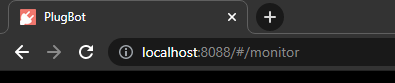
If, when accessing the door, an error occurs, or the PlugBot cannot be accessed, check whether the PlugBot service is running in the machine’s tray.
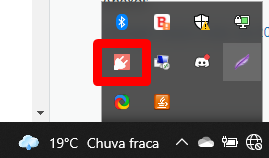
If so, and you still cannot access PlugBot, right-click on it and restart the service.
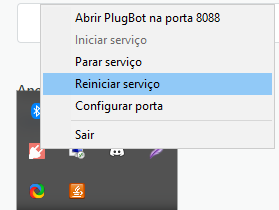
Wait a few moments, and try to access again.
If you still cannot access PlugBot, contact support.
- When accessing PlugBot, check if PlugBot is Online
 **If **PlugBot is offline! click on Connect PlugBot
After connecting, wait a few minutes for PlugBot to perform all necessary synchronizations. If the pending registration is not shown in the monitor log, or does not reach your database, continue following the steps below.
- Check when the** last sync was
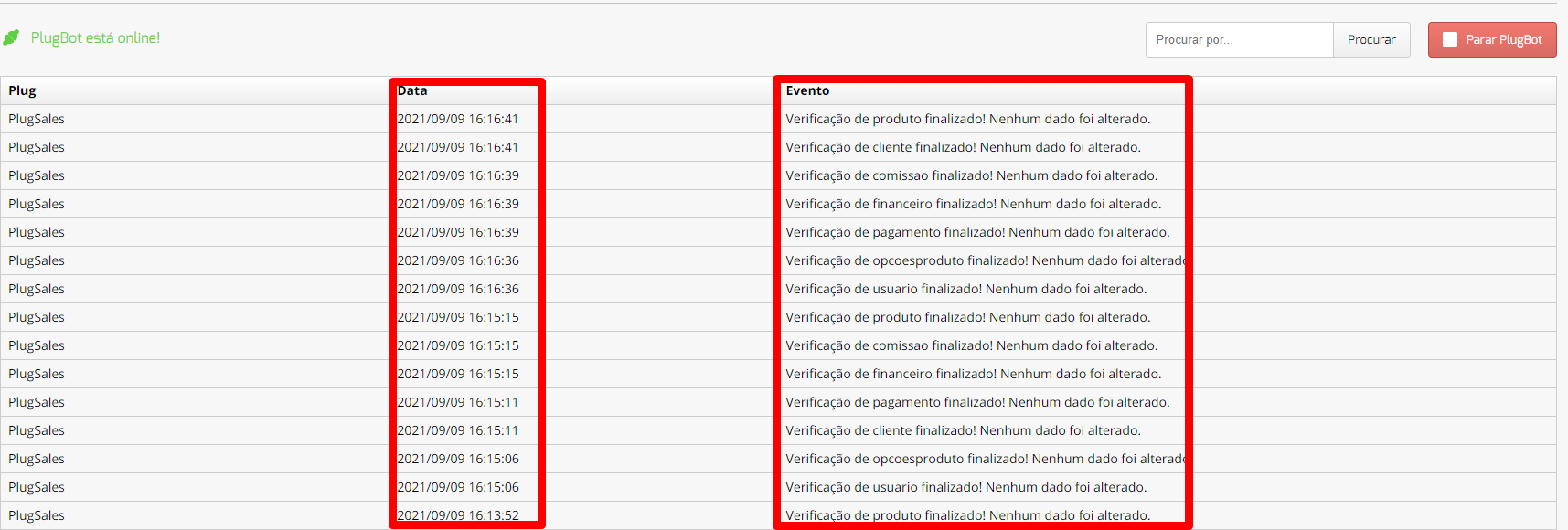
If the last synchronization was performed a long time ago, restart the plugbot service in the machine’s tray.**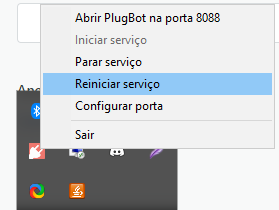 **When restarting, wait a few seconds, and reload the browser page.
If after restarting PlugBot, no new, updated syncs appear on the monitor for the next few minutes, contact support.
-
Is there an error in the PlugBot monitor? When analyzing the latest synchronizations on the monitor, did you find any SQL errors during import? If so, access this documentation to resolve the error (Click here)
-
Is there no error on the PlugBot monitor? When analyzing the latest synchronizations, did you not find any errors, and were there no synchronizations related to the pending registration, such as “imported order number” or “imported customer”? Then do the following procedures:- Check if the registration insertion query is correct, and pointing to the correct table!
Example: Is the customer insertion query configured correctly?
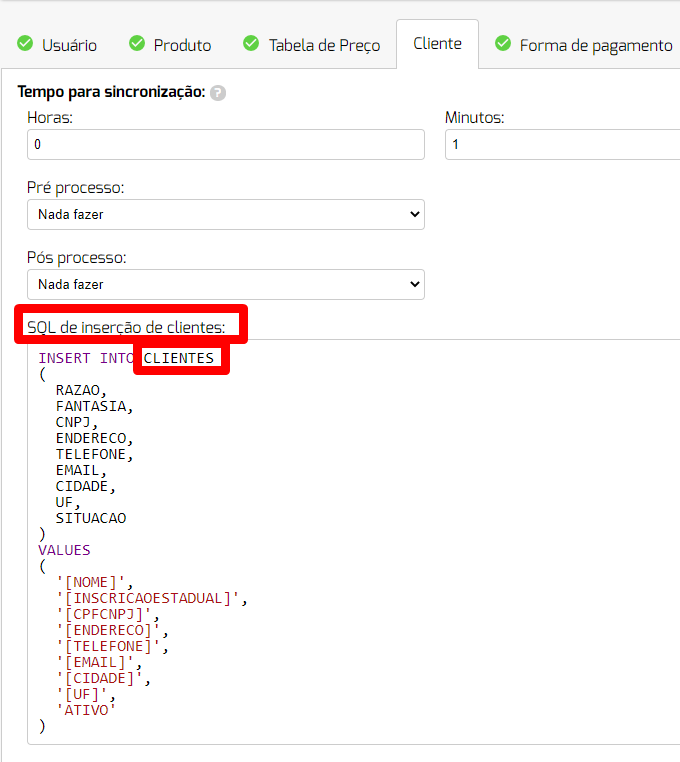
If you identify that the configured query is incorrect, and the record was not inserted into your table, then make the correction and contact our support team so that the record can be resent to your PlugBot.
If the configured query is correct, the record may already be in your database. To validate this information, perform a select on the table you are inserting into, using data from the registration.
Example: If the registration refers to a customer, then select the table you are using in the insertion field, filtering by any customer data. For example, a select on the customer table, filtering by customer name, or CPF/CNPJ…
If even carrying out a search within your database, you still haven’t located the customer, then contact our support to assist you.