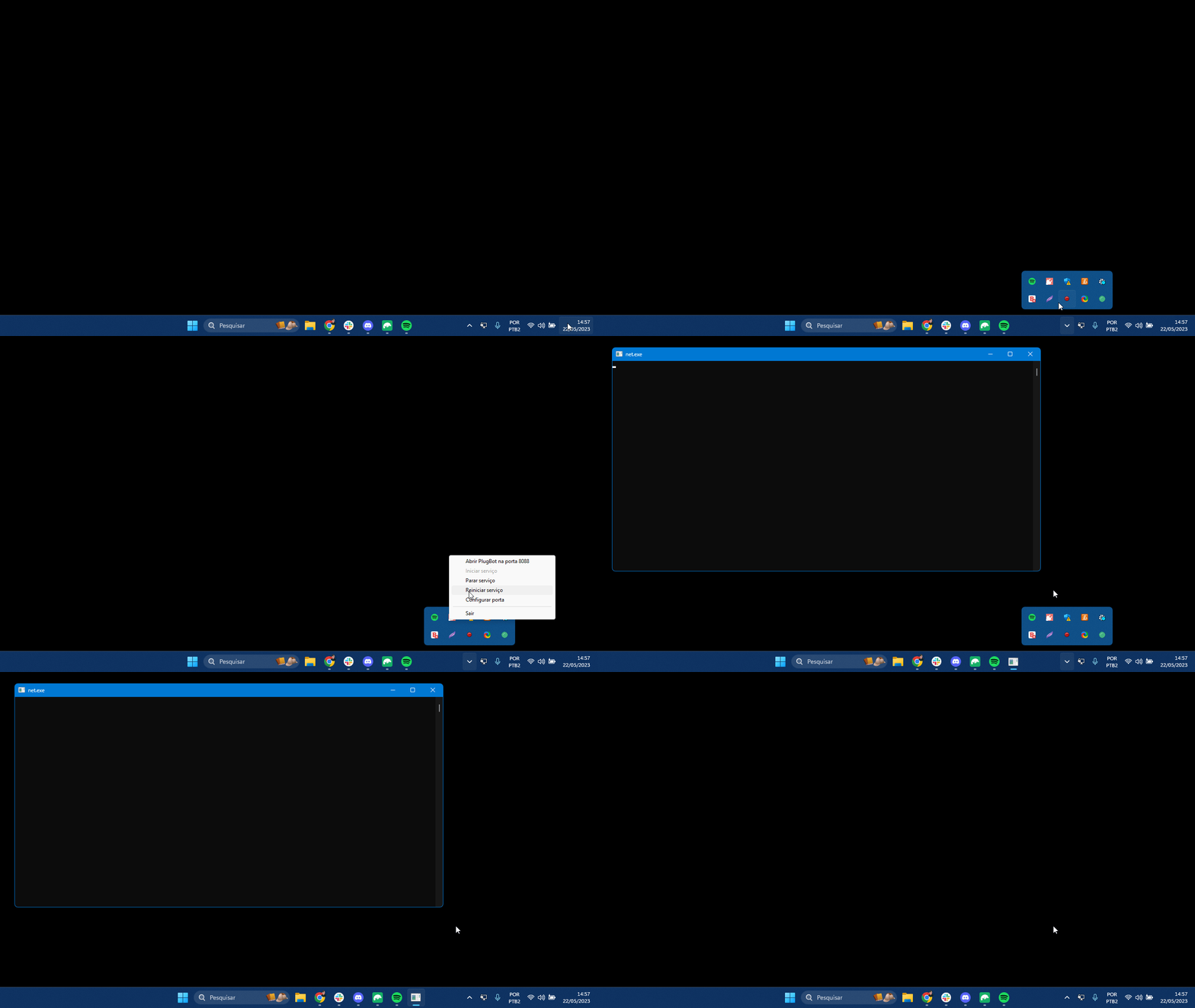
2. Delete CSV-DATA File Manually (PlugSales)
In this guide you will see how to clear PlugBot’s csv-data folder — a simple action that may be necessary in some cases to normalize PlugSales synchronization.
Cleaning the csv-data folder in PlugBot
Section titled “Cleaning the csv-data folder in PlugBot”A relatively common situation in PlugSales is the need to delete files from the “csv-data” folder. In some cases, this cleaning may even be necessary once a week so that synchronization continues to work correctly.
How to locate the folder
Section titled “How to locate the folder”To perform the cleanup, first locate the PlugBot installation folder. By default, the path is:
C:\Program Files\PlugBot\8088\csv-data
How to delete files
Section titled “How to delete files”- Access the path indicated above.
- Open the csv-data folder.
Delete all files contained within it.
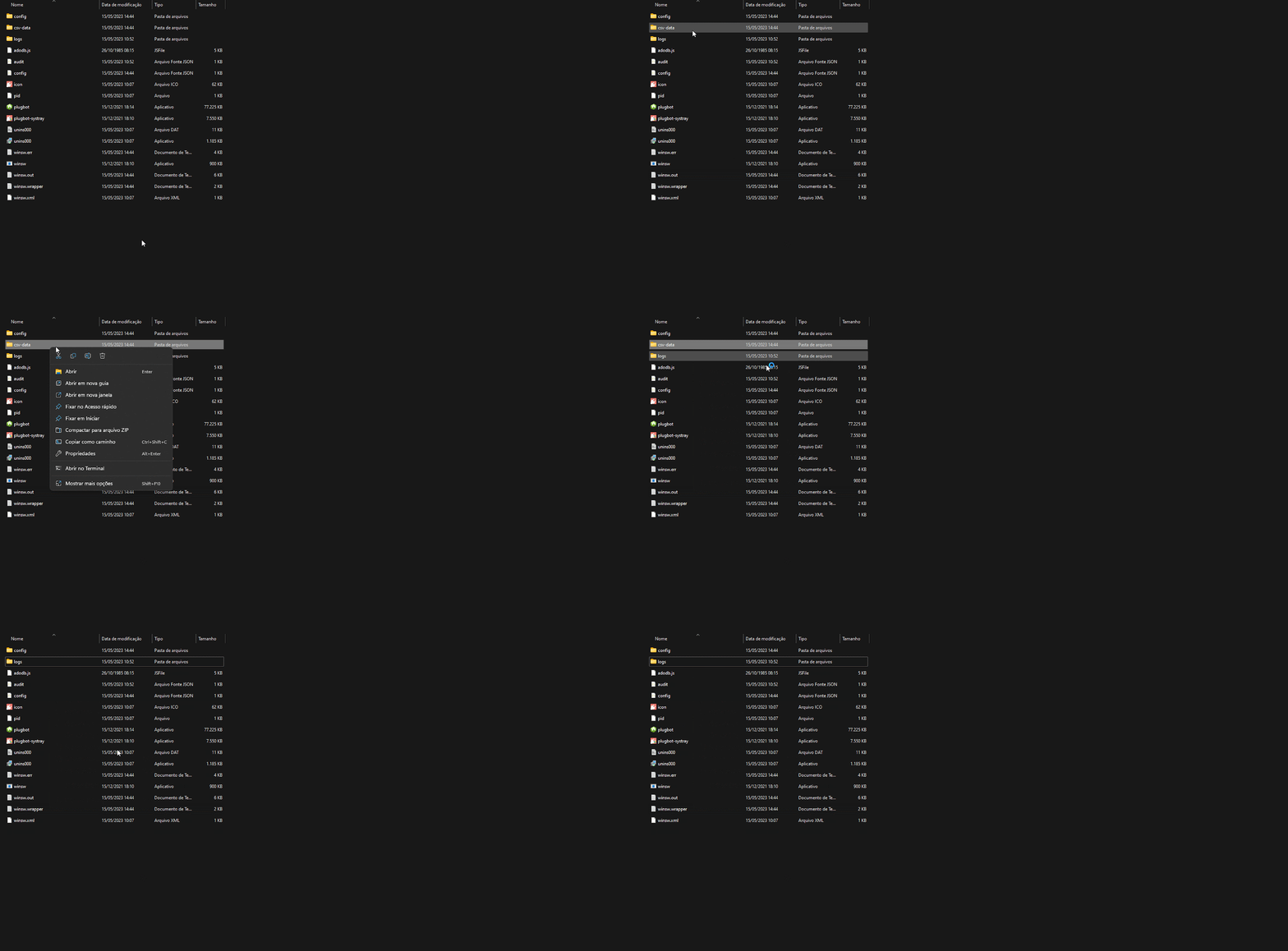
After deletion
Section titled “After deletion”After deleting the files, you need to restart PlugBot for synchronization to work normally again.