App Demander Version 5.05.0 - 11/04/2026
This post shows the main highlights of App Demander in version 5.05.0.
No-sale visits PDF
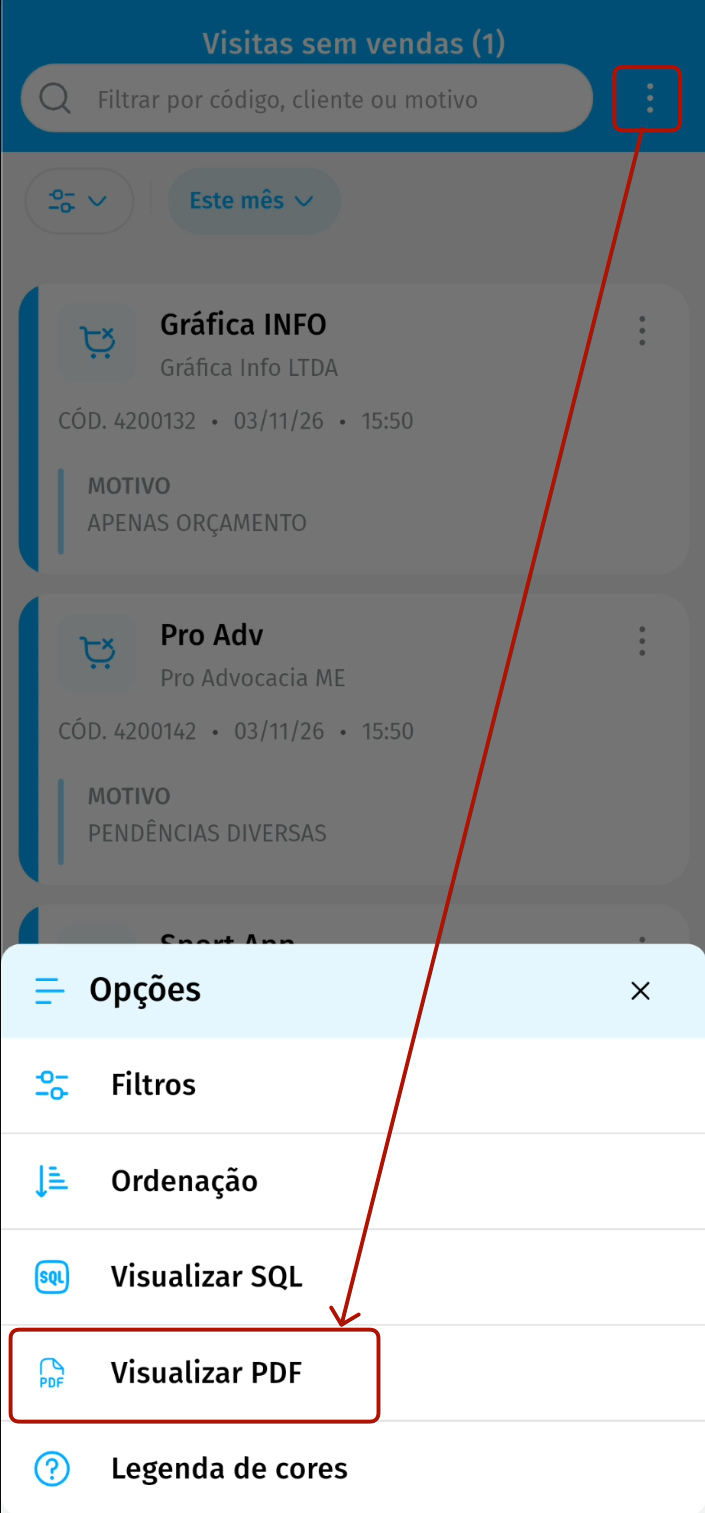
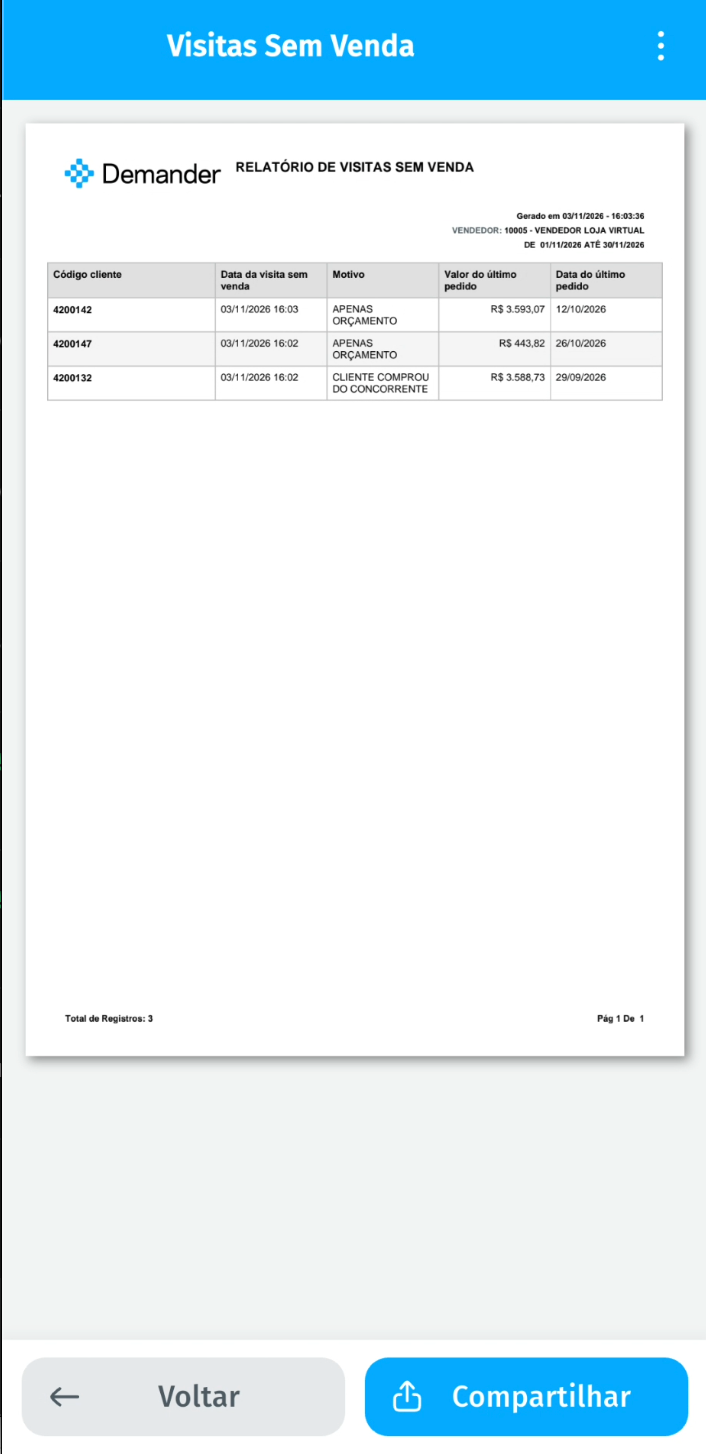
- In the No-Sale Visits list, the Options menu (three dots) now has the View PDF option, which generates a report with the date and amount of each customer’s latest order, ready to share.
Sync before starting the order
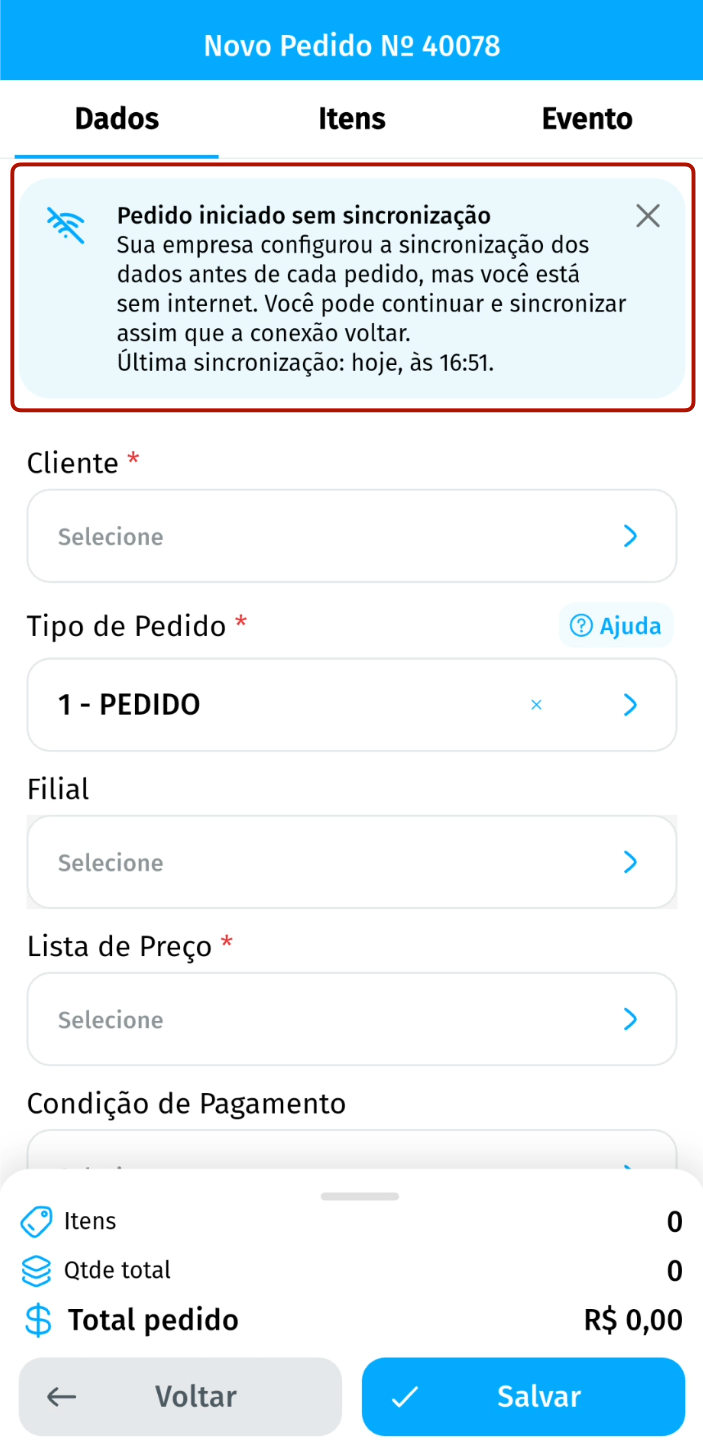
- When the company requires a sync before each order, the app shows on screen that this sync is a company requirement.
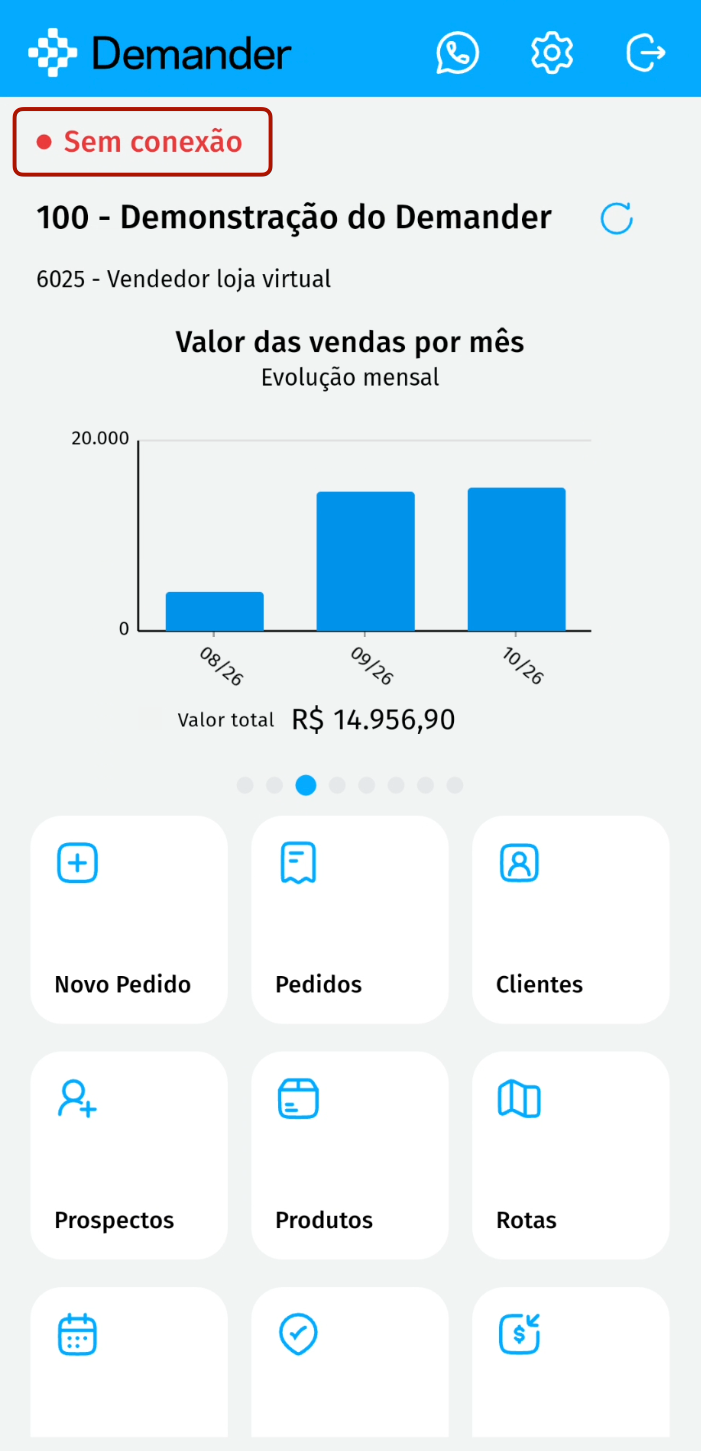
- Without internet, the app follows the company setting: it starts the order with the Order started without sync notice, which shows the last sync, or informs that you need to sync first. Without internet, the home screen shows the No connection indicator.
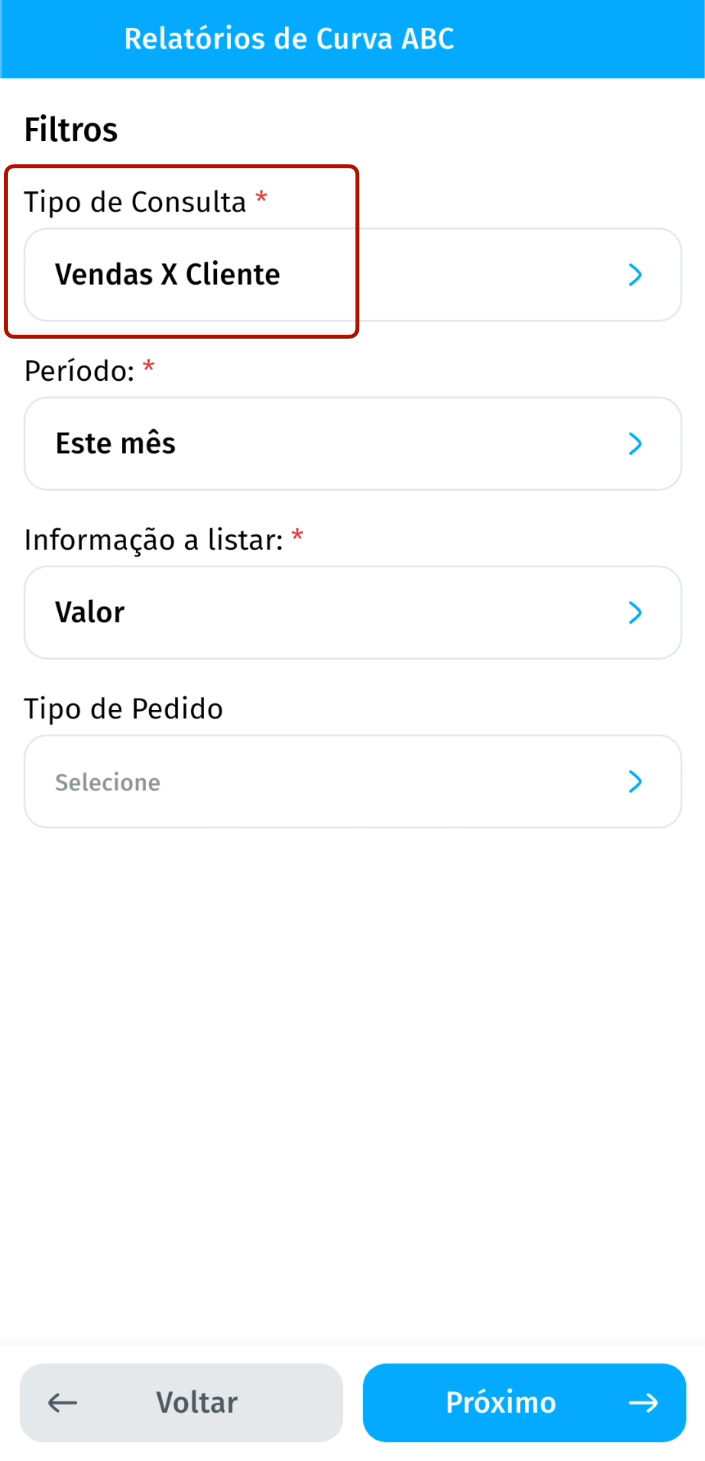
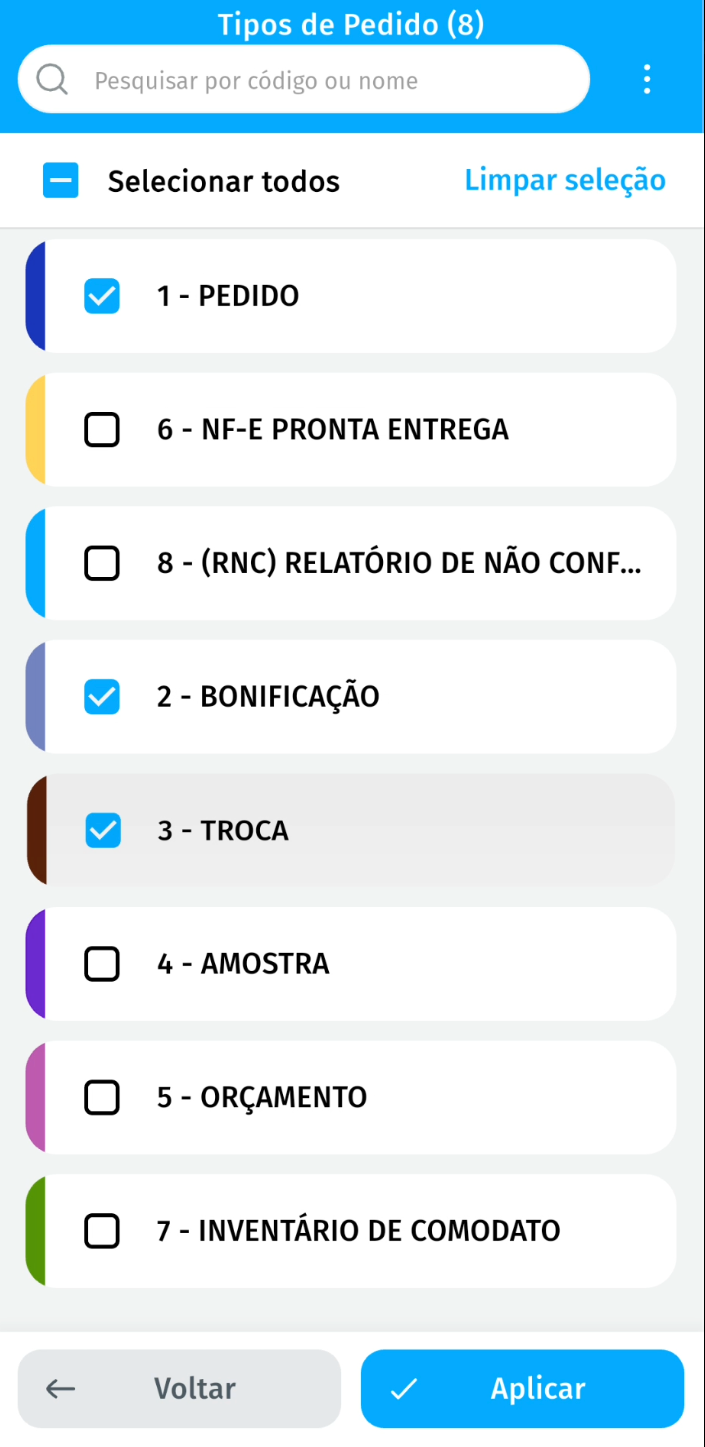
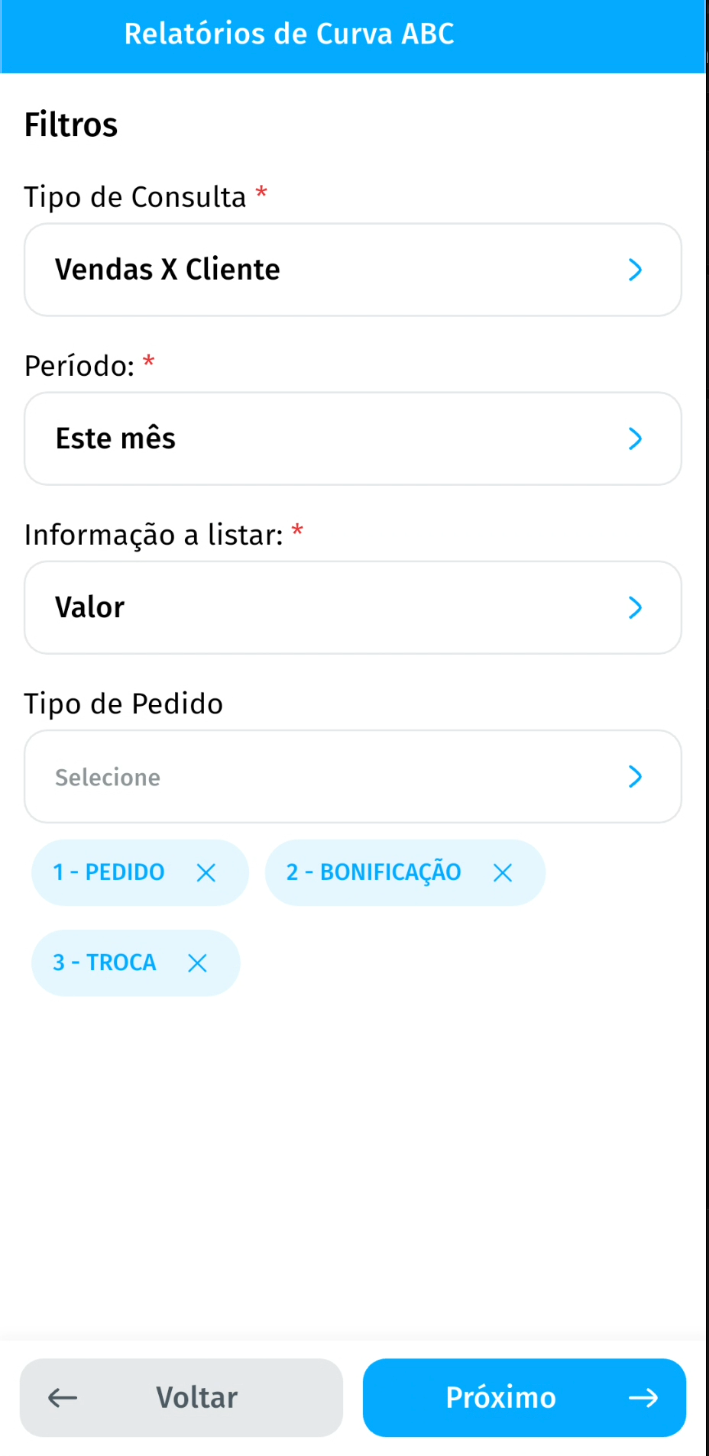
Order type filter in the Sales x Customer report
- In the ABC Curve Reports, the Sales x Customer query now has the Order Type filter, which lets you select one or more types. Values, totals, and percentages now consider only the chosen types.
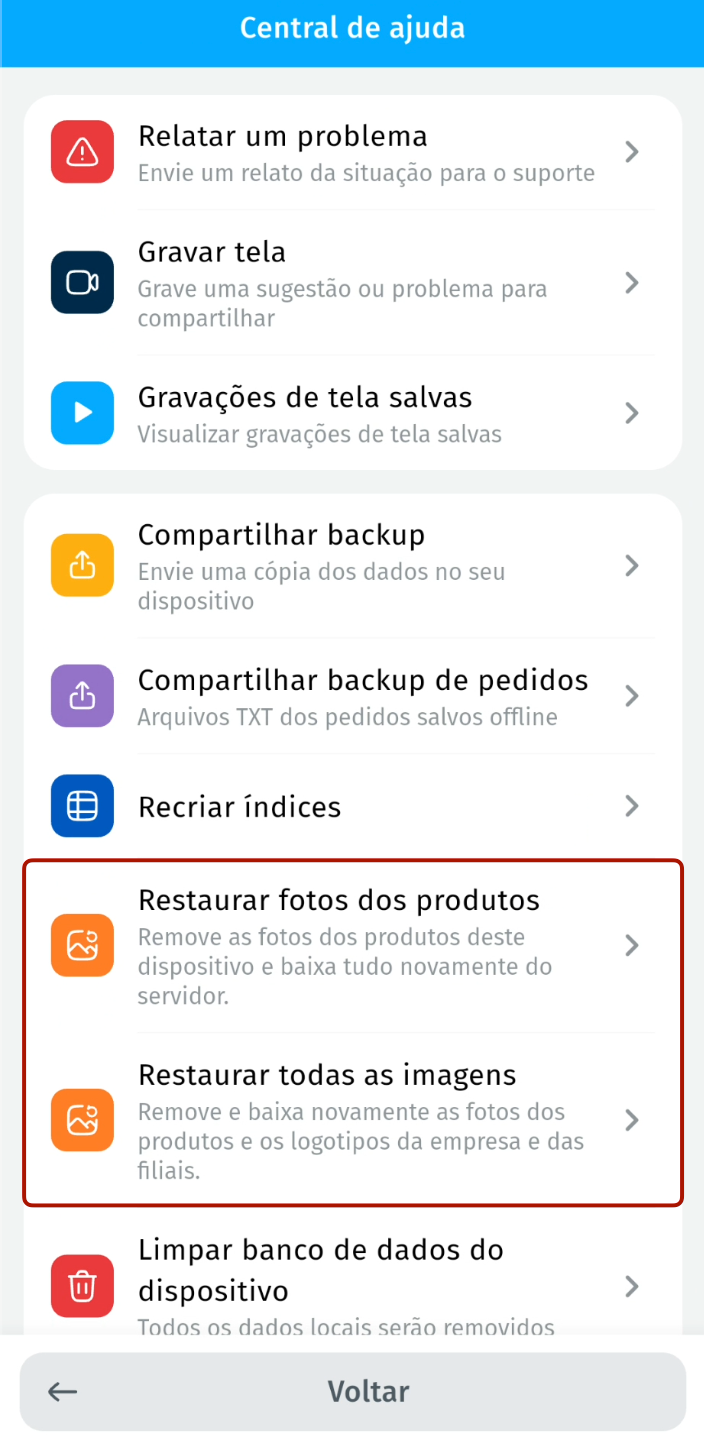
Restore photos and images
- The Help Center now has the Restore product photos option, which downloads the product photos again, and Restore all images, which also includes the company and branch logos, without clearing the device database.
Prices in the order items
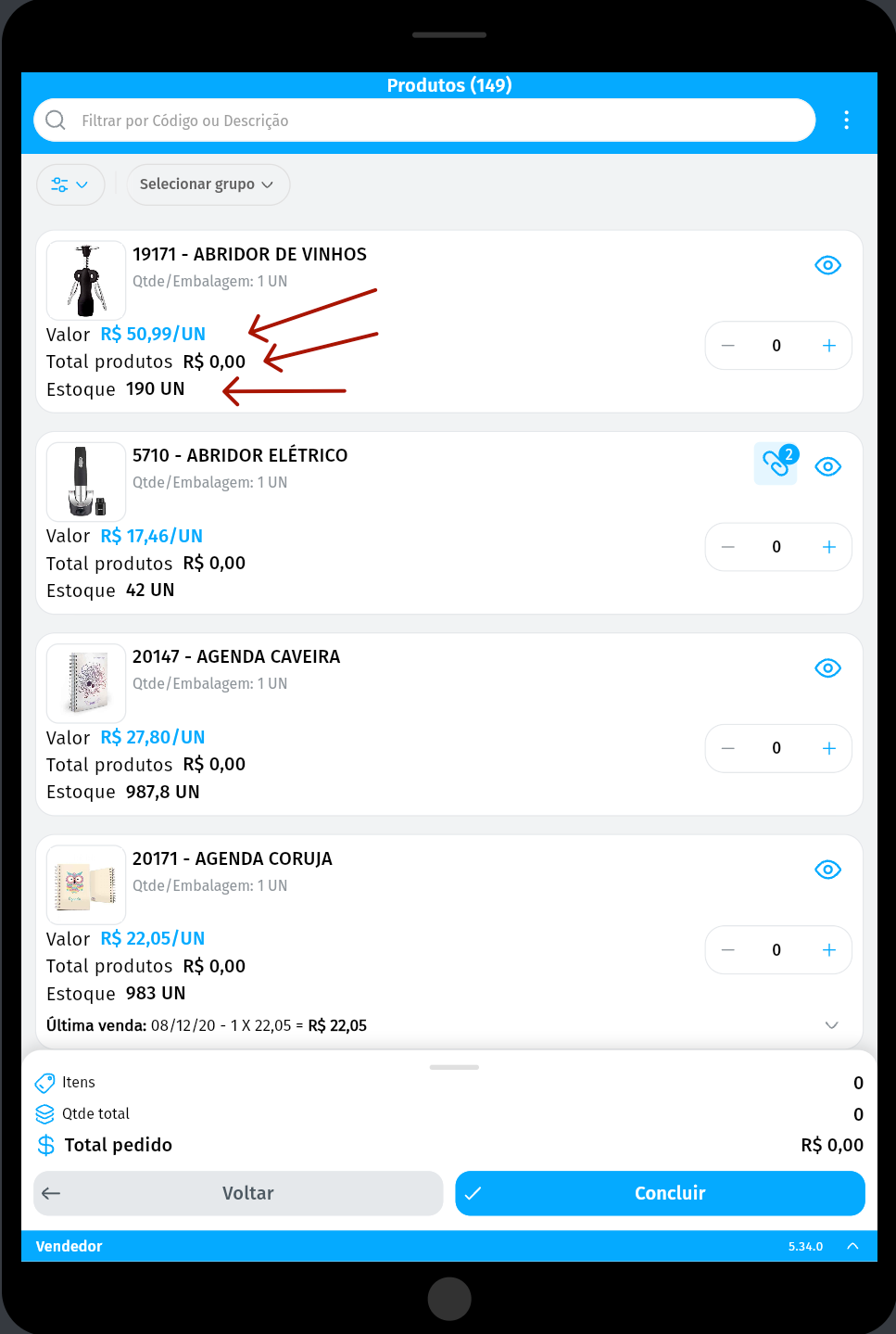
- On tablets and with the phone in landscape, Value, Products total, and Stock appear right next to their labels in the order product list.