

5. How to customize PlugBot?
To customize PlugBot, access ***‘Administrative Panel’***in the ‘Customization’ tab
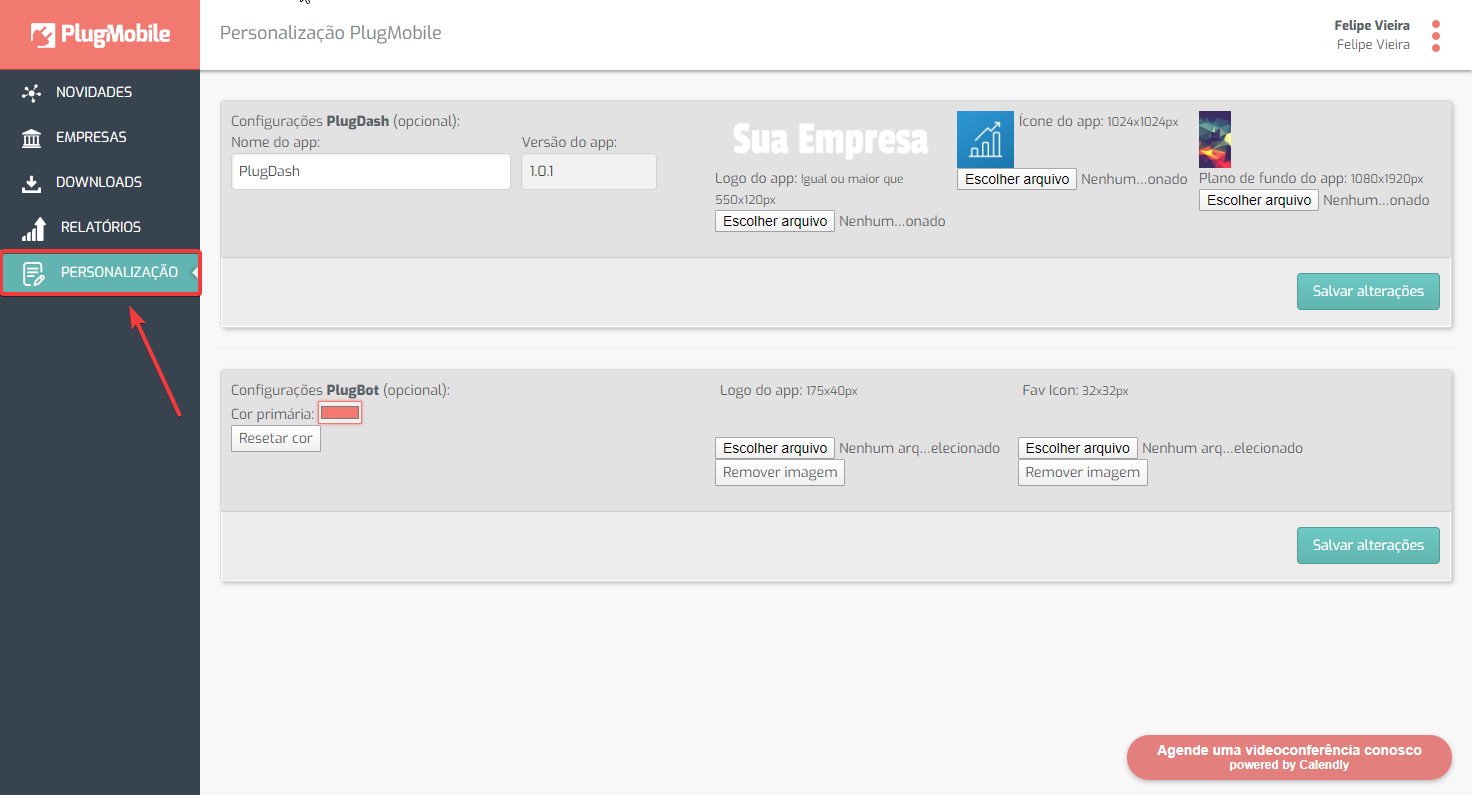
In this TAB we have some fields to make these customizations.
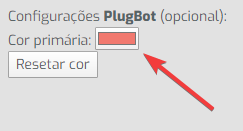
• In the first field we can change the PlugBot’s ‘Primary Color’. By clicking on the ‘Box’, you can choose your preferred color.
• In the following fields we have the options to upload logo and icon images to PlugBot.
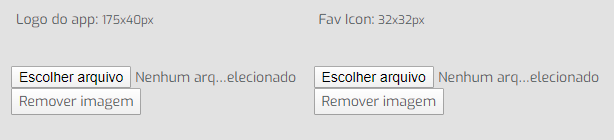
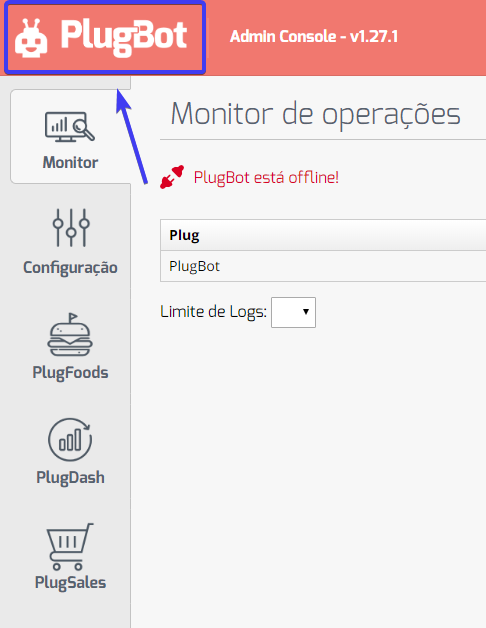
The Logo file (175x40px) will replace the ‘Logo’ in the top right corner of PlugBot:
The Icon file (32x32px) will replace the ‘Icon’ in the Browser tab:
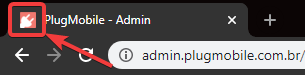
Images must be ‘exactly’ the same recommended dimensions.
It is also possible to customize the PlugBot ‘Icon’ in the operating system’s ‘Tray’.
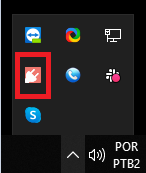
To do this, access PlugBot’s ‘Installation Location’:
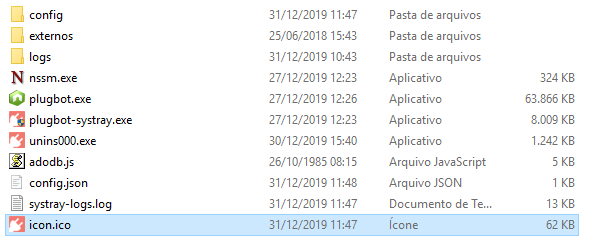
And replace the file, ‘icon.ico’, with your preferred image. The new image must be 105x105px with the name ‘icon’, and extension ‘.ICO’