How do order status and order number work? (PlugSales)
We may notice that in some sales the order goes through several processes, from opening to completion, and so that you can follow the order step by step, PlugSales is available to inform you of the status and order number.
In this article we will teach you how to configure this field within PlugBot.
To activate Order Status, go to the gear, and enable the “Order status and order number” option:
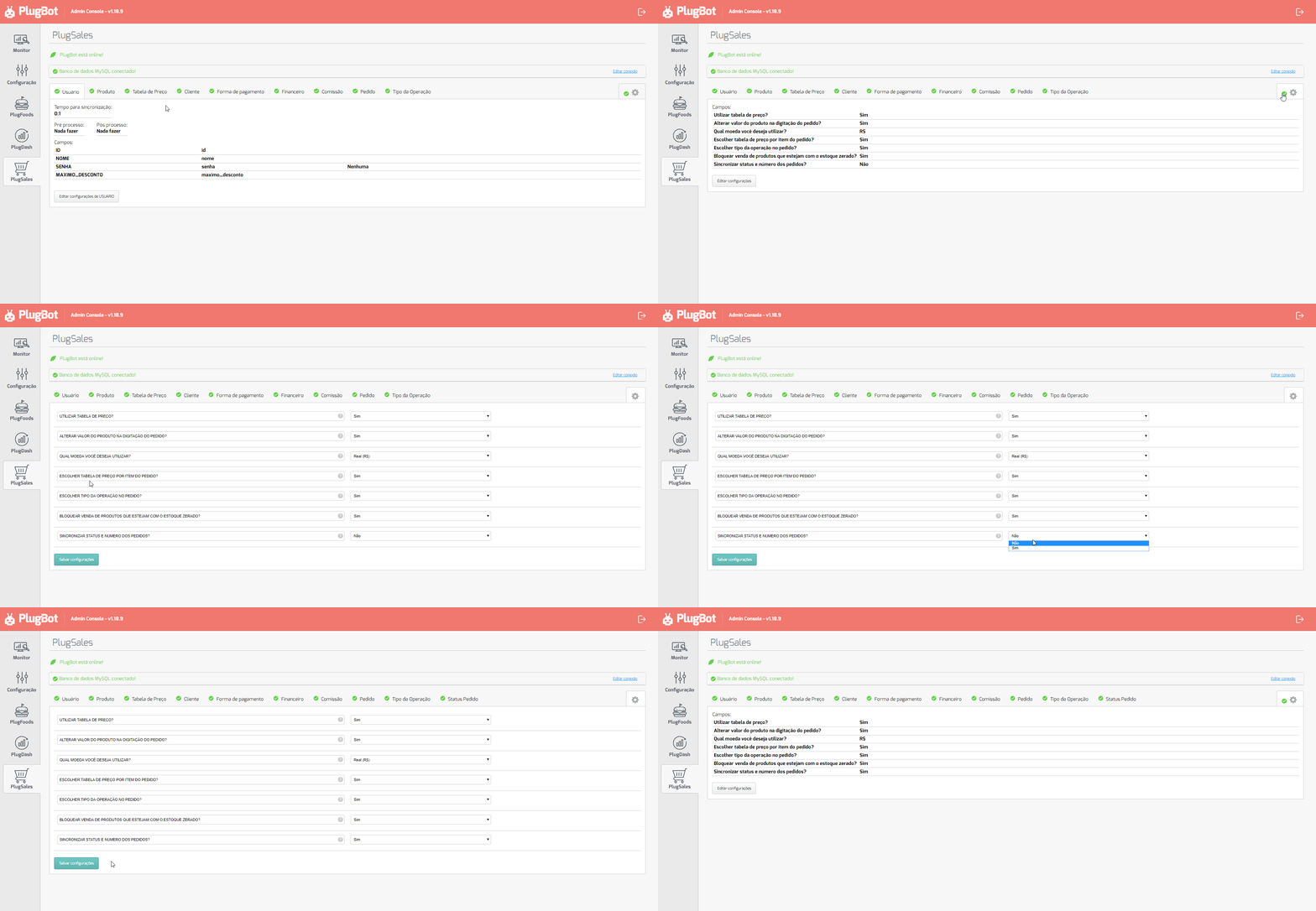
After activating this field, you will notice that a new tab “Order Status” has appeared.
This tab will configure and insert the SQL that will identify the order status and order number
See the field that will be requested for configuration:
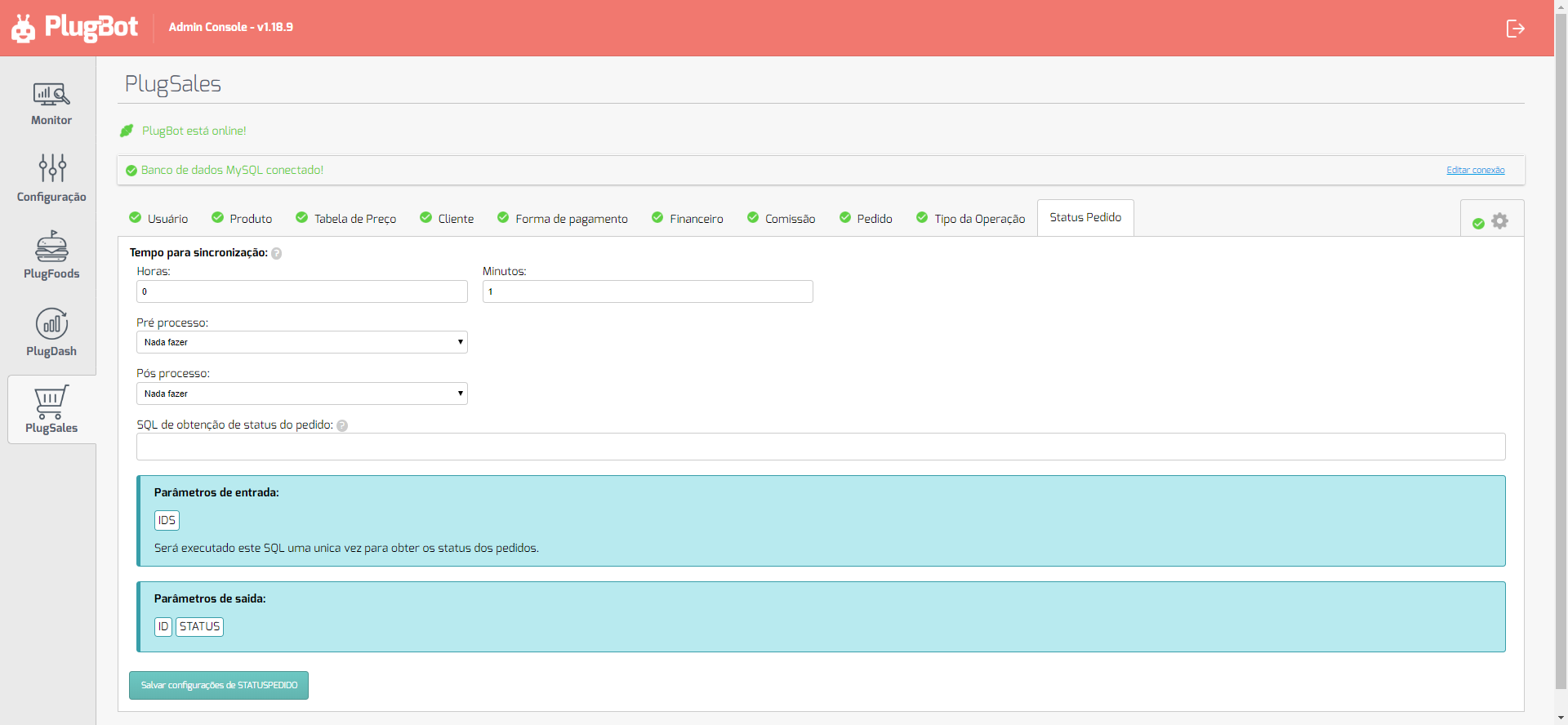
This SQL will be executed to obtain order status updates in PlugSales, in this case you must use the input parameters to assemble your SQL according to your database. see the example:
SELECT ID as “ID”, STATUS as “STATUS” FROM orders WHERE ID IN ([IDS])
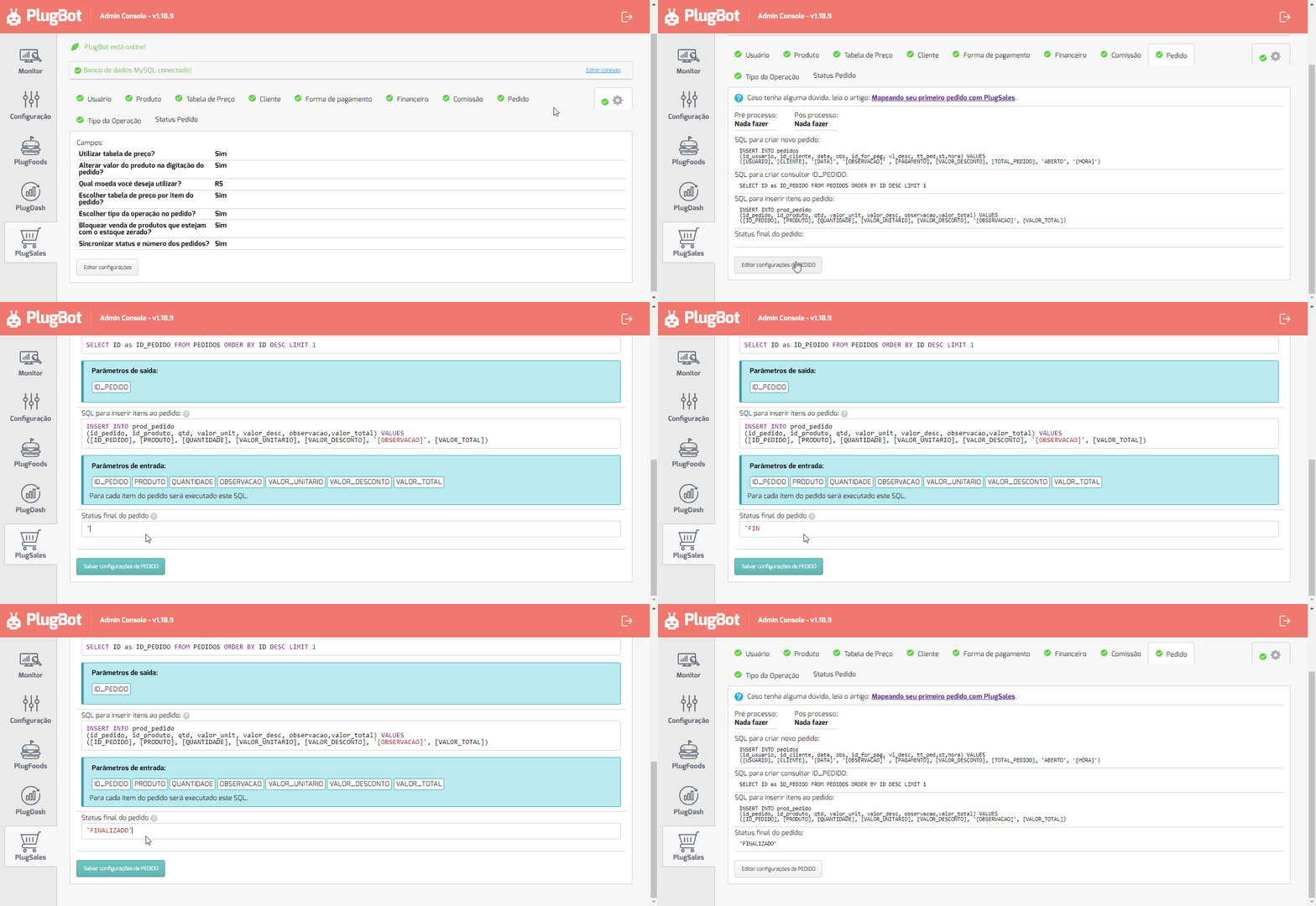
After configuring this field, you will need to access the order tab and enter the initial status of the order. To do this, edit INSERT declaring the status.
Example: When you place a new order, you want it to enter the status OPEN, see the example:
INSERT INTO order (user_id, customer_id, date, obs, operation_type, payment_id, discount_value, total_order, STATUS) VALUES ([USER], [CUSTOMER], ‘[DATE]’, ‘[NOTE]’, [OPERATION_TYPE], [PAYMENT], [DISCOUNT_VALUE], [ORDER_TOTAL],‘OPEN’)
And also declare the final status, which will be used as a reference for PlugBot to stop synchronizing requests that have already reached the final stage of their process.