

How to force order synchronization? (PlugSales)
After placing an order, it remains as ‘**Waiting for synchronization’.
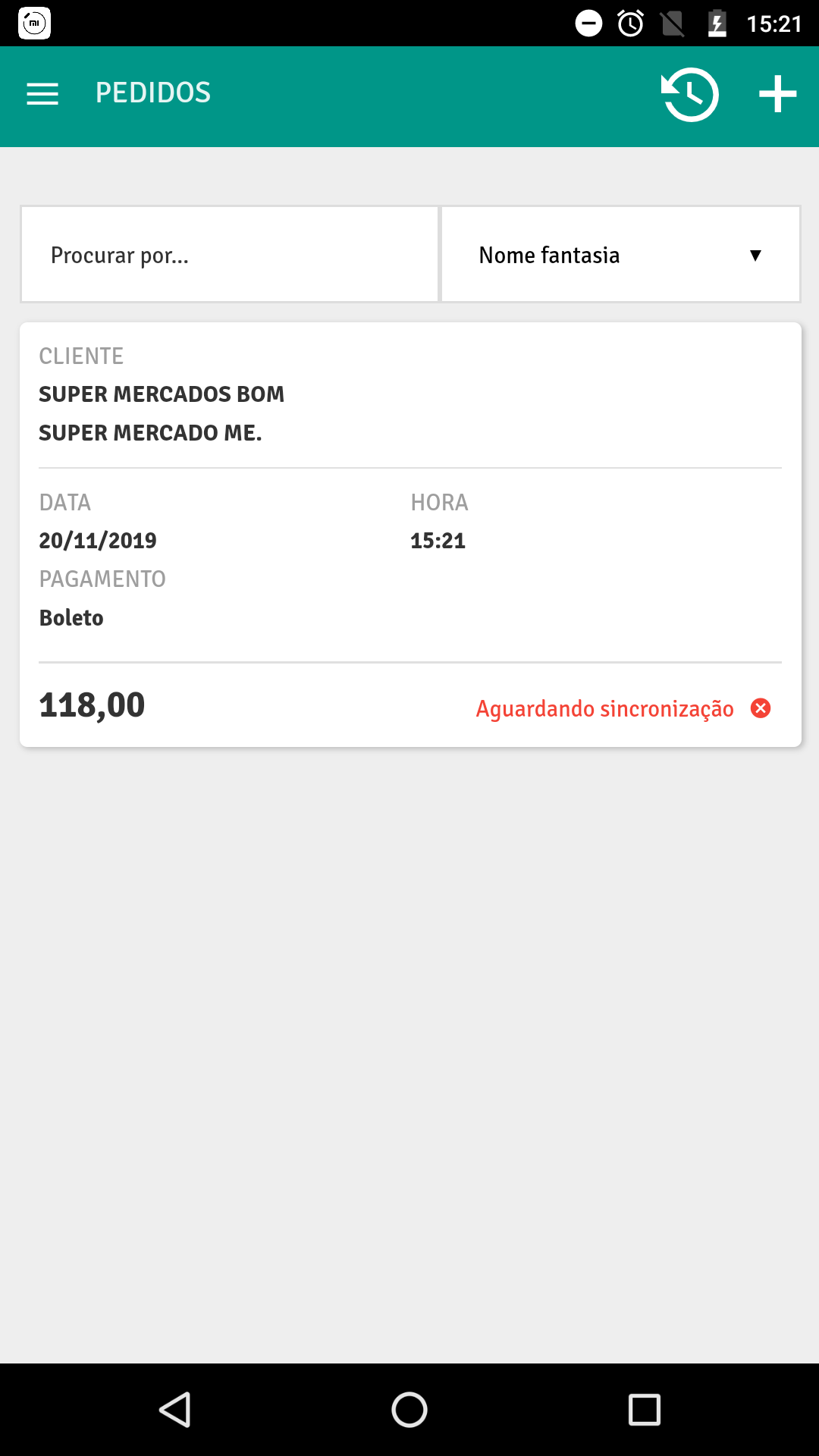
The first step is to check internet access.
Section titled “The first step is to check internet access.”Orders will only be synchronized with internet access.
If the user is using a mobile network connection, it will be necessary to check the application settings.
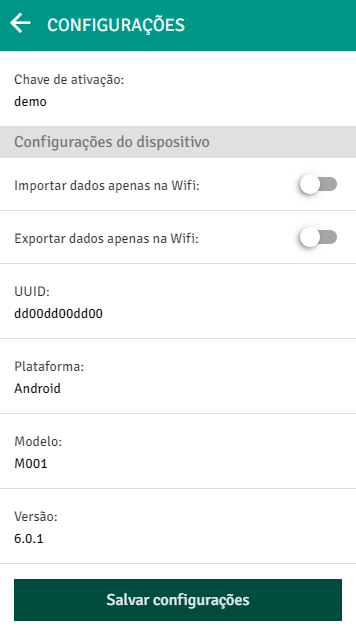
If the options ‘Import data only on Wifi’ and ‘Export data on Wifi’ are enabled, orders will only be synchronized when connected to Wifi.
By disabling these options, orders will be synchronized when using mobile networks.
If the requests still remain in the ‘Waiting for synchronization’ status, it will be necessary to force synchronization.
To do this, access the pending order and click on ’ ↑ ’ located in the top right corner of the device.
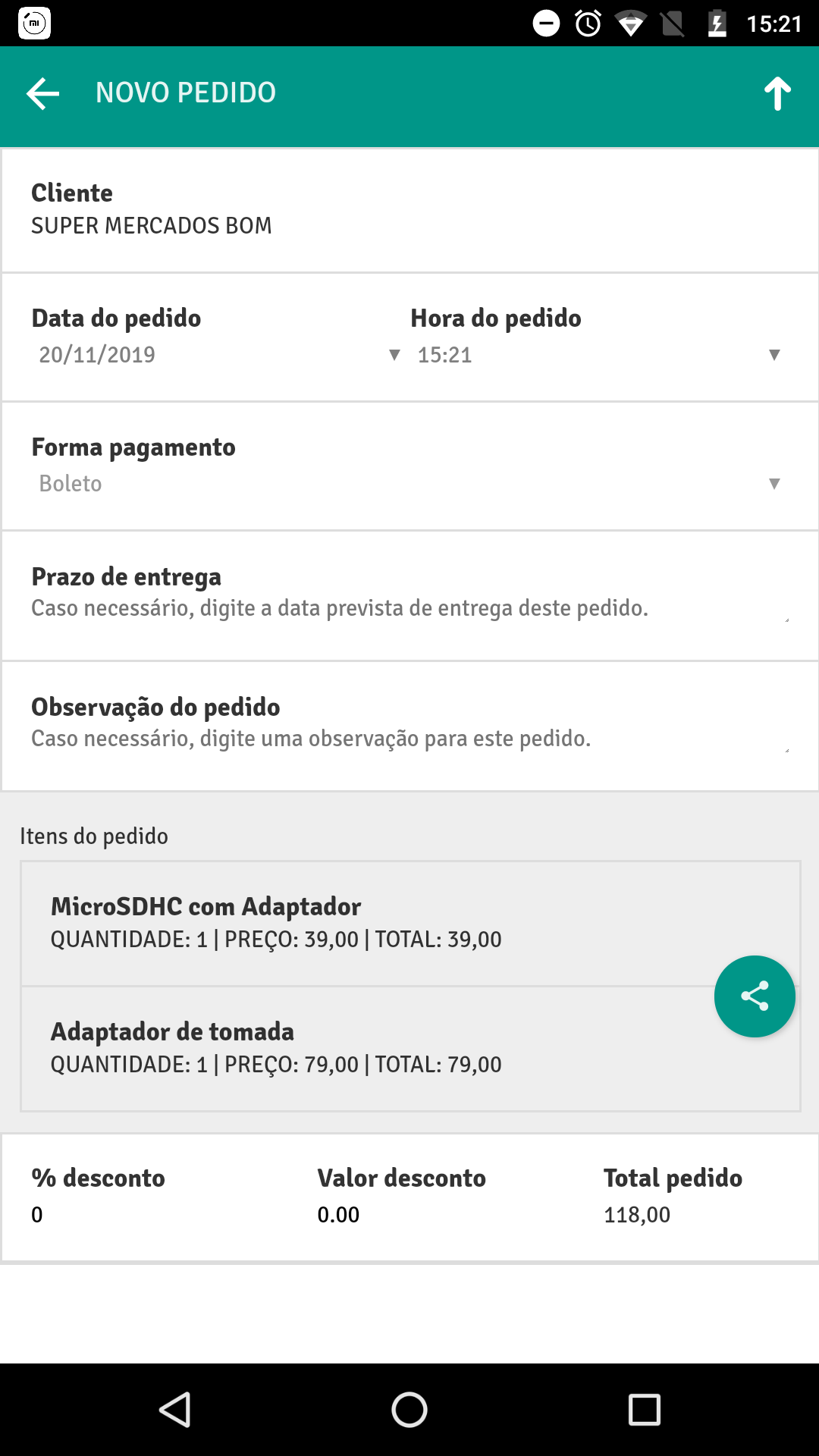
Using this button the request will be forced to be sent to your database.