

Plugsales Announcement
📢 Announcement – PlugSales Status
Section titled “📢 Announcement – PlugSales Status”Last year, Demander acquired PlugSales, which was part of TecnoSpeed’s PlugMobile suite, also comprising other products such as PlugFoods and PlugDash.
Due to the complexity of the solution and the fact that the products were originally integrated into a single structure, the process of unbundling and migrating to the Demander infrastructure had not yet been completed.
Thus, despite PlugSales already being operated and supported by Demander, the service still depended on TecnoSpeed’s infrastructure, with the migration already planned, but not yet started.
📄 Announcement
Section titled “📄 Announcement”Since last week, TecnoSpeed’s infrastructure — which still supports PlugSales — has been showing instabilities, a scenario that directly impacted the operation and which, to a large extent, is already known to partners, including through impacts on other services.
Throughout today, we received reports that the environment has been restored. However, to date, there is no official position that confirms the complete normalization or stability of the service.
We transparently reinforce that the incident was not caused by Demander. Still, we fully understand the impact generated and assume our role in driving the solution together with partners.
Faced with this scenario, our team acted with total priority and anticipated a move that was already part of the planning: the migration of PlugSales to Demander’s own infrastructure. On an emergency basis, we structured a complete environment, independent of TecnoSpeed, already connected to the existing database and ready for operation, including application and PlugBot.
👉 For more details, see our documentation: https://atendimento.demander.com.br/kb/pt-br/article/583837/plugsalesatualizacao?=true&revisionId=2463384&versionId=515837
This environment is already available and can be activated immediately in the event of new unavailability or instability. Our team is prepared to support the transition quickly, ensuring the continuity of the operation.
The migration will continue to happen definitively, regardless of the current scenario, seeking greater autonomy, stability and predictability for everyone involved.
We apologize for all the impact generated in the last few days. We remain committed to managing this moment with maximum transparency, agility and responsibility.
We remain at your disposal for any need.
This article aims to explain the PlugSales migration status and guide the use of related environments and applications.
Scenario summary
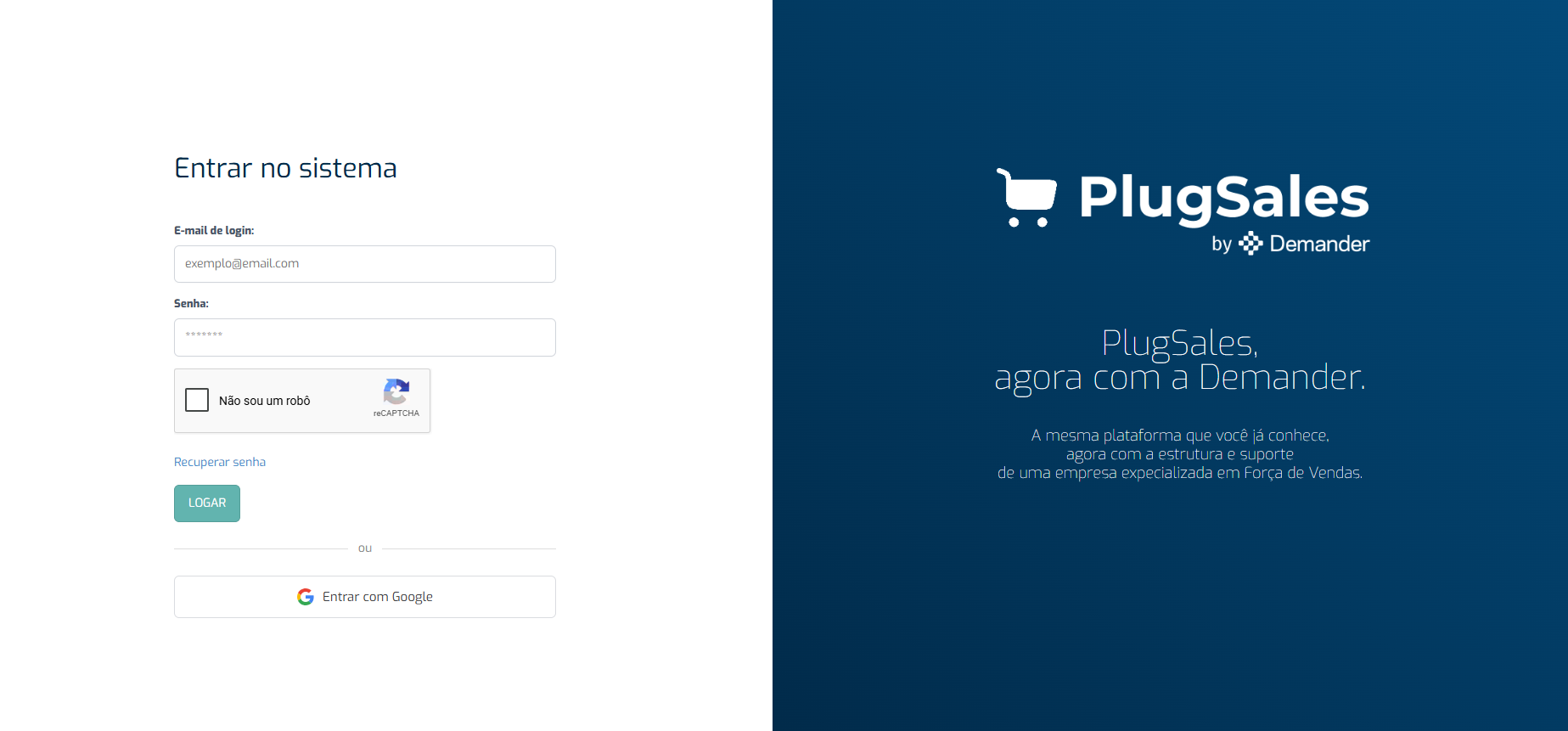
Section titled “Scenario summary”Red color: TecnoSpeed environment.
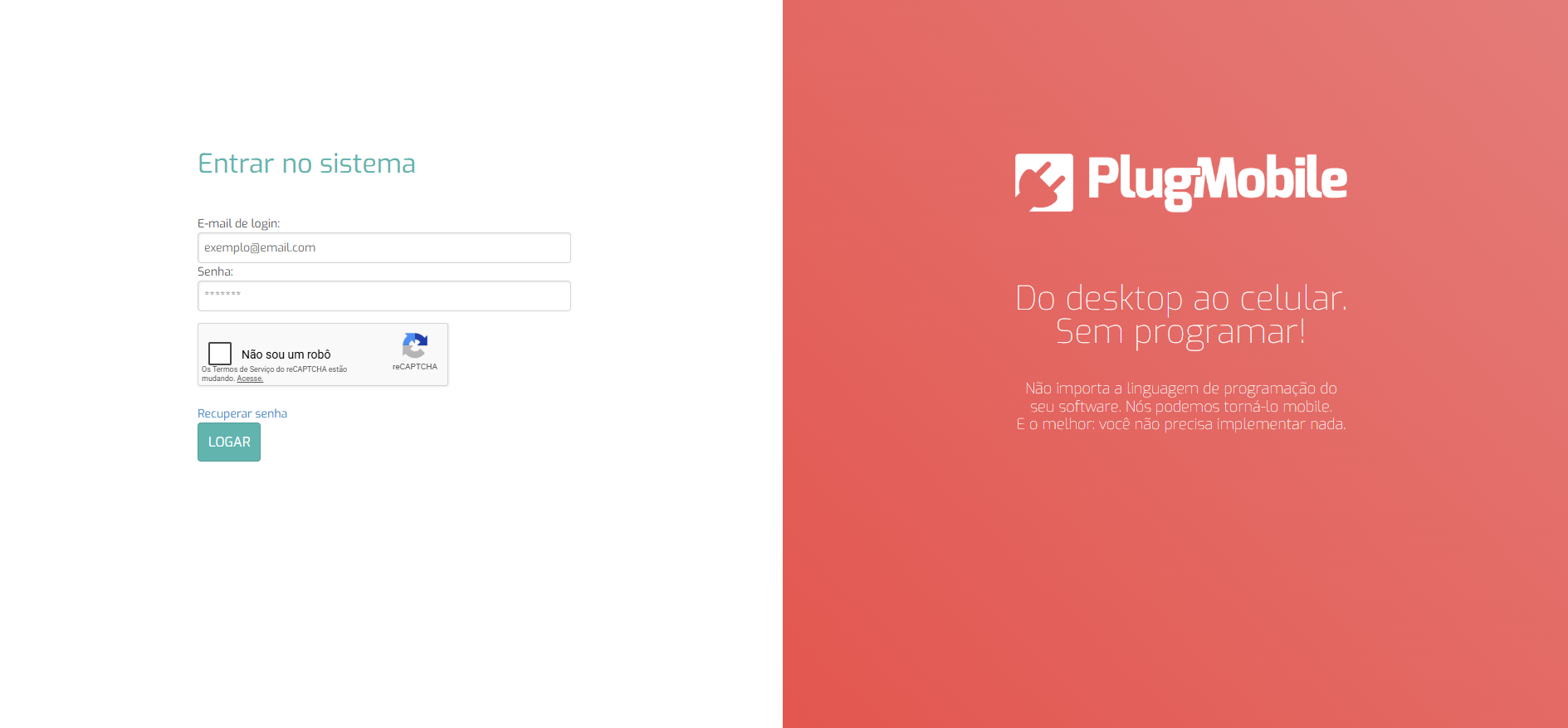
Blue color: Demander environment.
Official links
Section titled “Official links”- PlugMobile Admin Portal:https://admin.plugdemander.com.br/
- Android APK:https://drive.google.com/file/d/1ujKs585tf6NWUx5DGCALiQwhrTh7gg1k/view?usp=drive_link
- PlugBot Installer:https://drive.google.com/file/d/11CqN_ZPb0-HbkjohdDCyjxDZ8ekfo141/view?usp=sharing
Access to the Web Admin Portal
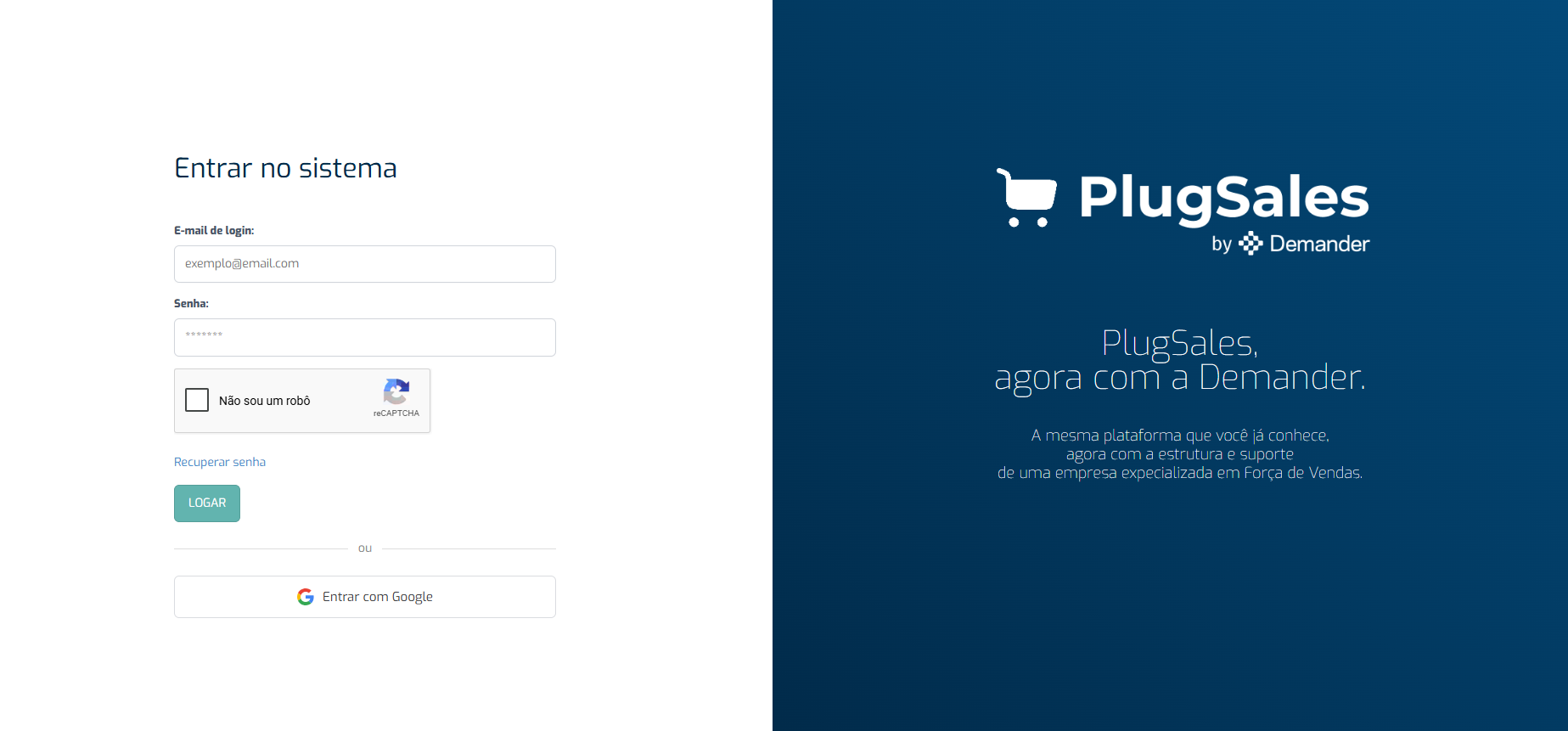
Section titled “Access to the Web Admin Portal”The administrative portal is available at https://admin.plugdemander.com.br/. You can continue using your old username and password.
Attention: login with Google is only available to Demander employees.
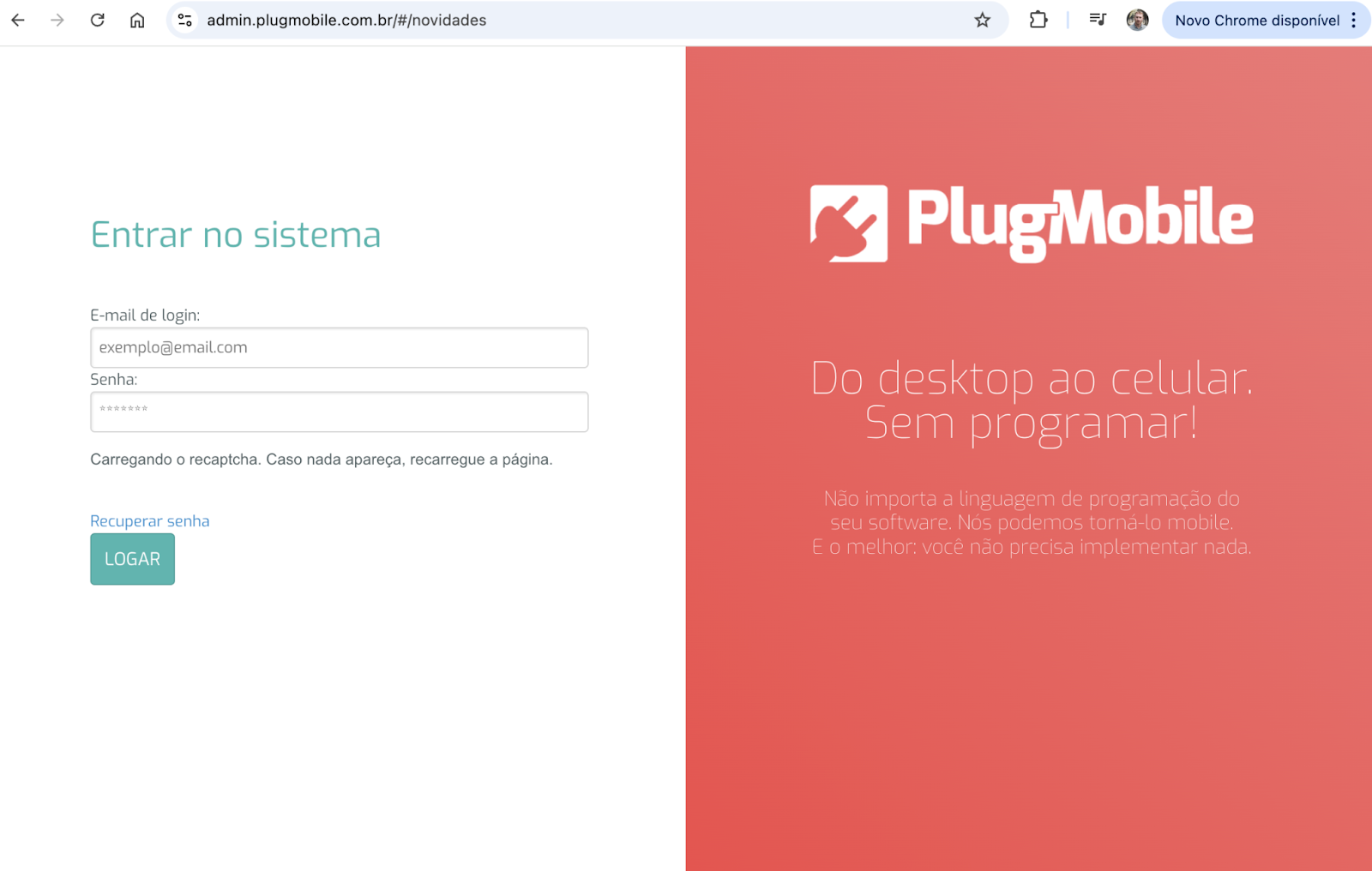
The image below shows the Admin in the TecnoSpeed infrastructure.Avoid using it.
Android application
Section titled “Android application”The Demander team has already submitted the new app to the Play Store. The average release period by Google is up to 7 days. Reference: https://support.google.com/googleplay/android-developer/answer/9859751?hl=pt-br.
While the app is not released in the store, use the official APK to install it.
- Download the file via the official link.
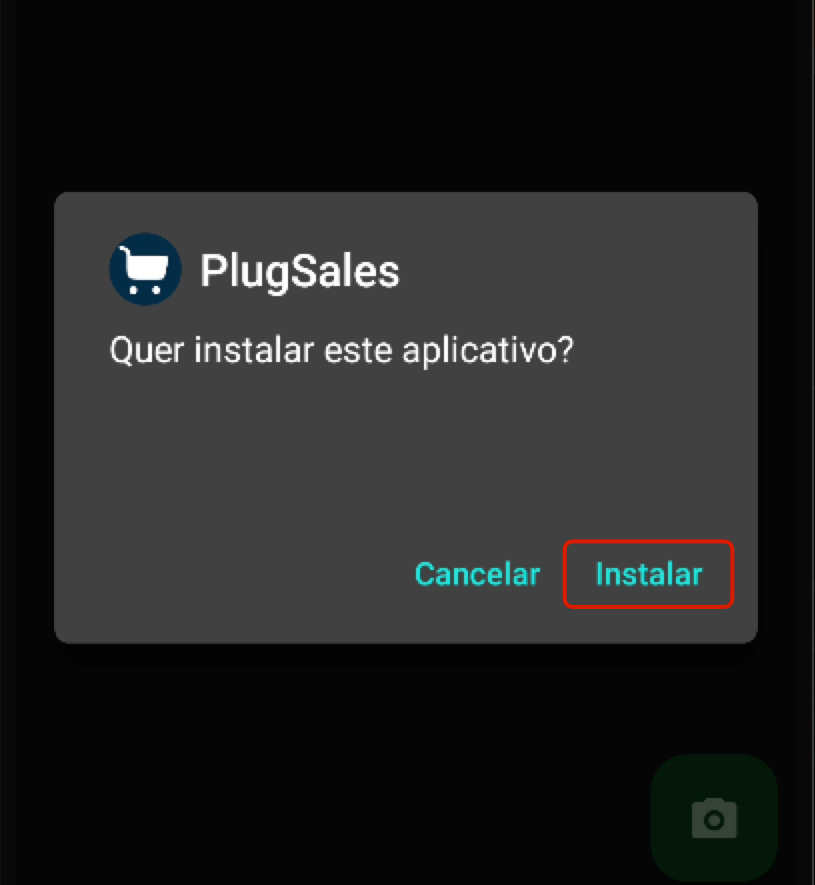
- After downloading, the device’s package manager will start.
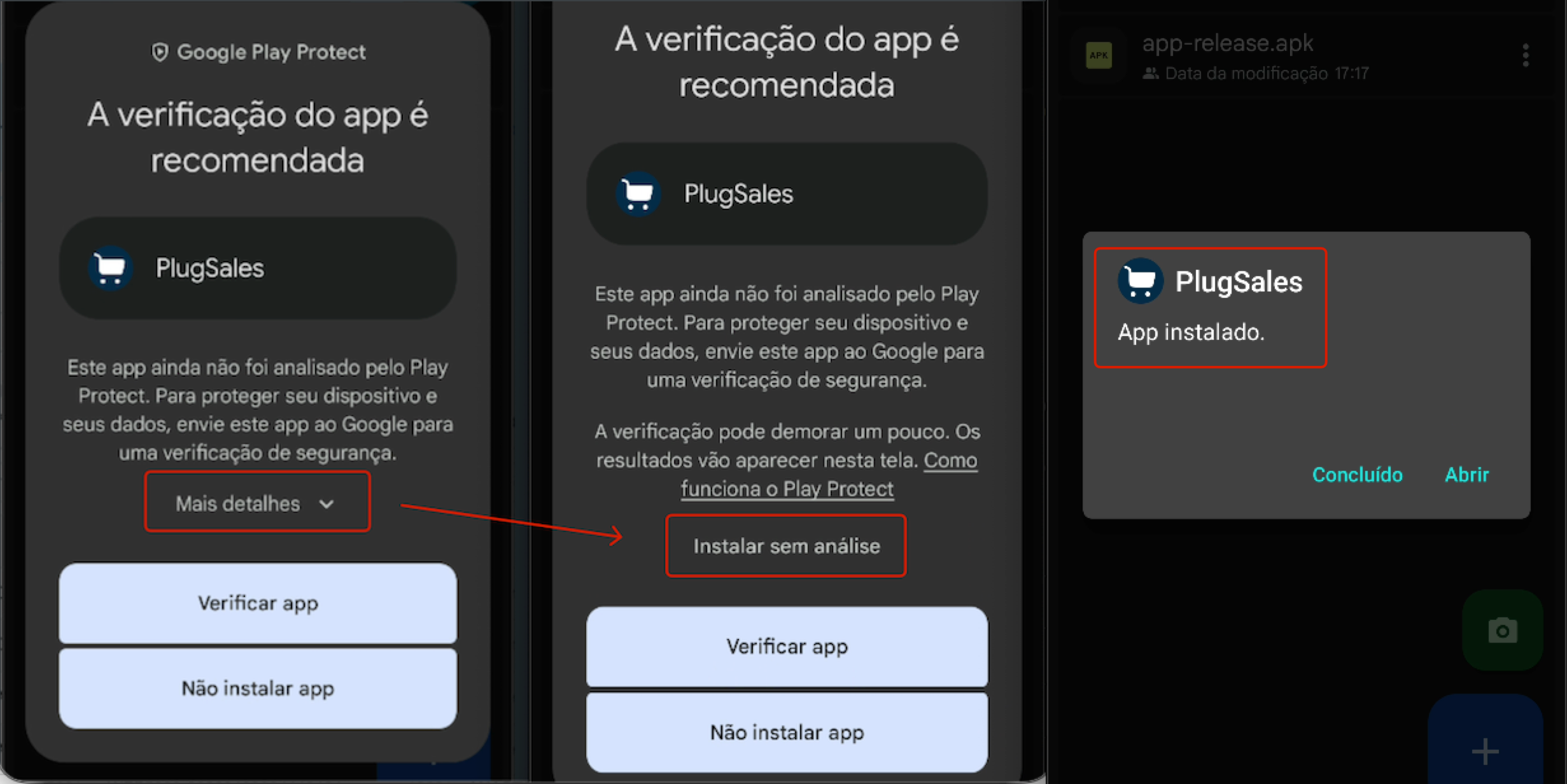
- During installation, there may be a confirmation request as this is distribution outside the Play Store.
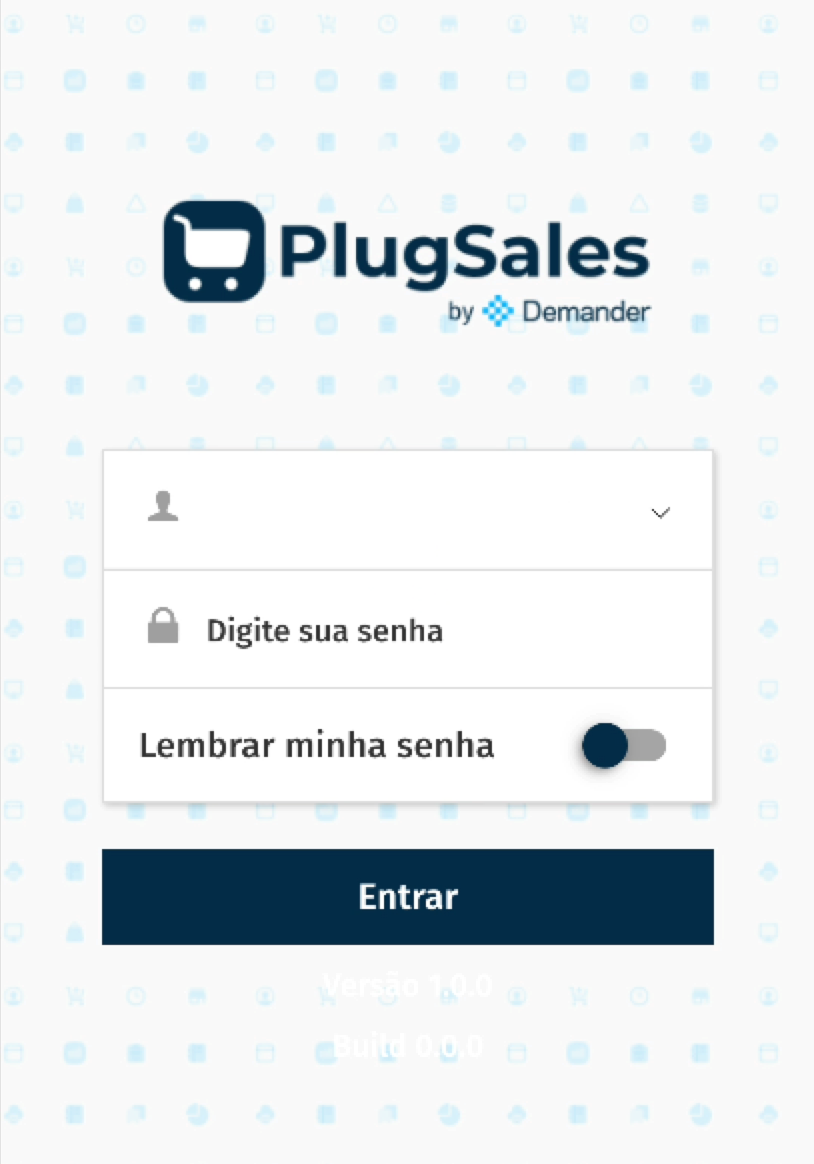
- Then, open the app and configure normally.
Application iOS
Section titled “Application iOS”We are working to make the application available on the App Store.** There is currently no confirmed forecast.
PlugBot (synchronizer)
Section titled “PlugBot (synchronizer)”In the official links section you will find the installer of the new version of PlugBot by Demander.
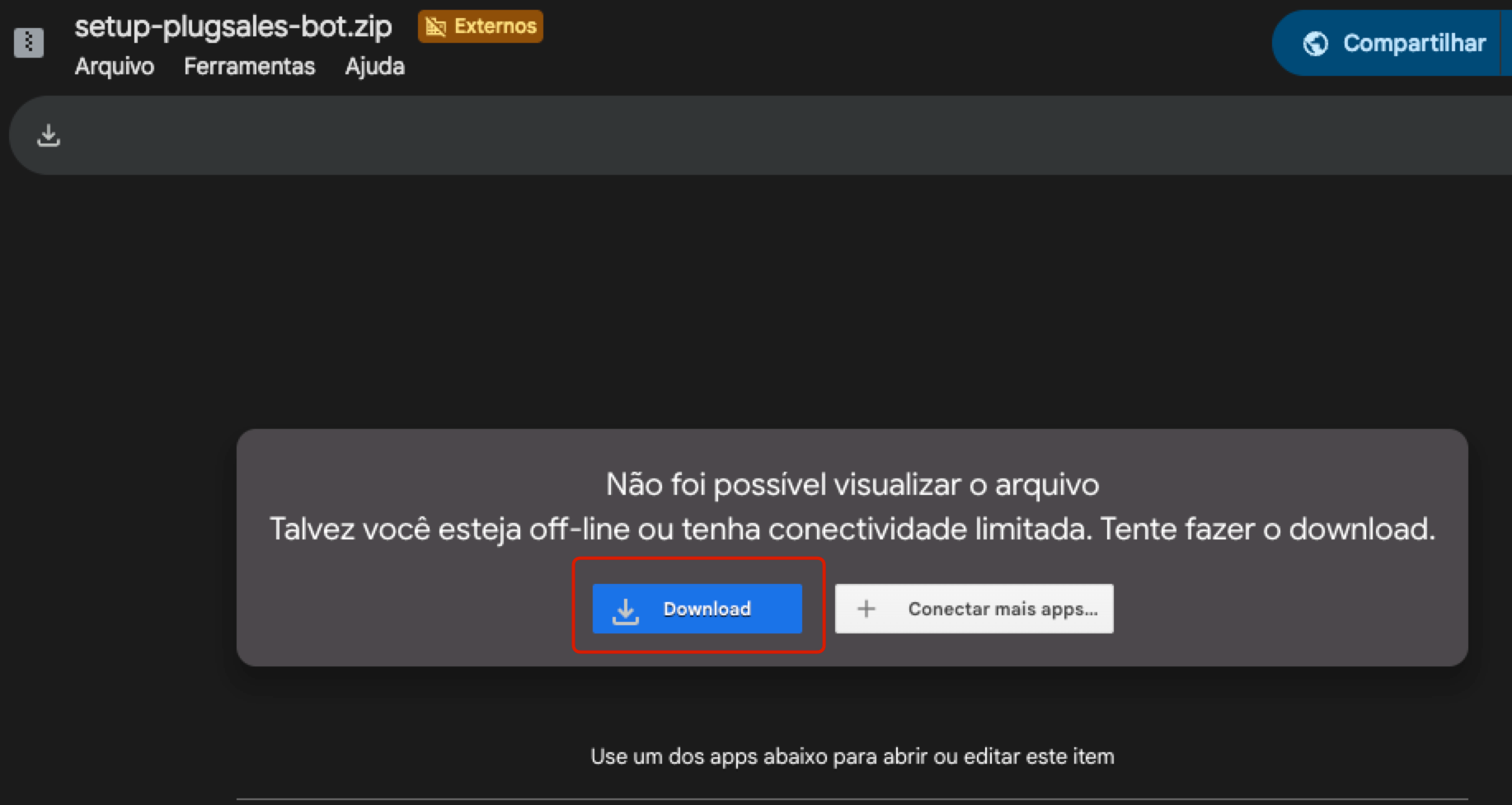
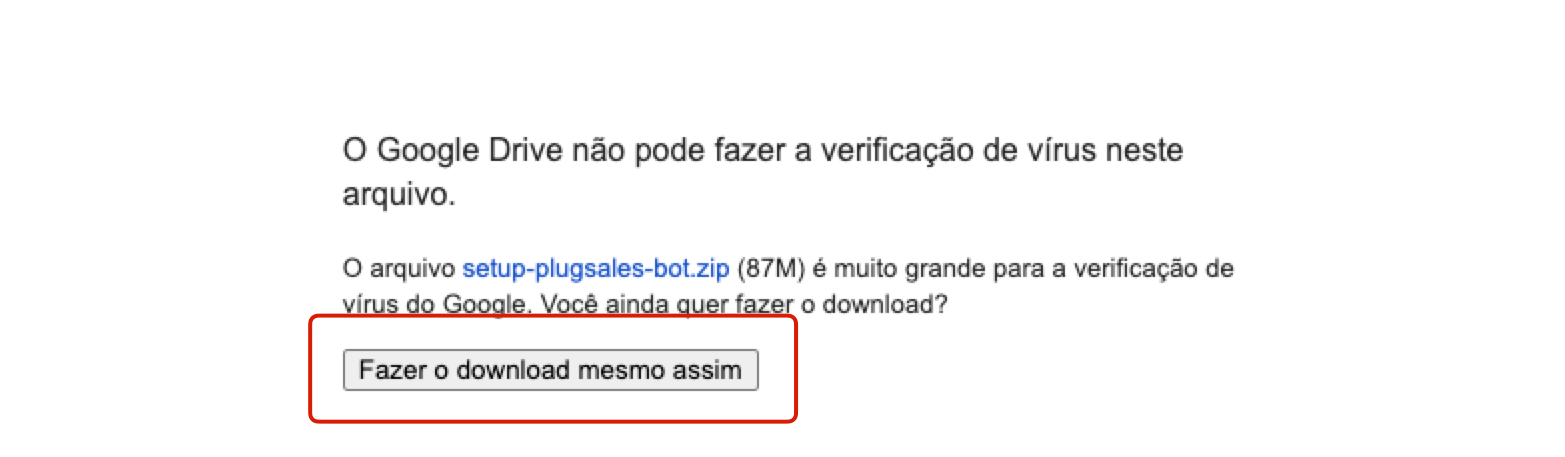
- Download the .zip file via the official link.
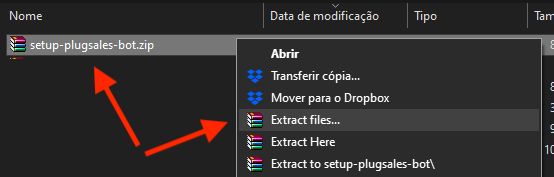
- Unzip the ** setup-plugsales-bot.zip** file.
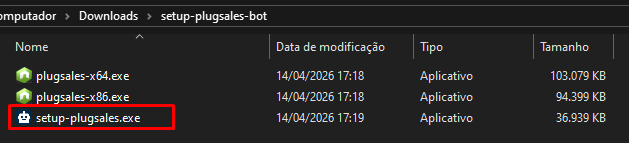
- Run the** setup-plugsales** file to launch the Windows installer and complete the installation.- Copy the files starting with** plugpedidos_** from the old installation folder (Red PlugBot) to the new PlugBot configuration folder (example:** C://ProgramFiles/plugsales/8088/config**).
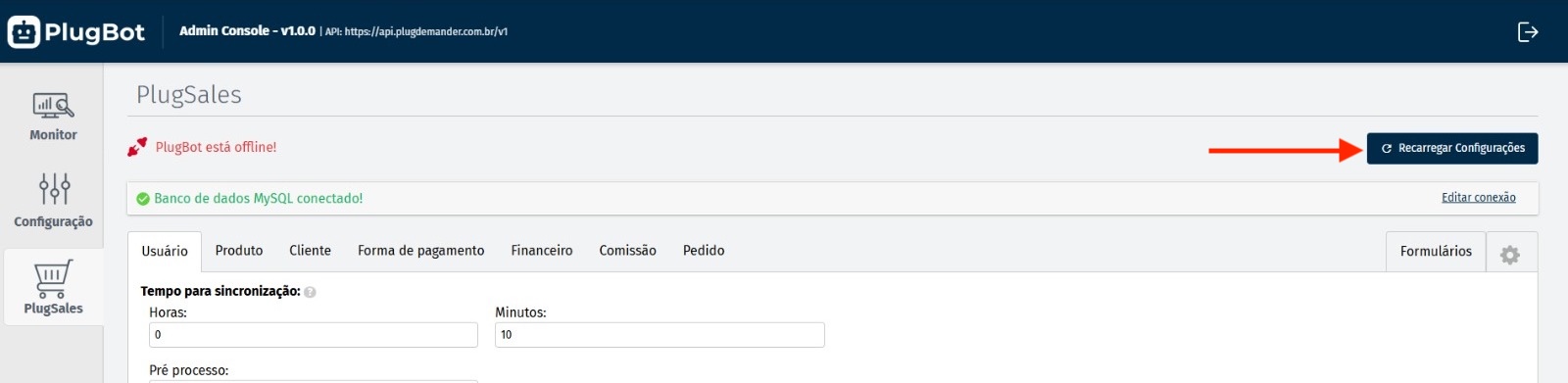
- If necessary, click Reload settingswhen opening PlugBot.

Points of attention
Section titled “Points of attention”- Demander only acquired PlugSales; the current version of PlugBot only works with PlugPedidos/PlugSales.
- Disable the old integration on the red PlugBot by removing the previous settings.
- The release of the iOS application is still underway and will be communicated through official channels.