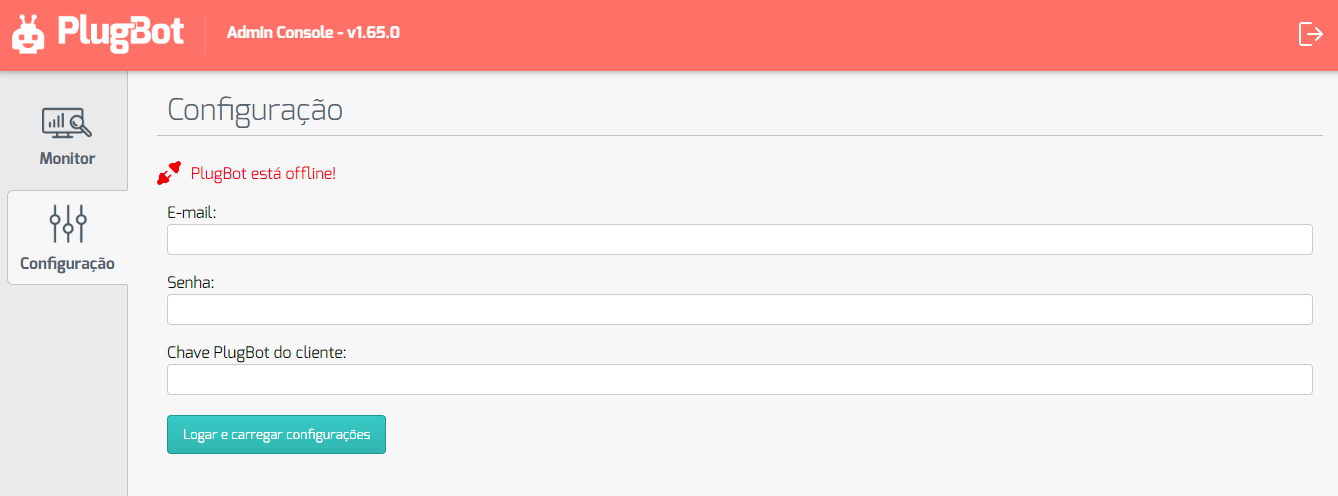
8. How to Change the Company on PlugBot
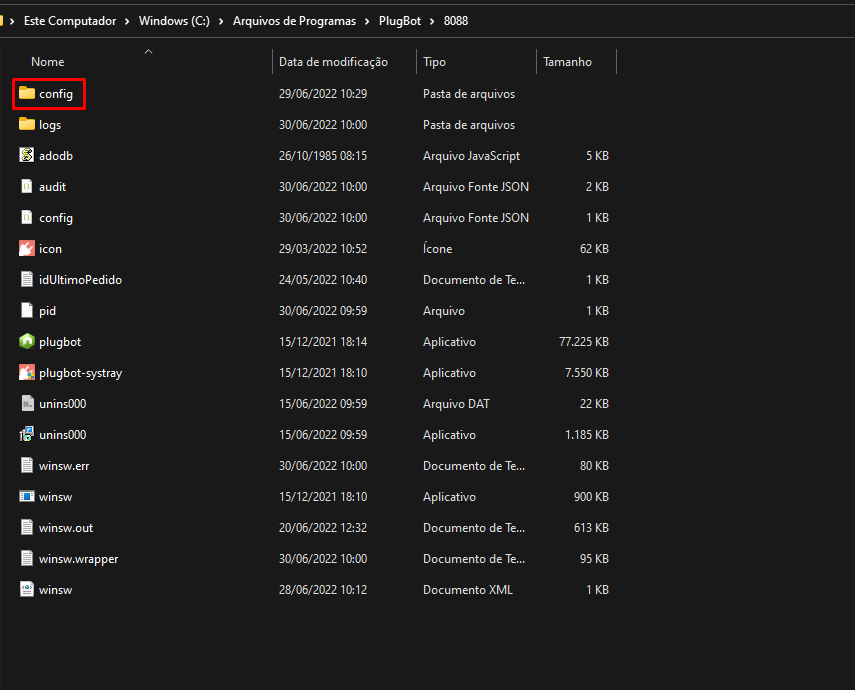
To change the company in PlugBot it is very simple, to do this, access the PlugBot installation location (if it is the default location, it will be: C:\Program Files\PlugBot\8088).
Then open the **config folder.
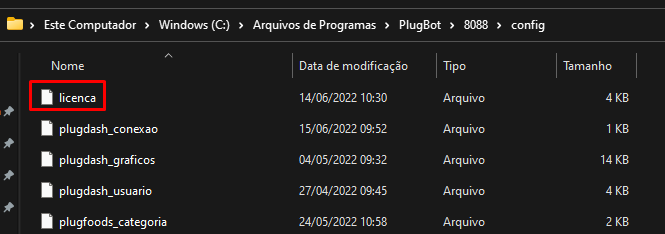
After that, you just need to delete the “license” file, restart PlugBotand access it in the browser.
Now just open the settings in ** PlugBot **, enter your email, password and PlugBot Key