

How do custom fields work? (PlugSales)
In the products, customers, commissions and financial tabs we have the option to ‘Add custom fields’.

This configuration allows us to create new display fields in the application.
To integrate this functionality, we must click on the button, and a new ‘box’ will be created.

In the ‘box’, we must first enter the name of the field that will be presented in the application. Next we will select which field in our table will be responsible for filling in this data, and finally we define what type of data this field will receive (String or Monetary).

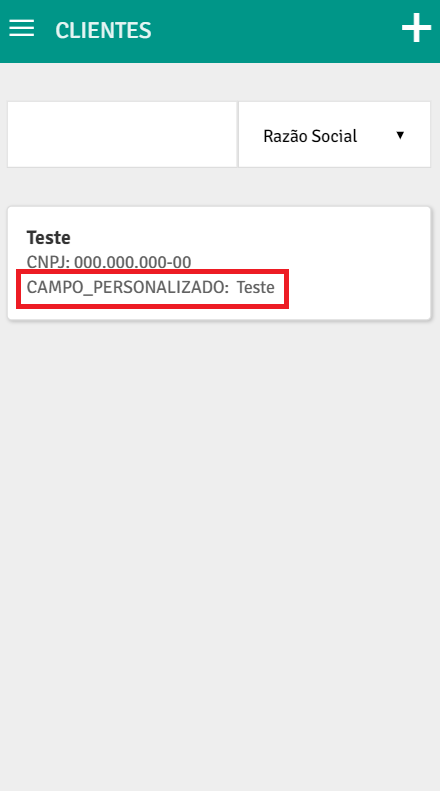
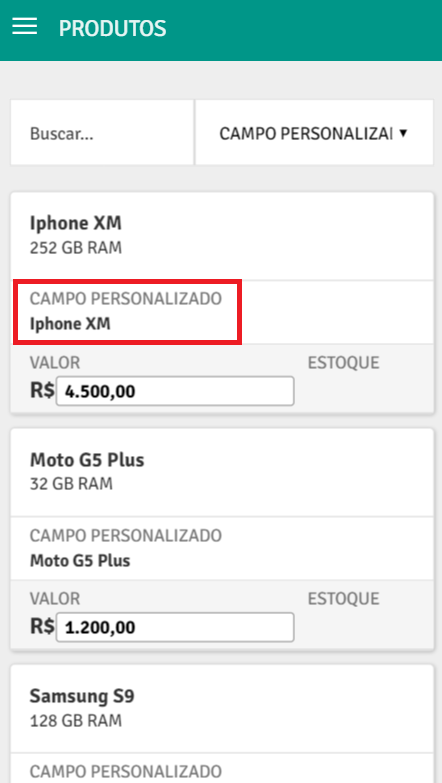
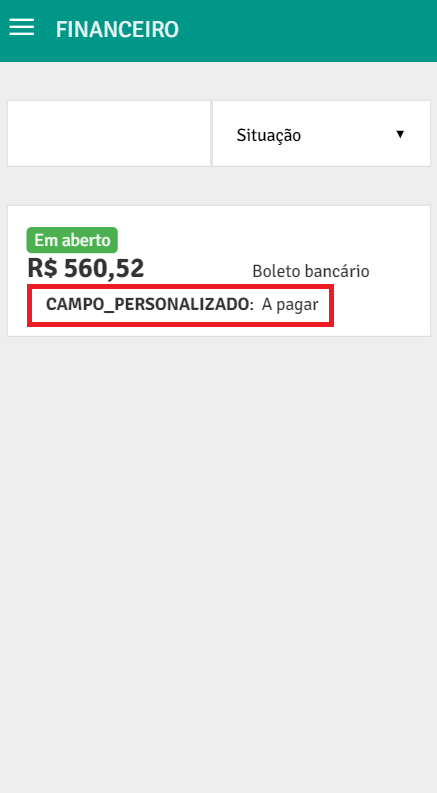
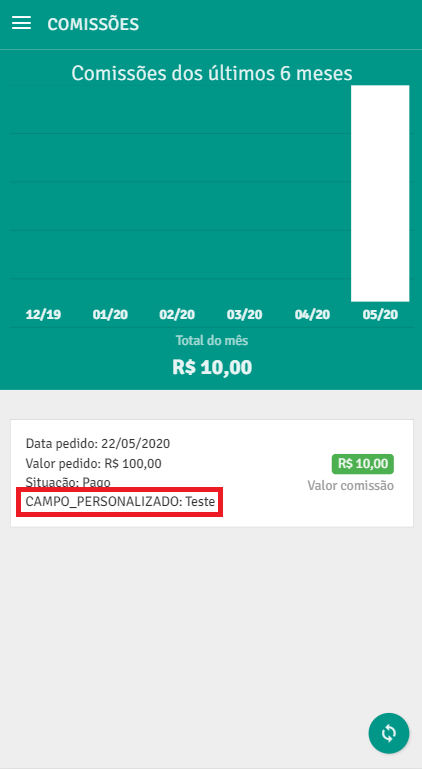
See below how the fields are presented in the application:
CUSTOMERS PRODUCTS
FINANCIAL COMMISSIONS
Customers tab
Section titled “Customers tab”In the customers tab you also have the option to define whether or not the field will be displayed in the order sharing PDF.

Learn more: How to share order PDF?