4. Using PlugSales on mobile
This article explains how to locate and enter the App Key in PlugSales, a necessary step for the application to be synchronized with the data configured in PlugBot.
What you will see:
Section titled “What you will see:”How the App Key works
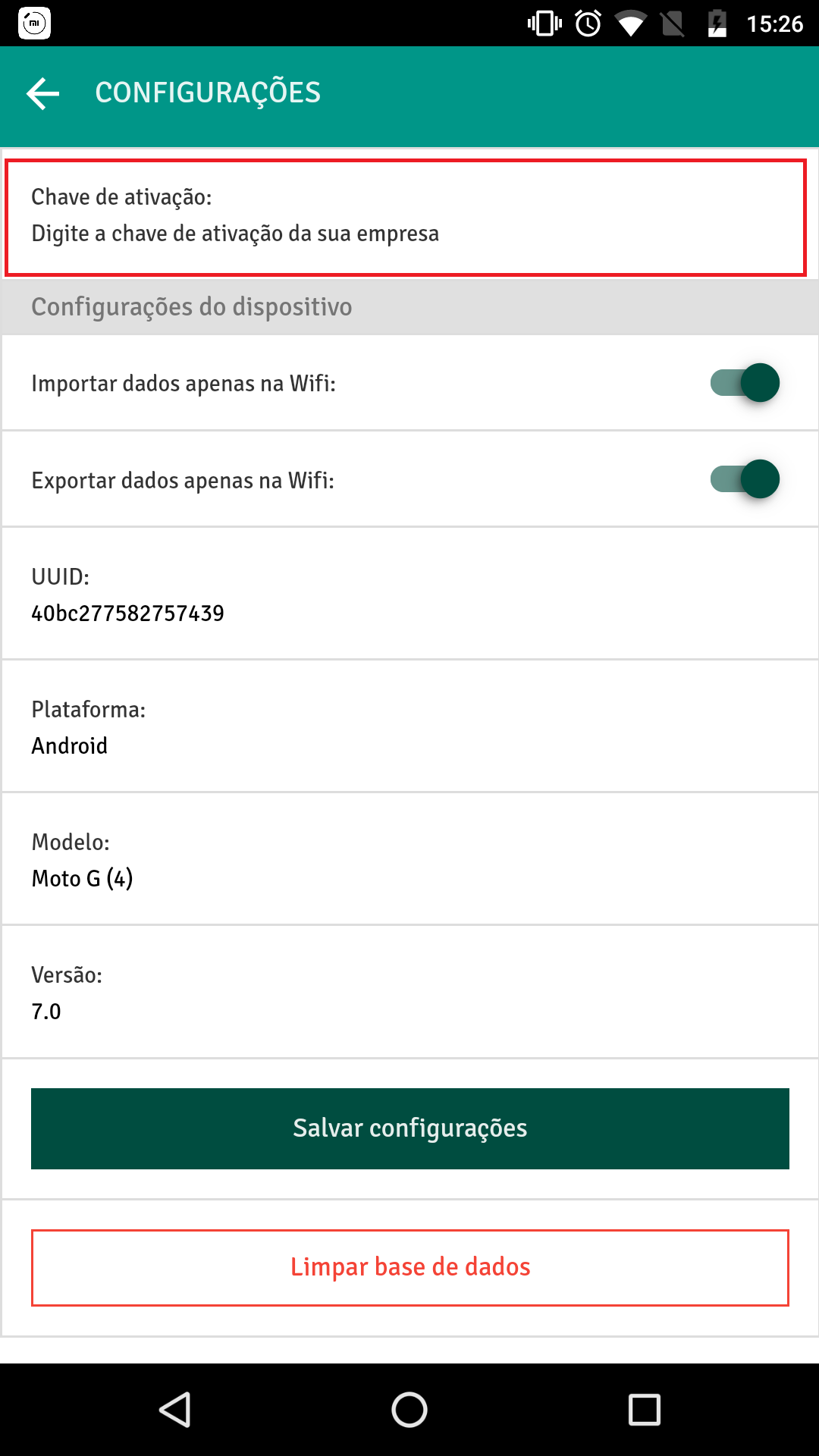
Afteriinstalling PlugSales on the device, when opening the application, a field will be displayed to enter the App Key.
This key is responsible for linking the application to the correct company and allowing data synchronization.
Where to find the App Key
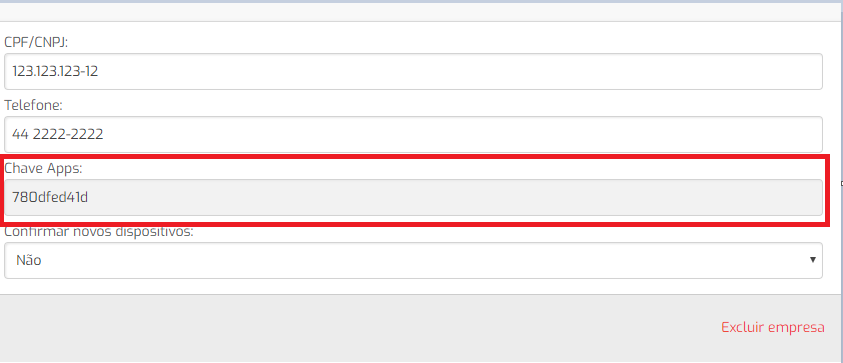
The App Key can be found in the Administrative Panel:
- Access the Admin
- Open the tab of the company you want to access
Copy the App Key available on this screen
Entering the App Key in the application
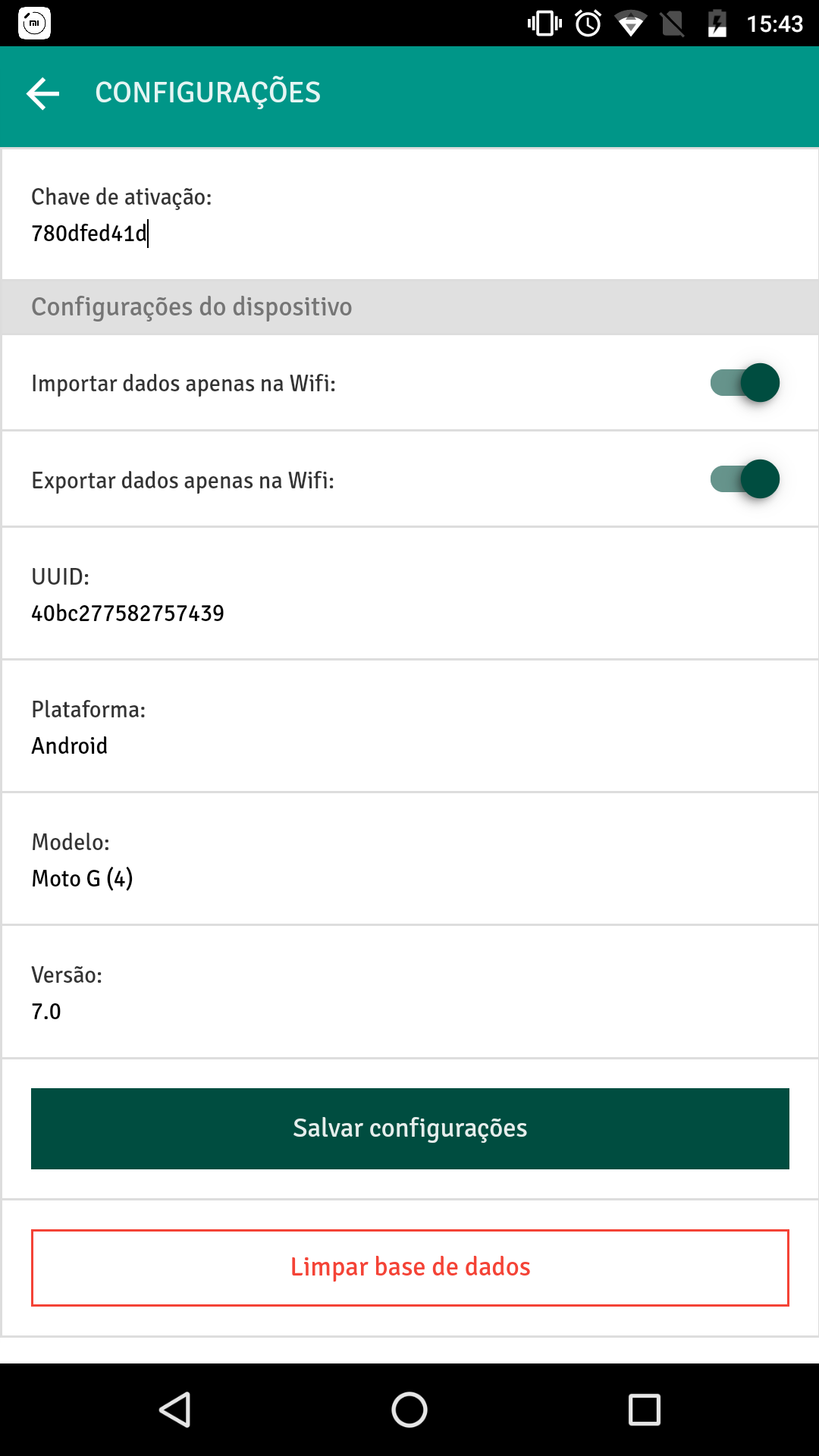
- In PlugSales, enter the App Key in the requested field
2.Confirm the information
After insertion, the application will automatically synchronize with the data configured in PlugBot.