2. Your application > What do I need to generate my PlugSales application?
This article aims to explain how to generate and customize the PlugSales application for use on a cell phone or tablet.
In this article you will see:
How to generate your application
To generate your application, simply hire the PlugSales product from our sales team.
After enabling the product, you will have access to the application file through the Administrative Panel, where you can download and install it.
Customizations
During contracting, it is possible to request some optional customization settings for the application that will be generated.
Application name
Section titled “Application name”One of the available customizations is customizing the application name, which will be displayed on the device after installation.
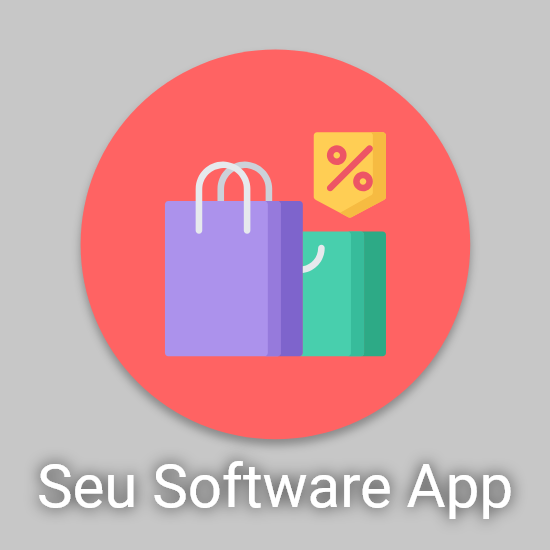
Customized icon image and name after installing the app.
Company visual identity
It is also possible to send images so that the generated application uses your company’s visual identity.
Three images are required:
- Application icon
- Home screen image (logo)
- Login screen background image
These customizations ensure an experience that is more aligned with your brand identity.
Visual comparison
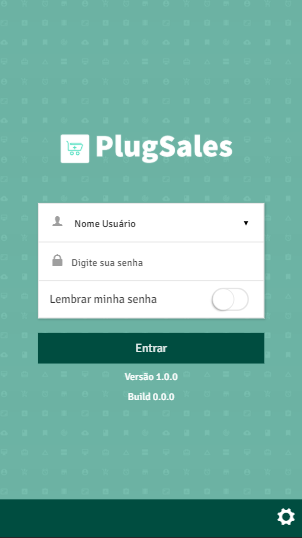
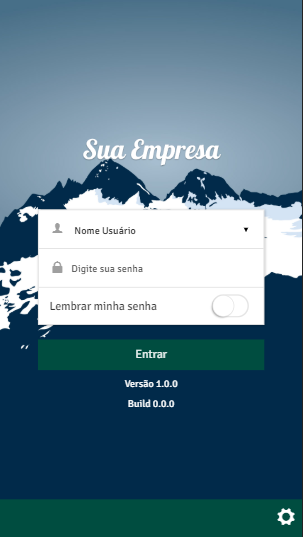
Before After