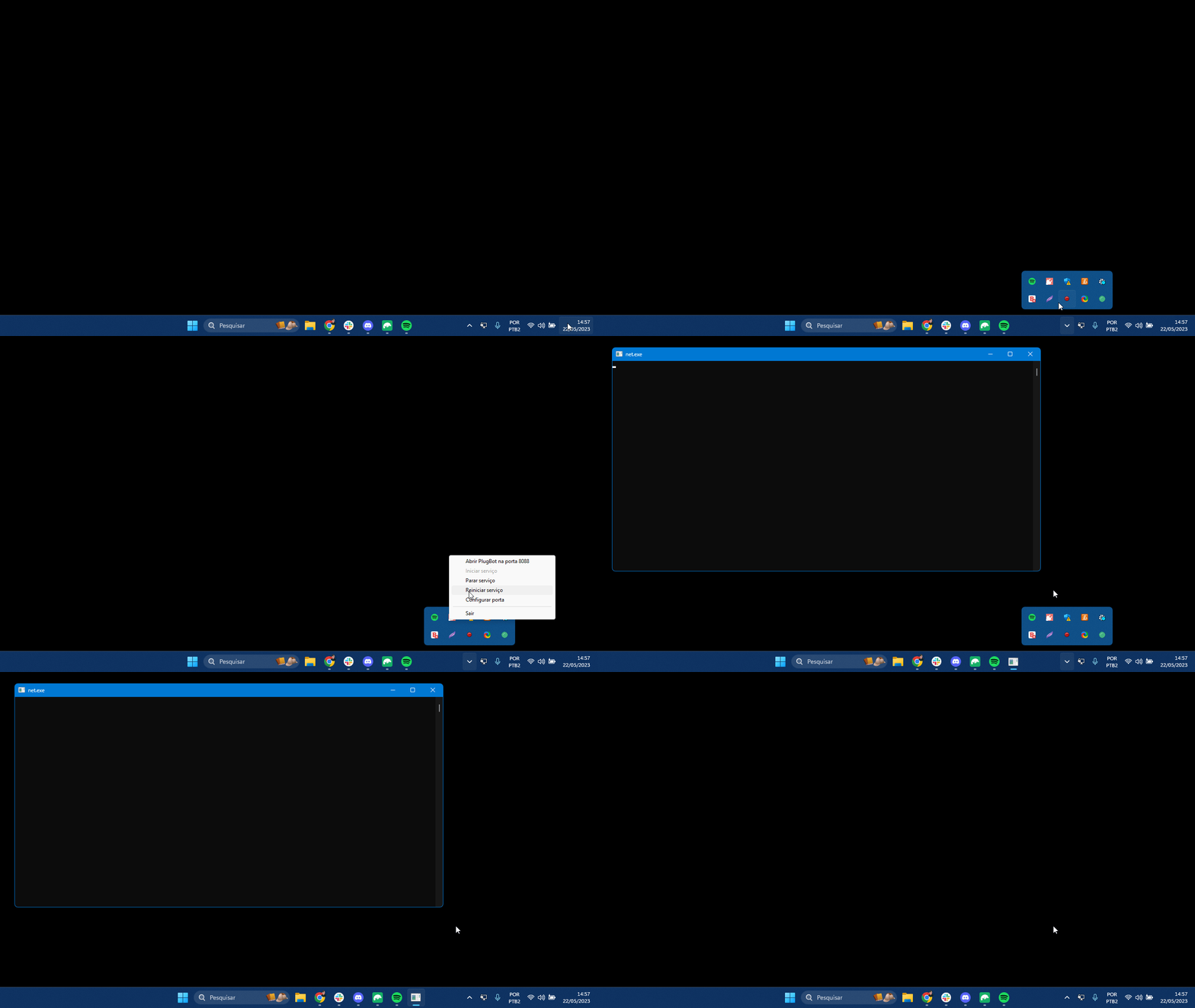
2. Delete CSV-DATA File Manually (PlugSales)
In this guide you will see how to clear PlugBot’s csv-data folder — a simple action that may be necessary in some cases to normalize PlugSales synchronization.
In this article you will see:
Cleaning the csv-data folder in PlugBot
A relatively common situation in PlugSales is the need to delete files from the “csv-data” folder. In some cases, this cleaning may even be necessary once a week so that synchronization continues to work correctly.
How to locate the folder
To perform the cleanup, first locate the PlugBot installation folder. By default, the path is:
C:\Program Files\PlugBot\8088\csv-data
How to delete files
- Access the path indicated above.
- Open the csv-data folder.
Delete all files contained within it.
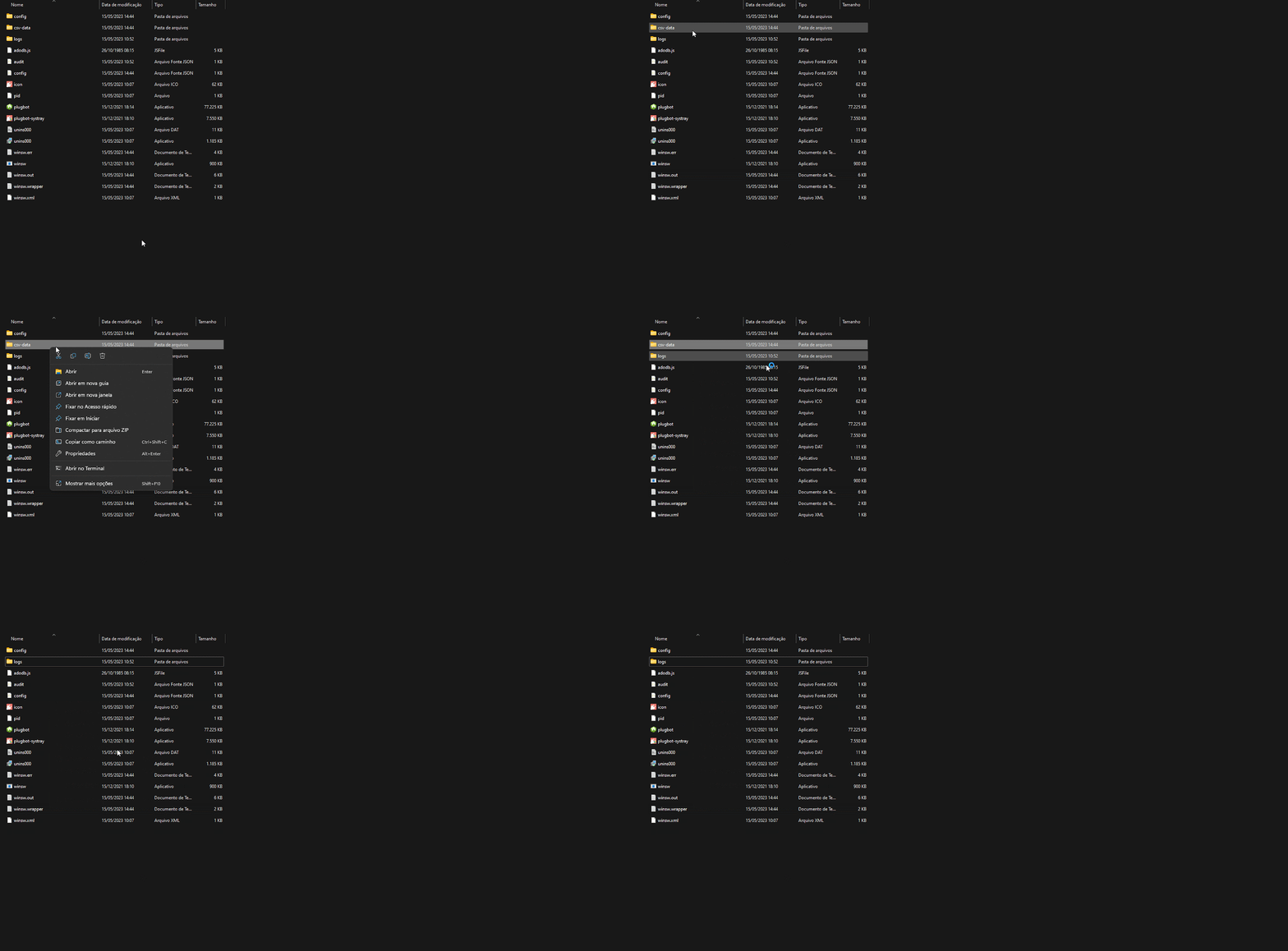
After deletion
After deleting the files, you need to restart PlugBot for synchronization to work normally again.