

Android Version 5.12.0 - 07/18/2025
This article presents a list of new features, improvements and corrections available in version 5.12.0 of Demander Android.
- Learn more about how to access the Beta version.
- See the version release schedule at the end of this page.
News/Improvements:
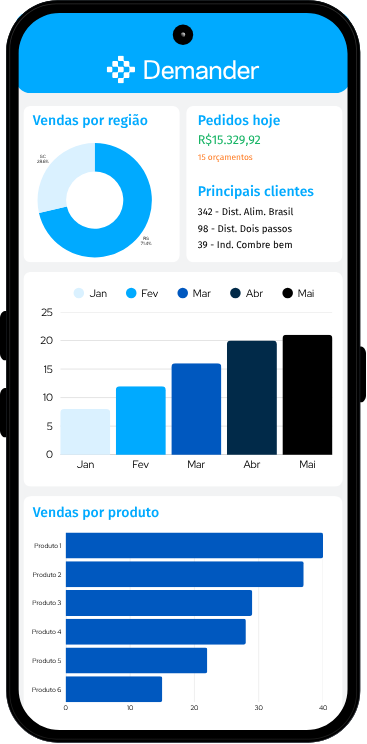
External dashboard customized by seller
Section titled “External dashboard customized by seller”- Situation: Until then, the Dashboards button on the Demander application displayed Demander’s own dashboards.
- Solution: We added the possibility of configuring external dashboards for each seller.
- How does it work? In the seller registration, “Configuration” tab, you can add the URL of an external dashboard with information from a web environment of any application, such as information from your ERP or Powerbi.

In the Demander application, when you click on the Dashboard button, the Demander dashboard will no longer be loaded, but your dashboard data will be loaded.
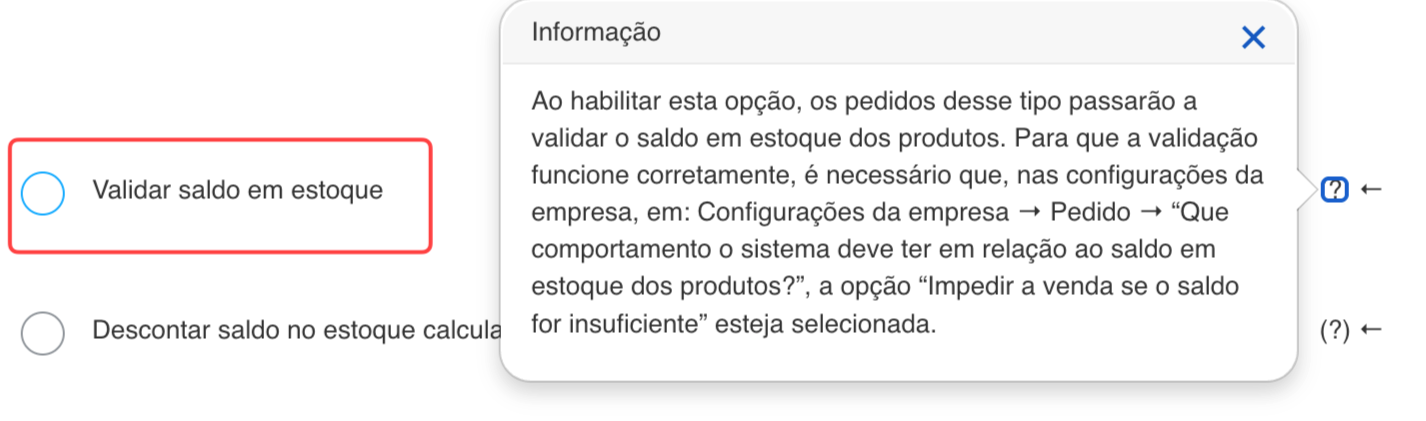
Validate stock balance by order type
Section titled “Validate stock balance by order type”- Situation: Until version 5.11.0, stock validation occurred for all order types considered as orders (when the “Consider as order” option was selected). The need arose to validate the balance in stock also for other types of orders that are not considered orders, such as quotes.
- Solution: We created the “Validate stock balance” configuration for each type of order, now even if the order type does not consider it an order, it can still validate the stock balance.
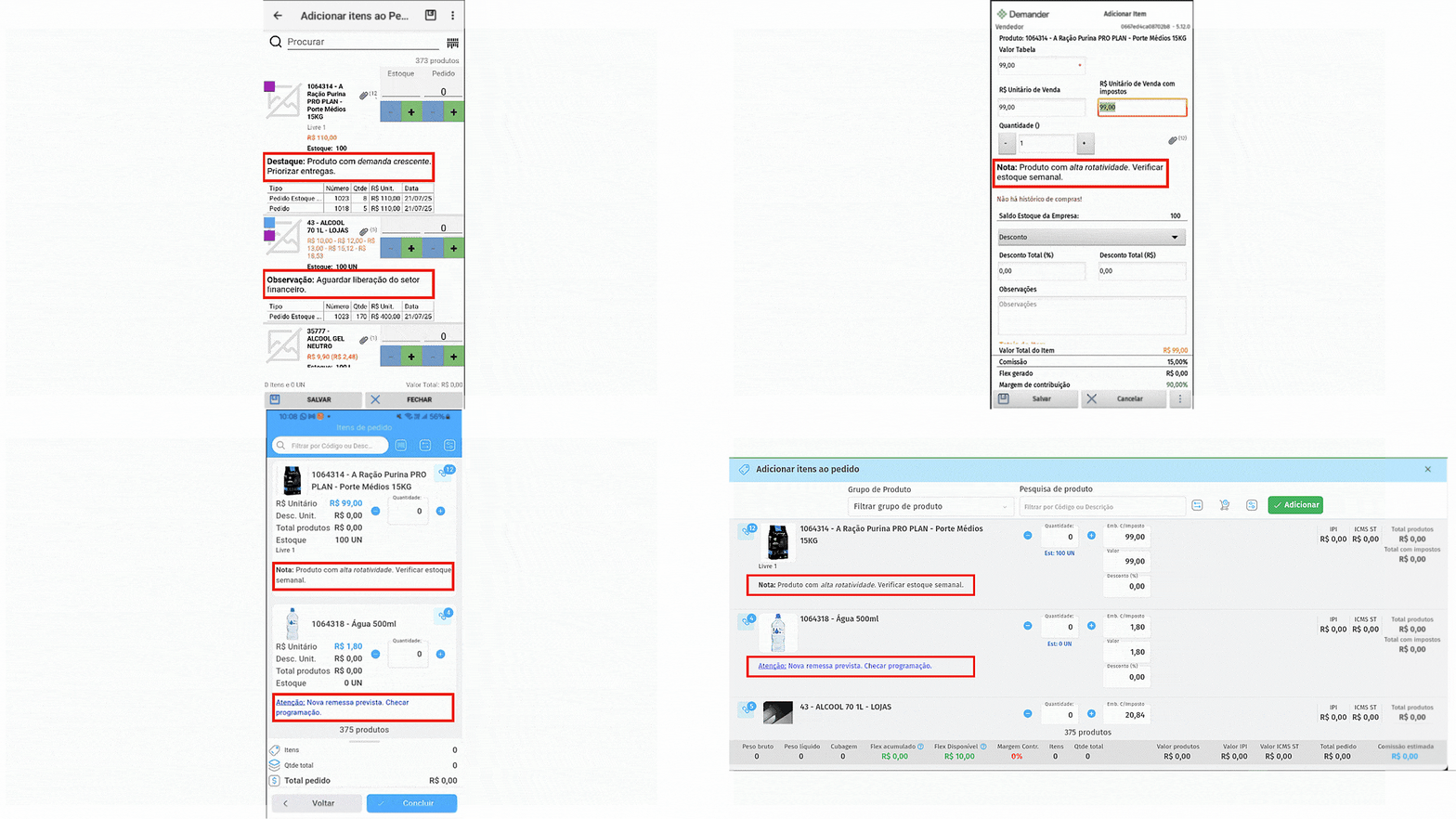
Product observation by customer (Product observation policy)
Section titled “Product observation by customer (Product observation policy)”- Situation: There are cases where the seller needs to see some product information, but it is only related to some customers, for example. Customer X buys 100 units of product A, but always repurchases another 50 units in the middle of the month. Next time the seller can sell 150 units so that the customer does not have to make this repurchase in the middle of the month.
- Solution: We created the “Product Observation Policy”, so it is possible to register or send via integration an observation for each product and customer separately.

Remove message “The value of the Destination ICMS was lower than the Own ICMS”
Section titled “Remove message “The value of the Destination ICMS was lower than the Own ICMS””- Situation: In some scenarios, a message was displayed “OPS.. there is a problem configuring the tax. The value of the Destination ICMS was lower than the ICMS itself”.
- Solution: We removed the message because it raised more questions than it actually helped.
Fixes:
Font size issues in menus (Android 15)
Section titled “Font size issues in menus (Android 15)”- Situation: In Android 15, some application menus had a font much larger than they should be.
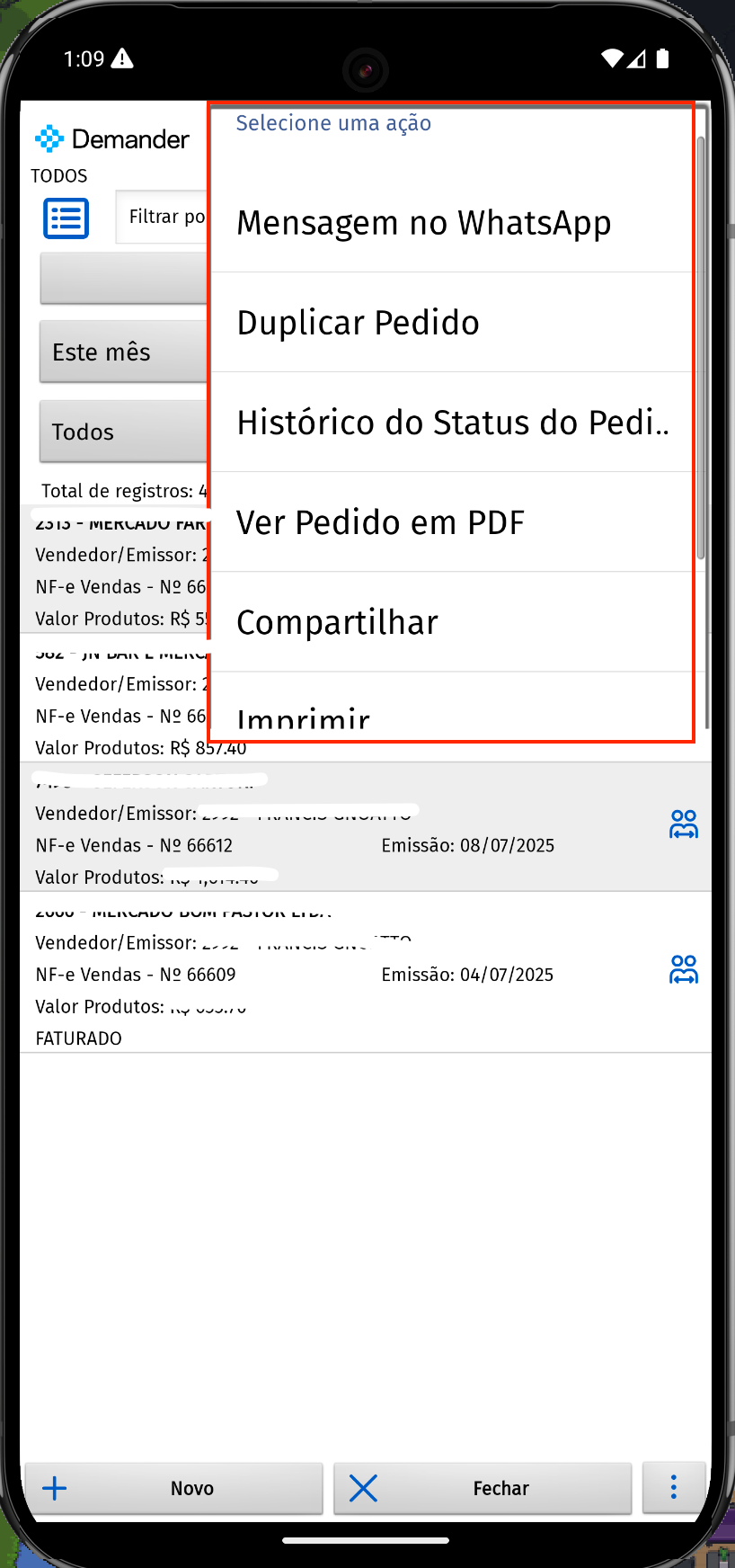
- Solution: We fixed the problem.
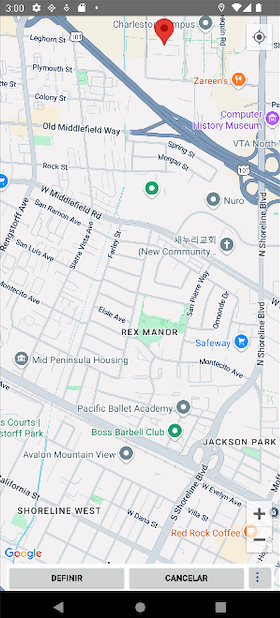
“Set” and “Cancel” buttons within maps were below the Android buttons
Section titled ““Set” and “Cancel” buttons within maps were below the Android buttons”- Situation: The Demander app buttons were below the Android action buttons, they should be on top.
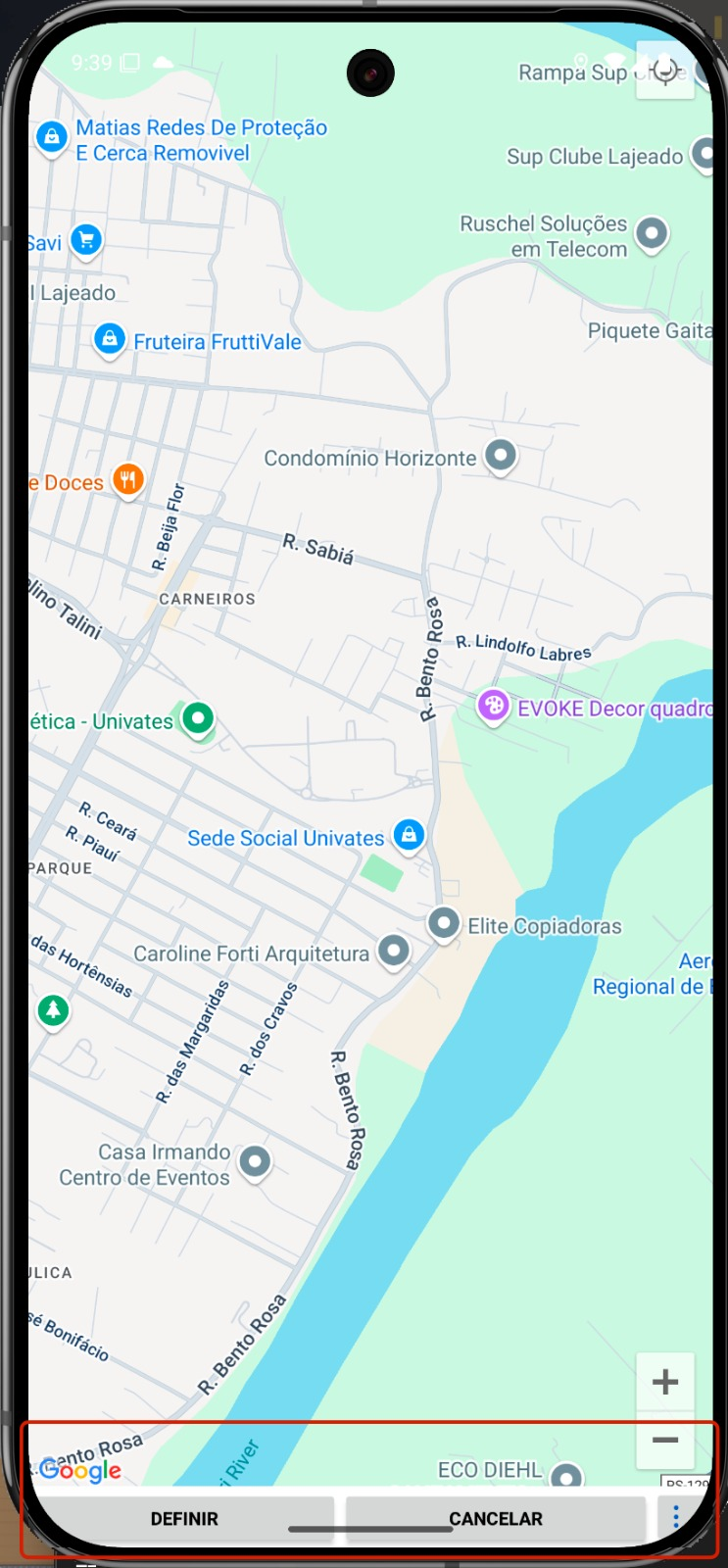
- Solution: We fixed the problem.
Duplicate order allowed product with zero table value
Section titled “Duplicate order allowed product with zero table value”- Situation: When duplicating an order, the seller managed to issue an order with an item that has a zero table value. This should not appear to the seller as the company is configured to only list products with a value greater than zero.
- Solution: We fixed the problem.
Request eye was not displaying the HTML
Section titled “Request eye was not displaying the HTML”- Situation: On Demander Web it was displaying normally, but on the Demander app it was not displayed.
- Solution: We fixed the problem.
Version release schedule
| Date | % release |
| 7/18 - Friday | Beta 20% |
| 21/07 - Monday | Beta 60% |
| 22/07 - Tuesday | Beta 100% |
| 23/07 - Wednesday | 1% |
| 24/07 - Thursday | 2% |
| 25/07 - Friday | 3% |
| 28/07 - Monday | 5% |
| 29/07 - Tuesday | 7% |
| 30/07 - Wednesday | 8% |
| 31/07 - Thursday | 10% |
| 01/08 - Friday | 15% |
| 04/08 - Monday | 20% |
| 05/08 - Tuesday | 30% |
| 06/08 - Wednesday | 50% |
| 07/08 - Thursday | 80% |
| 08/08 - Friday | 100% |
Also check out the news on Demander’s other platforms: